
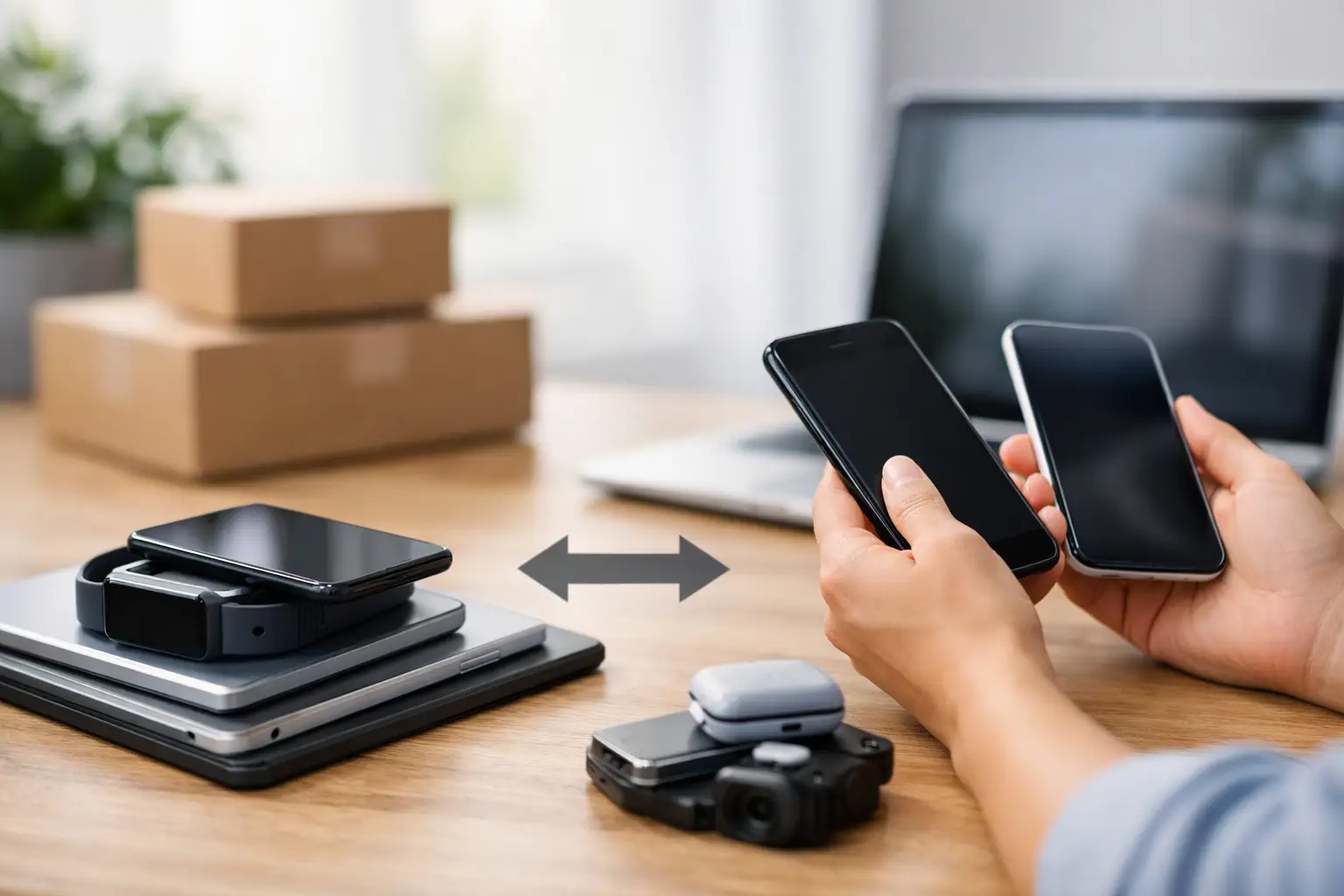
That old phone in your drawer may be worth more than you think, even if the screen is cracked or the battery barely lasts through lunch. A Middle Georgia device trade in gives you a practical way to turn unused tech into cash or put real value toward your next repair or replacement – without mailing it away and waiting days for an answer.
The key is knowing what buyers actually look at. Your device’s age matters, but its condition, carrier status, storage capacity, and basic functionality can move an offer up or down quickly. Before you sell, take a few minutes to understand the factors that affect the number.
What Determines a Middle Georgia Device Trade In Offer
A trade-in offer is not based on what you originally paid. It is based on what the device can be resold for, repaired for resale, or used for quality parts. Newer iPhones, Samsung Galaxy phones, iPads, Apple Watches, laptops, and current gaming consoles usually hold the strongest value because there is steady local demand for them.
Condition is the next big factor. A phone that powers on, charges normally, connects to Wi-Fi, and has working cameras will generally bring more than one with multiple faults. Cosmetic wear matters, but it does not always make a device worthless. A cracked screen, weak battery, broken back glass, or worn charging port can often be repaired. That means a damaged device may still have value.
The details matter. Storage size can affect resale value, especially on newer phones and tablets. An unlocked device may appeal to more buyers than one tied to a single carrier. Original boxes, chargers, and accessories can help, but they are rarely the main driver of the offer. The device itself is what matters most.
Working Devices Usually Bring the Best Value
A device in good working order is easy to evaluate. It turns on, responds to touch, holds a connection, and does not have account locks attached to it. If your device checks those boxes, bring it in before an upgrade, before it sits unused for another year, and before its resale value drops again.
That said, do not assume damage means you should throw it away. Broken phones, tablets, laptops, smartwatches, and game consoles can still be worth selling. A technician can assess whether the issue is a simple repair, a more serious board-level problem, or a parts-value situation. An honest condition check beats guessing from an online estimate that changes after you ship the device.
Account Locks Can Stop a Sale
Find My iPhone, Google Factory Reset Protection, Samsung accounts, activation locks, and outstanding financing can affect whether a device can be accepted. These safeguards exist for a reason. A legitimate trade-in requires the seller to remove personal accounts and prove the device is theirs when needed.
Do not erase your phone before you have backed up the photos, contacts, messages, and authenticator apps you need. Once your data is safe, sign out of your accounts and remove activation locks before finalizing the trade-in. This protects your privacy and keeps the process moving without delays.
Should You Repair Your Device Before Trading It In?
Sometimes a quick repair makes financial sense. Sometimes it does not. The right answer depends on the device model, the repair cost, and how much the repair improves the device’s resale value.
For example, a recent iPhone with a cracked screen may be worth repairing first if the display replacement brings the phone back to full function and substantially raises its trade-in value. A newer tablet with a weak battery may also be a good repair candidate if everything else works well. On the other hand, an older phone with a failing battery, shattered screen, charging issue, and outdated software may not justify putting more money into it.
The same logic applies to consoles and laptops. A PS5 with HDMI port damage can be valuable because the console itself remains in demand, but the repair decision should be based on a real diagnosis. A laptop with a bad charger or worn battery may have an inexpensive fix. A laptop with liquid damage and motherboard failure is a different conversation.
At Reboot Hub, the best move is to get the device evaluated before deciding whether to repair or sell it as-is. A fast, straightforward assessment gives you numbers to work with instead of pushing you toward a repair you do not need. If repairing it is the better value, you can make that call with confidence. If selling it damaged makes more sense, you can move on without wasting time.
Devices Worth Bringing In for a Trade-In Check
Phones are the obvious choice, but they are not the only devices with resale or parts value. Current and recent iPhones, Samsung Galaxy devices, Google Pixel phones, iPads, and Apple Watches are common trade-in candidates. MacBooks, Windows laptops, gaming laptops, Nintendo Switch consoles, PlayStation systems, and Xbox consoles may also be worth checking.
Even older electronics can be worth an evaluation if they are complete, power on, or contain reusable parts. The exact value depends on local demand and the device’s condition that day. That is why an in-person quote is more useful than assuming every model follows the same online price chart.
If you have several devices from a household drawer, bring them together. A retired phone from a previous upgrade, a tablet your child no longer uses, and a console with a minor fault can add up. It is also a practical way to clear clutter without letting personal data and lithium batteries sit around indefinitely.
Prepare Your Device Without Losing Your Data
Preparation should be simple. Start by backing up anything you want to keep, including photos, contacts, notes, files, and two-factor authentication codes. If you are moving to another phone, make sure the new device is fully set up before erasing the old one.
Next, remove your SIM card or transfer your eSIM according to your carrier’s process. Sign out of iCloud, Google, Samsung, and any device-management account connected to the device. Then disable Find My or other tracking features that create activation locks.
Finally, bring the device charged if possible. A charged phone, tablet, or watch lets the technician test the screen, cameras, speakers, buttons, biometrics, charging, and connectivity without waiting. If you have the original charger, controller, keyboard, or other essential accessory, bring it along when it is relevant to how the device works.
Why Local Trade-In Can Beat Mailing Your Device Away
Mail-in trade-in programs look convenient until the final offer changes. You may receive a high preliminary estimate, ship the device, and then get a lower number after someone else decides the condition does not match the description. If you disagree, you are left waiting for the device to come back.
A local Middle Georgia device trade in is different because you can get the condition reviewed in front of you. You can ask why a screen issue, battery health reading, carrier lock, or charging problem affects the offer. You also avoid packing the device, paying attention to shipping deadlines, and wondering where it is while personal information may still be on it.
Local service is especially useful when you need a decision fast. If you are replacing a work phone, covering the cost of a repair, or clearing out old family devices, an in-person quote gives you a direct answer. For Warner Robins and nearby Middle Georgia customers, that can mean handling the whole task in one stop instead of turning it into a week-long project.
Get the Most From Your Trade-In
Be accurate about damage when you ask for a quote. A small crack, a battery that drains quickly, or a controller with stick drift does not automatically eliminate value, but hiding it only slows the process down. Be clear about whether the device is paid off, whether it is unlocked, and whether it has ever had liquid exposure or previous repairs.
Also, trade in sooner rather than later when you know you are done with a device. Electronics lose value as new models arrive, carrier promotions change, and parts demand shifts. Waiting six months rarely helps a phone or tablet appreciate.
Your old device does not need to be perfect to be useful. Bring it in, get a real condition check, and make the choice that fits your budget – repair it, trade it, or finally clear it out and put its value toward what you need next.