
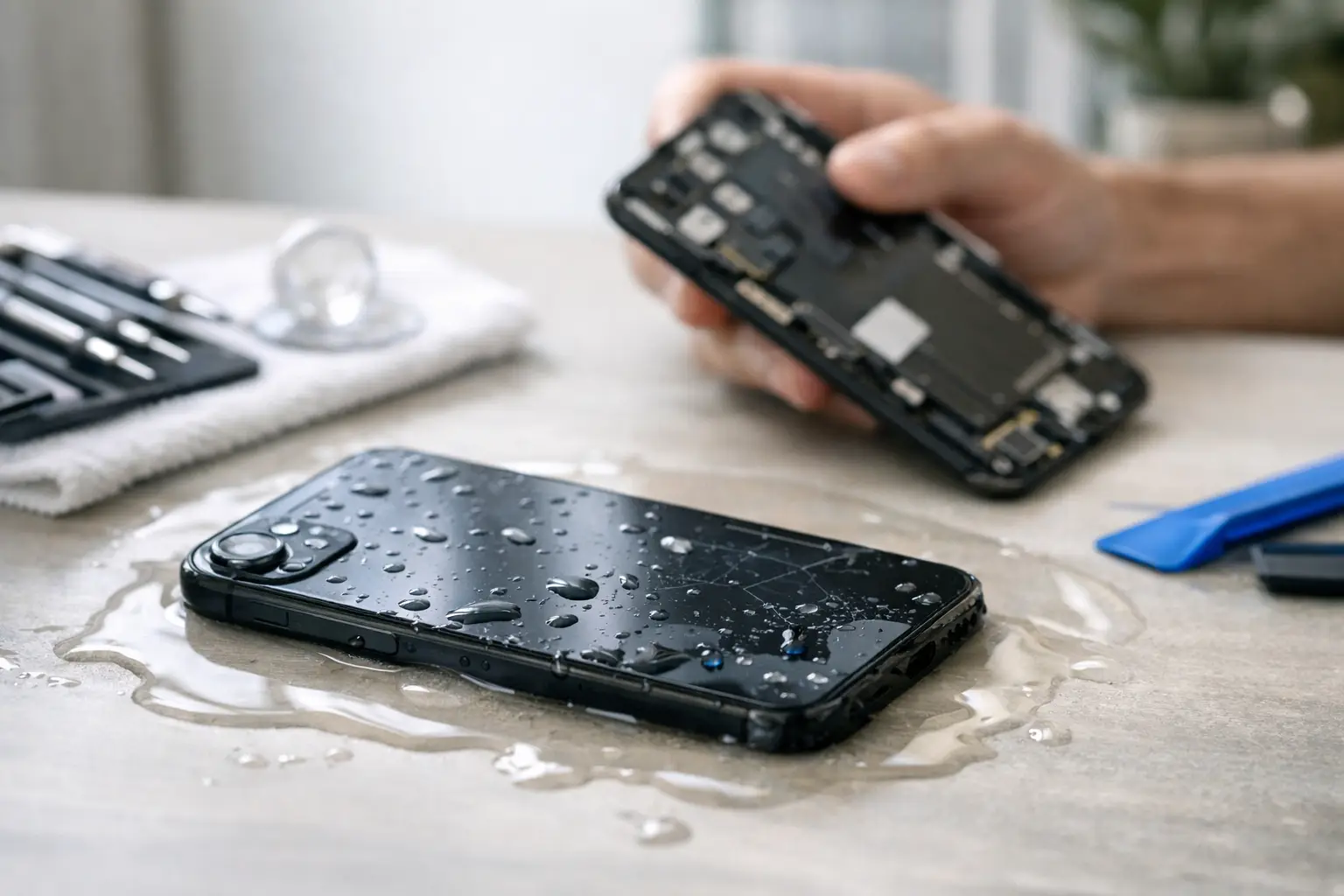
A phone slips into the sink, gets caught in a rainstorm, or takes a dive in the pool. The first question is usually, can water damaged phones be fixed? Often, yes – especially when you act quickly and avoid the mistakes that cause further damage. But water damage is not a one-size-fits-all repair. A phone that was wet for five seconds has a very different outlook than one that sat underwater overnight.
The good news is that a professional diagnosis can identify what is actually affected: the charging port, battery, display, cameras, speakers, or the logic board itself. Fast action gives your device its best chance of coming back to life and can be the difference between a repairable phone and a full replacement.
Can Water Damaged Phones Be Fixed?
Many water damaged phones can be repaired, but the answer depends on the liquid, how long the phone was exposed, whether power was running through it, and how quickly corrosion begins. Fresh water is generally less destructive than salt water, pool water, soda, coffee, or other liquids with minerals and sugar. Those contaminants can leave residue behind and continue damaging components long after the phone looks dry.
A phone may seem completely fine right after getting wet, then start showing problems days later. You might notice muffled audio, a foggy camera, a screen that flickers, random restarts, charging trouble, weak signal, or a battery that drains unusually fast. Those are common signs that moisture or corrosion reached internal parts.
Water-resistant phones have seals that help reduce risk, but water resistance is not permanent or absolute. A cracked screen, worn adhesive, prior repair, age, steam, high water pressure, or a hard drop can compromise those seals. Even a newer iPhone or Samsung phone can suffer water damage.
What to Do Immediately After Your Phone Gets Wet
The goal is simple: stop electrical current from moving through wet components and get the device assessed before corrosion spreads.
First, remove the phone from the water and power it off immediately. If it is already off, do not turn it on to check whether it works. Do not plug it in, place it on a wireless charger, or connect it to a computer. Charging a wet phone is one of the fastest ways to turn a small issue into board-level damage.
Remove the case, SIM tray, and any accessories. Gently dry the exterior with a clean, lint-free cloth. Keep the charging port pointed downward so trapped liquid can drain out. Then bring it in for a water-damage diagnostic as soon as possible.
If your phone is hot, swollen, smoking, or has a chemical smell, move it away from anything flammable and do not attempt to charge or use it. A damaged lithium-ion battery needs professional handling.
Skip the Rice, Hair Dryer, and Freezer
Rice is one of the most common water-damage myths. It does not remove moisture from under shields or connectors, and rice dust can get stuck in ports. More importantly, waiting in a bag of rice gives corrosion extra time to develop.
Avoid heat from a hair dryer, oven, or direct sunlight. Excessive heat can warp the display, weaken adhesives, and damage the battery. Do not put the phone in a freezer either. Condensation can make the problem worse.
Air drying may help surface moisture, but it cannot clean mineral deposits from inside the device. That is why a phone can dry out and still fail later.
What a Professional Water-Damage Repair Looks Like
A proper water-damage repair is more than leaving a phone in a drying box. A technician starts with a diagnosis to see whether the device powers on, charges correctly, recognizes the battery, connects to cellular service, and responds to touch. They also inspect internal liquid indicators and look for corrosion around connectors and board components.
When appropriate, the phone is opened so moisture and residue can be addressed directly. Internal connectors, charging ports, cameras, speakers, and other affected areas may need cleaning or replacement. If corrosion has reached the logic board, advanced microsoldering may be needed to repair damaged circuits or restore key functions.
The repair path depends on what you need most. If the phone still works but the screen is black, a display replacement may solve the immediate issue. If your photos, messages, and work files are the priority, data recovery may be the focus. If the device has extensive board damage and the repair cost approaches the value of the phone, replacing or selling the device may make more financial sense.
A good repair shop will explain those options clearly before moving forward. You should know what failed, what can reasonably be repaired, and whether there is a risk of future issues from corrosion.
How Long Do You Have Before Corrosion Starts?
Corrosion can begin quickly, sometimes within hours, especially with salt water or sugary drinks. The bigger issue is that it can continue spreading over the following days and weeks. That is why a phone that works after being dropped in water should not automatically be considered safe.
The sooner the phone is powered down and professionally inspected, the better. Same-day service matters here because every hour with moisture and electrical current inside the device can raise the odds of damage.
For customers around Warner Robins and Middle Georgia, Reboot Hub provides fast water-damage diagnostics and board-level repair options for phones that need more than a basic parts swap. The goal is to give you a clear answer quickly, not leave you without your phone for weeks.
Signs Your Wet Phone Needs Repair Now
Some water damage is obvious. Others show up slowly. Bring your device in right away if you notice any of these issues after liquid exposure:
- The phone will not turn on, charge, or hold a charge.
- The display flickers, shows lines, has dark spots, or does not respond to touch.
- Cameras appear foggy, blurry, or will not focus.
- Speakers sound distorted, microphones stop working, or buttons stick.
- Face ID, fingerprint recognition, cellular signal, Wi-Fi, or Bluetooth becomes unreliable.
- The phone restarts on its own, overheats, or shows a moisture warning.
Even if only one feature is affected, do not assume it will stay that way. A charging-port problem may be isolated, but it can also be a sign that liquid reached deeper components.
Is Repair Worth It or Should You Replace the Phone?
Repair is usually worth considering when the phone is relatively new, has a high replacement cost, or contains data you cannot easily replace. It can also make sense when the damage is limited to a screen, charging port, battery, speaker, or camera module.
Replacement may be the smarter call when a device is older, heavily corroded, or requires major logic-board work that exceeds its current value. That does not mean the phone has no value. Damaged devices can sometimes be sold for parts or traded toward another device, which helps reduce the cost of moving on.
Before making that decision, ask for a diagnosis rather than guessing from the outside. Two phones can have the same amount of water exposure and very different repair outcomes. The condition of the internal board tells the real story.
Protect Your Data if the Phone Still Turns On
If the phone is working after it gets wet, back it up immediately – but only if it is safe to use and shows no charging, heat, or restart issues. Use a cloud backup over Wi-Fi if possible rather than plugging the phone into a cable. Then power it down and have it checked.
Do not keep using a damp phone just because it is still functional. Your photos, contacts, authentication apps, and work information may be more valuable than the device itself. Quick action can protect both.
A wet phone is stressful, but it does not automatically mean your device is done. Power it off, keep it away from chargers and heat, and get a real diagnosis fast. The right repair at the right time can save your phone, your data, and the cost of replacing a device you still depend on.