
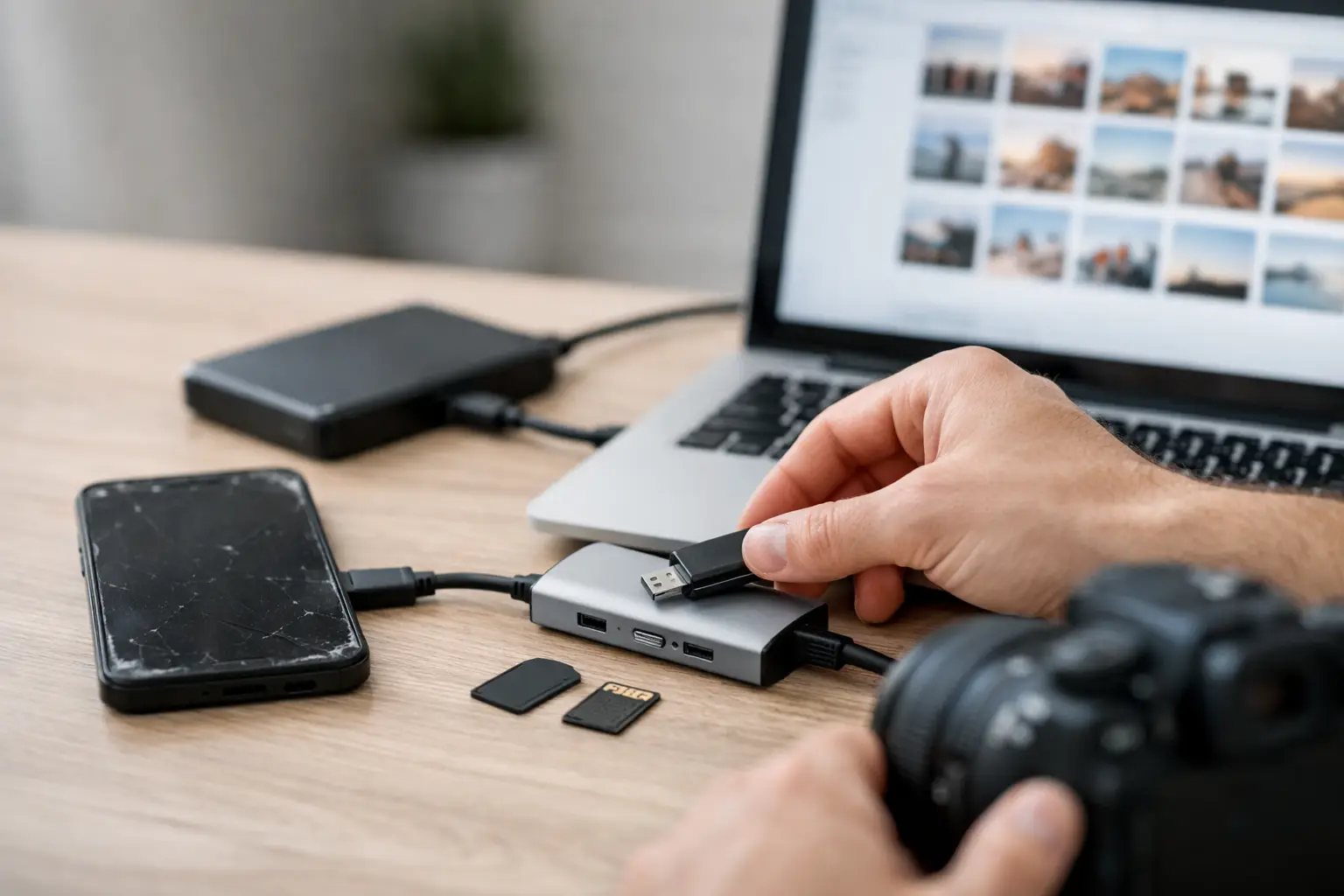
Your phone won’t turn on, and suddenly the only thing that matters is the camera roll. If you need to recover photos from dead phone storage, the next few moves matter more than most people realize. A rushed charging attempt, the wrong cable, or a bad DIY repair can make recovery harder.
The good news is that a dead phone does not always mean dead data. In many cases, the photos are still there. The real question is what failed – the battery, screen, charging port, software, or the board itself. Once you know that, the right recovery path gets a lot clearer.
Can you recover photos from a dead phone?
Usually, yes. But it depends on what “dead” actually means.
Some phones look dead when the battery is deeply drained, the screen has failed, or the charging port is damaged. In those cases, the phone may still hold all your data, including photos. A technician may only need to restore power, replace a failed part, or temporarily repair the device long enough to access the files.
Other cases are more serious. Water damage, motherboard failure, severe drops, and failed update attempts can affect the storage system or the circuits that allow the phone to boot. Recovery can still be possible, but it becomes more specialized and less predictable.
That’s why the first step is not guessing. It’s narrowing down the kind of failure you have.
What to do before you try to recover photos from a dead phone
Start simple, but don’t keep repeating failed tests for hours.
Try a different known-good charger, cable, and wall adapter. Leave the phone plugged in for at least 30 minutes. Some fully drained phones need time before they show any sign of life. If the phone vibrates, makes sounds, or is recognized by a computer but the screen stays black, the issue may be the display, not the data.
If the phone was dropped, pay attention to what changed immediately after the impact. If it was exposed to water, stop charging it right away. That part matters. Powering on a wet phone can turn a recoverable issue into board-level damage.
You should also check your cloud accounts before assuming everything is trapped on the device. Many people find at least part of their photo library in iCloud, Google Photos, OneDrive, or another backup service. That won’t help with files never synced, but it can reduce the pressure and help you focus on what’s actually missing.
The most common situations and what they mean
Dead battery or charging issue
This is one of the best-case scenarios. If the battery no longer holds charge or the charging port is damaged, your photos are often still completely intact. Once the phone can take power again, you may be able to unlock it and transfer everything normally.
This is also where people waste time. They assume the phone is totally dead when the real issue is a worn battery, bent port, or failed charging component. A quick diagnostic can save a lot of panic.
Broken screen, phone still working
A black screen is not always a dead phone. If your alarms still go off, it vibrates, or your computer detects it, the phone may be running normally with a failed display. In that case, recovering photos may be as straightforward as replacing the screen or using a temporary test screen to access the device.
For newer phones, this is often the fastest route because the storage is still healthy and the system can still boot.
Water damage
Water damage changes the timeline. Corrosion keeps spreading, even after the phone dries out on the outside. Rice does not fix that, and waiting too long can make photo recovery less likely.
If your phone got wet and then died, stop trying to charge it. A proper internal inspection and cleaning is the safer move. Sometimes the goal is full repair. Other times, it’s temporary power-up and data extraction before the damage gets worse.
Board-level damage
This is where microsoldering comes in. If the charging circuit, power management chip, or another board component has failed, the storage may still be good even though the phone won’t turn on. A shop with board-level repair capability can sometimes restore just enough function to recover the photos.
This kind of job is not a basic parts swap. It takes the right tools, experience, and a clear plan. The upside is that a phone declared “dead” by a big-box counter is not always beyond saving.
iPhone vs. Android recovery: what changes
The process is not identical across devices.
On iPhones, photos stored internally are tied closely to the phone’s security and encryption. You generally need the phone itself functioning well enough to unlock it. Pulling storage chips and reading them separately is not a practical option on modern iPhones in most situations. That means successful recovery often depends on repairing the original device enough to boot and accept your passcode.
Android phones vary more. Some support external microSD cards, which can make recovery easier if your photos were saved there. Others rely fully on internal encrypted storage, similar to iPhones. If USB debugging was never enabled and the phone cannot be unlocked, recovery options narrow fast.
That’s the part many online tutorials skip. Modern phones are designed to protect your data, which is great for privacy but can complicate recovery when the hardware fails.
When DIY works and when it can cost you
If your phone simply has a dead battery or dirty charging port, a basic fix may be all you need. But opening a modern phone without the right tools can crack the back glass, damage cables, or create more expensive problems than the original issue.
DIY gets riskier fast when water damage or board failure is involved. The internet makes everything look simple. In reality, heating, prying, and swapping random parts can destroy the one short window you had to get the device powered on again.
If the photos matter, treat the phone like evidence, not a practice project. The goal is not winning a repair challenge. The goal is getting your pictures back with the least risk possible.
When a repair shop is the smartest move
If the phone shows no signs of life, was exposed to water, has visible board damage, or contains photos you cannot replace, professional help is usually the better call. A qualified shop can separate cosmetic damage from power failure, check whether the board is repairable, and tell you quickly if recovery is realistic.
This is where speed matters. The longer a water-damaged or electrically unstable phone sits, the worse the odds can get. A shop that handles same-day diagnostics and advanced board work gives you a better chance of recovering data before the condition changes.
At Reboot Hub, this is exactly the type of situation that benefits from a fast, honest diagnosis. If the fix is simple, you should know that quickly. If it needs microsoldering or temporary repair to access the photos, you should know that too.
How to improve your odds right now
If you are trying to recover photos from a dead phone, avoid repeated charging attempts on a wet device, avoid factory reset suggestions from random forums, and avoid taking it apart unless you know exactly what failed. Keep the phone in a dry, safe place and gather anything that helps with access later, including your passcode, charging cable, backup account logins, and details about what happened before it died.
That information helps a technician narrow the issue faster. Did it die after a drop? During an update? After battery swelling? After being left on a car charger? Those details can point directly to the likely failure.
The mistake people regret most
Most people wait too long because they hope the phone will suddenly come back on. Sometimes it does. Often it doesn’t. Meanwhile, corrosion spreads, batteries swell, and small faults become bigger ones.
If the photos matter, the smart move is a real diagnosis, not guesswork. You do not need every part of the phone fixed forever. Sometimes you only need it alive long enough to get your memories off safely. And when that’s the goal, fast action usually beats cheap experiments.