
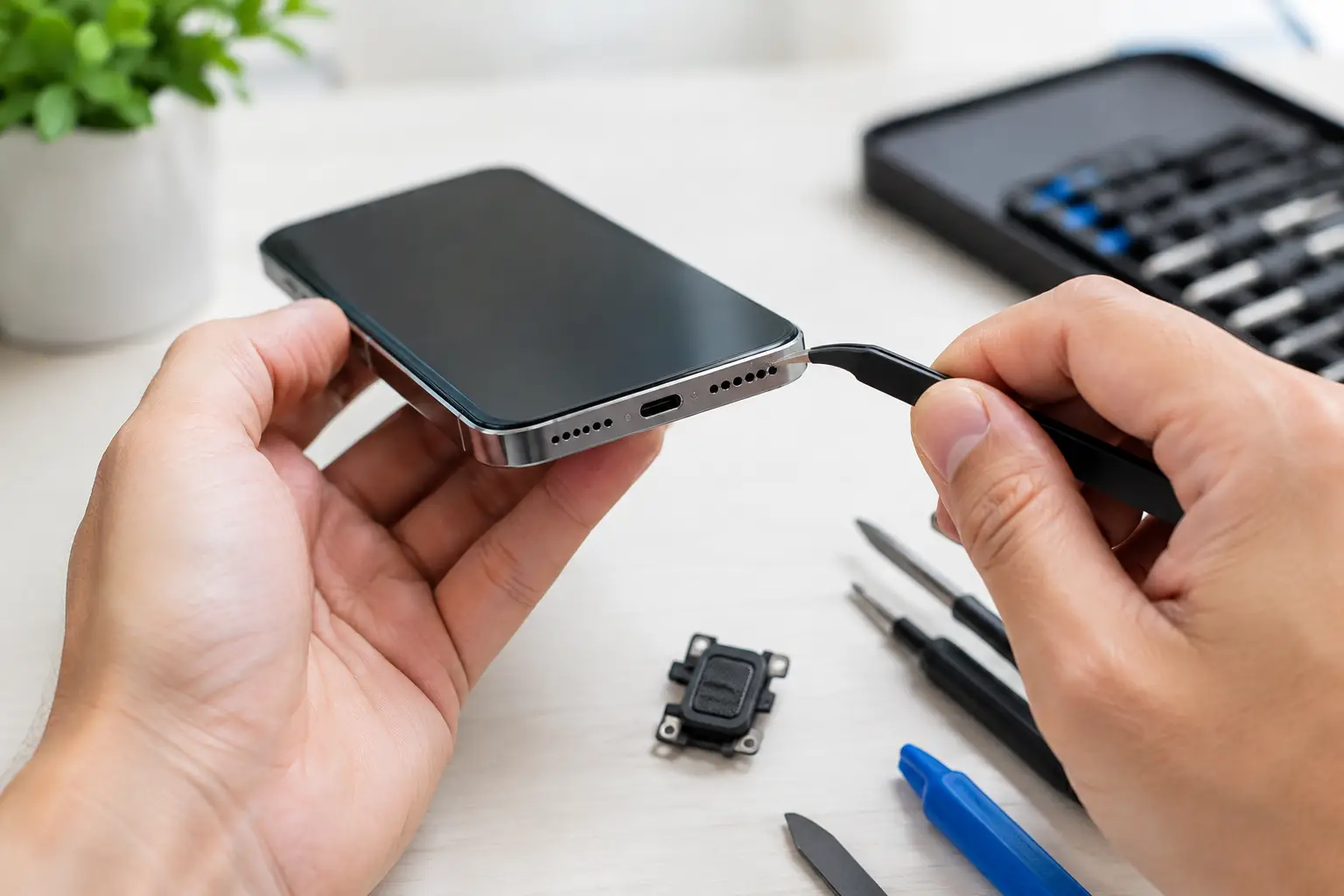
Your phone rings, but you can barely hear it. Music sounds thin and scratchy. Calls only work on speakerphone, or the speakerphone itself has gone quiet. Before you start shopping for a replacement device, ask the practical question: can phone speakers be repaired? In many cases, yes. A trained technician can often restore phone audio by cleaning the speaker mesh, replacing a failed speaker module, or diagnosing a deeper issue with the charging port, software, or circuit board.
The key is figuring out which kind of sound problem you have. A phone with muffled audio needs a different fix than one with no sound at all. Getting the right diagnosis first prevents wasted money and gets you back to calls, alarms, videos, and navigation as quickly as possible.
Can Phone Speakers Be Repaired Without Replacing the Phone?
Yes. Most phone speaker problems are repairable, and a speaker repair is usually far less expensive than replacing an otherwise working iPhone or Android phone. Modern phones use compact speaker assemblies that can be removed and replaced when they fail. On many models, this is a straightforward repair for an experienced technician.
That does not mean every audio issue is the speaker itself. Your phone has more than one component involved in sound. The bottom loudspeaker handles ringtones, videos, music, and speakerphone calls. The earpiece speaker at the top handles regular phone calls. Microphones send your voice out, while software and board-level circuits control how those parts work together.
If only one function has failed, the repair may be targeted. For example, clear sound on speakerphone but weak sound during normal calls often points to the earpiece speaker or its mesh. If people cannot hear you but you can hear them, the microphone may be the issue instead. That distinction matters because replacing the wrong part will not solve the problem.
Signs Your Phone Speaker Needs Attention
Muffled sound is one of the most common symptoms. It often starts gradually: podcasts become hard to hear, the ringtone seems quieter than usual, or music loses its clarity. Pocket lint, makeup, dust, and moisture can clog the fine mesh over an earpiece or bottom speaker opening. The speaker may still work, but the sound cannot travel out properly.
Crackling, buzzing, or distorted audio can mean debris is touching the speaker diaphragm, but it can also indicate a damaged speaker module. This commonly happens after a hard drop, exposure to liquid, or repeated use at maximum volume. A damaged speaker may work at low volume and break up when the volume rises.
Complete silence is more complicated. It could be a dead loudspeaker, a disconnected internal cable after a drop, a software setting, Bluetooth routing audio to another device, or damage to the phone’s board. A good repair shop checks the simple possibilities before recommending a part replacement.
Intermittent sound is worth checking, too. If audio cuts in and out when you press on the phone, move the charging cable, or switch between apps, there may be a loose connection, moisture damage, or a board-level fault. Those are not problems to solve by repeatedly restarting the phone and hoping for the best.
What Causes Phone Speaker Problems?
Everyday debris is the most frequent cause, especially for earpiece speakers. Phones spend a lot of time in pockets, purses, vehicles, gym bags, and work areas where lint and dust build up. Even a small amount can block a speaker grille enough to make calls sound distant.
Water and humidity are another major factor. A phone may survive a splash and work normally for a few days, then develop weak or distorted sound as corrosion begins around internal contacts. Water resistance helps in limited situations, but it is not a guarantee that a phone is safe after being dropped in a pool, sink, or washing machine.
Drops can damage more than the screen. Impact may crack the speaker module, shift an internal connector, or cause a tiny board-level issue that is invisible from the outside. If your phone began sounding wrong right after a drop, mention that when you bring it in. It gives the technician a useful starting point.
Software can also imitate a hardware failure. Bluetooth may still be connected to earbuds, a car, or a speaker in another room. Audio balance settings, Do Not Disturb settings, app-specific volume controls, and a temporary operating system glitch can all affect sound. These checks are quick, but they should be ruled out before opening the phone.
What You Can Safely Check First
Start by confirming that your volume is up and that your phone is not sending sound to Bluetooth. Turn Bluetooth off briefly, play a familiar video, and test both the bottom speaker and the earpiece during a call. If you have a case or screen protector that covers an opening, remove it and test again.
Look closely at the speaker openings under good light. Visible lint is a clue, but avoid inserting pins, paper clips, needles, or metal tools into the grille. It is easy to puncture the mesh, damage the speaker, or push debris farther inside. Spraying liquid cleaners into the opening is also risky, particularly if the phone has already been near water.
Restarting the phone and installing pending system updates can help with a software issue. If the problem only happens in one app, test audio in another app and during a phone call. That can narrow down whether the phone’s hardware is at fault.
If sound remains muffled, distorted, or absent after these basic checks, a professional diagnosis is the smart next move. The longer a water-related issue or failing component sits untreated, the more likely it is to spread into a larger repair.
How a Professional Speaker Repair Works
A proper phone speaker repair begins with testing, not guesswork. A technician checks call audio, speakerphone, media playback, microphones, charging behavior, Bluetooth output, and visible speaker openings. On phones with water exposure or impact damage, they may also inspect for corrosion or loose connectors.
If debris is the issue, careful cleaning may restore normal sound without replacing a part. If the speaker module has failed, the device is opened with the correct tools, the damaged component is replaced, and the phone is tested again before it is returned. The repair should include clear audio testing at different volume levels, not just a quick ringtone check.
For some phones, the speaker sits near components such as the battery, charging assembly, cameras, or screen cables. That is why DIY repairs carry real risk. A low-cost replacement part is not always a low-cost repair if a cable is torn or the screen is damaged during disassembly.
When testing shows board-level damage, the repair becomes more specialized. A failed audio circuit, corroded connection, or damaged trace may require microsoldering rather than a speaker replacement. In those cases, the technician should explain the findings, cost, and likelihood of success before work begins.
Is Phone Speaker Repair Worth It?
Usually, yes, when the phone is otherwise in good condition. If the screen, battery, camera, and performance still meet your needs, replacing a speaker assembly or clearing a blocked earpiece is a practical repair. It avoids the higher cost of a new device, the time spent transferring data, and the hassle of setting up every app again.
It depends when there are several problems at once. An older phone with severe water damage, a failing battery, a cracked screen, and audio issues may need a broader cost comparison. Sometimes repairing one dependable device is still the better value. Other times, trading in a heavily damaged phone and upgrading makes more sense.
The quality of the replacement part and the repair warranty matter, too. Cheap parts can produce weak volume, poor sound quality, or short-lived results. A warranty-backed repair gives you more confidence that the phone will be tested properly and that you have support if the issue returns.
Get Clear Audio Back Fast
You do not have to live with missed calls, quiet alarms, or videos you cannot hear. For customers in Warner Robins and Middle Georgia, Reboot Hub can diagnose phone audio problems, explain the repair options clearly, and complete many common fixes the same day. With certified technicians, a Low Price Guarantee, and a lifetime warranty on eligible repairs, you get a solution built around speed and peace of mind.
If your phone speaker has gone quiet, bring it in before a small audio issue turns into a bigger interruption to your day. A quick diagnosis can tell you whether the answer is a careful cleaning, a speaker replacement, or a more advanced repair – and help you make the right call for your device.