
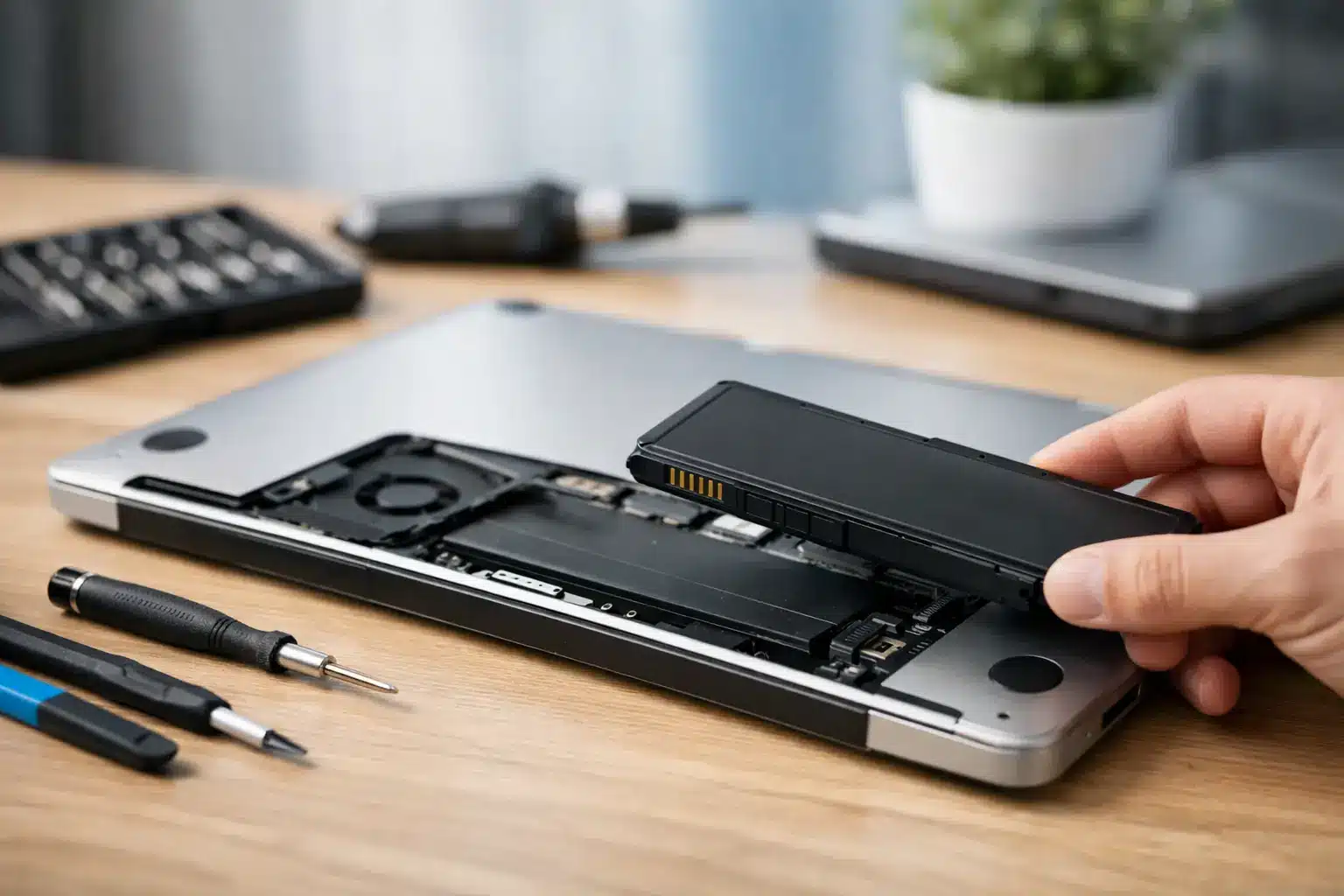
A laptop that dies at 40%, only works when plugged in, or loses half its charge during one meeting is not just annoying. It can stop schoolwork, delay a customer response, and turn a normal workday into a scramble for an outlet. This laptop battery replacement guide helps you identify a real battery problem, understand your repair options, and decide when a fast professional repair makes more sense than buying a new computer.
Signs Your Laptop Battery Is Actually Failing
Battery problems rarely start with a completely dead laptop. More often, the warning signs show up slowly: shorter run time, random shutdowns, charging that stalls at a certain percentage, or a battery percentage that jumps from 30% to 5% without warning.
If your laptop is more than two or three years old and used daily, battery wear is a likely cause. Every rechargeable battery has a limited number of charge cycles. Heat, constant charging, gaming, video editing, and leaving the laptop in a hot car can speed up that wear.
A weak battery is different from a charging problem. If the laptop will not charge at all, the issue could be the charger, charging port, DC jack, power-management settings, or the motherboard. Replacing a battery without checking those possibilities can waste money and leave you with the same problem.
The biggest red flag is a swollen battery. You may notice the trackpad lifting, the bottom cover separating, a keyboard that looks raised, or a case that no longer sits flat. Stop using and charging the laptop if you see these signs. A swollen lithium-ion battery can damage internal components and creates a safety risk. Do not press the case back together or try to puncture the battery.
Laptop Battery Replacement Guide: Start With Diagnosis
Before scheduling a battery replacement, do a few quick checks. First, inspect the charging cable and power adapter for damage. If possible, test with a compatible, known-good charger. A failing adapter can mimic a bad battery, especially when the laptop charges slowly or disconnects when the cable moves.
Next, pay attention to what happens when the charger is removed. If the laptop shuts down immediately but works normally on wall power, the battery is likely depleted or disconnected. If it stays on but drains unusually fast, battery health may be low, though high background activity can also be part of the problem.
Most Windows laptops include a battery report that can show the battery’s original design capacity compared with its current full-charge capacity. A large difference confirms wear. MacBooks also display battery condition and cycle information in their system settings. These reports are helpful, but they are not a substitute for a physical inspection when there is swelling, liquid exposure, overheating, or intermittent charging.
A repair technician should also inspect the charging circuit and battery connector. This matters because some laptops have a battery issue and a charging issue at the same time. A proper diagnosis gets to the cause instead of treating the most obvious symptom.
Can You Replace a Laptop Battery Yourself?
It depends on the laptop. Older models often have external batteries that slide out from the bottom. Those are generally simple to replace once you have the exact compatible part. Modern laptops are different. Most use internal batteries secured by screws, adhesive, delicate connectors, and tightly packed components.
A do-it-yourself repair may make sense if you have an older laptop with an accessible battery, the right tools, and a verified replacement part. It becomes riskier with thin laptops, MacBooks, gaming laptops, or any device with a glued-in battery. One stripped screw, torn cable, punctured battery cell, or incorrect replacement part can turn a routine repair into a larger bill.
Cheap online batteries are another trade-off. The lowest-priced option may have poor cell quality, inaccurate capacity ratings, or inconsistent safety controls. It may fit physically while still delivering disappointing battery life. A quality battery costs more upfront, but it is more likely to charge correctly, hold its capacity, and last.
Professional battery replacement is usually the better choice when you need the laptop back quickly, the battery is swollen, the device has no easy-access panel, or you are not certain the battery is the real problem. You are paying for more than the part. You are paying for correct diagnosis, safe handling, careful reassembly, and someone accountable if the repair does not perform as expected.
When Battery Replacement Is Worth It
Replacing the battery is often one of the best-value laptop repairs. If the screen, keyboard, storage, and performance are still solid, a new battery can extend the useful life of the device by years. That is especially true for a laptop used for school, office work, web browsing, or managing a small business.
The decision changes when the laptop has multiple expensive problems. A battery replacement may not be the right move if the device also has a cracked display, failing hard drive, liquid damage, overheating, or hardware too old to run the software you need. In that case, compare the full repair cost with the value of a newer laptop.
Do not assume an aging battery means the whole computer is finished. A laptop that feels slow may need storage or memory attention in addition to a battery, but many systems still have plenty of life left. A straightforward inspection can help separate a practical repair from money better spent on replacement.
What Happens During a Professional Battery Repair
A quality laptop battery repair begins with testing. The technician checks battery health, power draw, charging behavior, connector condition, and the charger itself. If the battery is confirmed as the issue, the laptop is powered down, opened carefully, and disconnected from power before the old battery is removed.
The replacement battery must match the laptop’s model and battery part number. Similar-looking batteries are not always interchangeable. Voltage, connector placement, mounting points, and firmware compatibility can vary even within the same laptop family.
After installation, the laptop should be tested on battery power and charger power. The repair is not complete just because the computer turns on. It should charge normally, recognize the battery correctly, remain stable when unplugged, and show no signs of heat or case pressure.
Your files should remain intact during a battery replacement because the repair does not normally involve the storage drive. Still, backing up important documents before any repair is smart. If the battery has swelled or the laptop has suffered a drop or liquid exposure, there may be additional risks beyond the battery itself.
Protect Your New Laptop Battery
You do not need to obsess over charging percentages to get good battery life. Modern laptops manage power well, and normal use is normal use. The practical goal is reducing unnecessary heat and avoiding deep, repeated discharge.
Use the correct charger or a reputable compatible charger with the proper wattage. Keep the laptop on a hard, ventilated surface during demanding tasks. Clean dust from vents when airflow is restricted, and avoid leaving the device in a hot vehicle. Heat is one of the fastest ways to shorten battery life.
If your laptop stays plugged in at a desk every day, check whether its manufacturer offers a battery-care or charge-limit setting. Limiting the charge level can help reduce long-term wear for some users. It is useful for a mostly stationary work laptop, but less helpful if you regularly need maximum battery life away from an outlet.
Get the Right Repair, Not a Guess
A dead battery should not force you into buying a new laptop or waiting weeks for a mail-in service. If you are in Warner Robins or Middle Georgia and need a quick answer, bring the laptop in for a diagnosis before ordering parts or taking the case apart. Reboot Hub can assess the battery, charging system, and overall condition so you can make a clear, cost-conscious decision.
If the battery is failing, replacing it promptly protects your productivity and can prevent a swollen pack from causing more damage. Get the problem checked while it is still a battery repair, not a laptop replacement.