
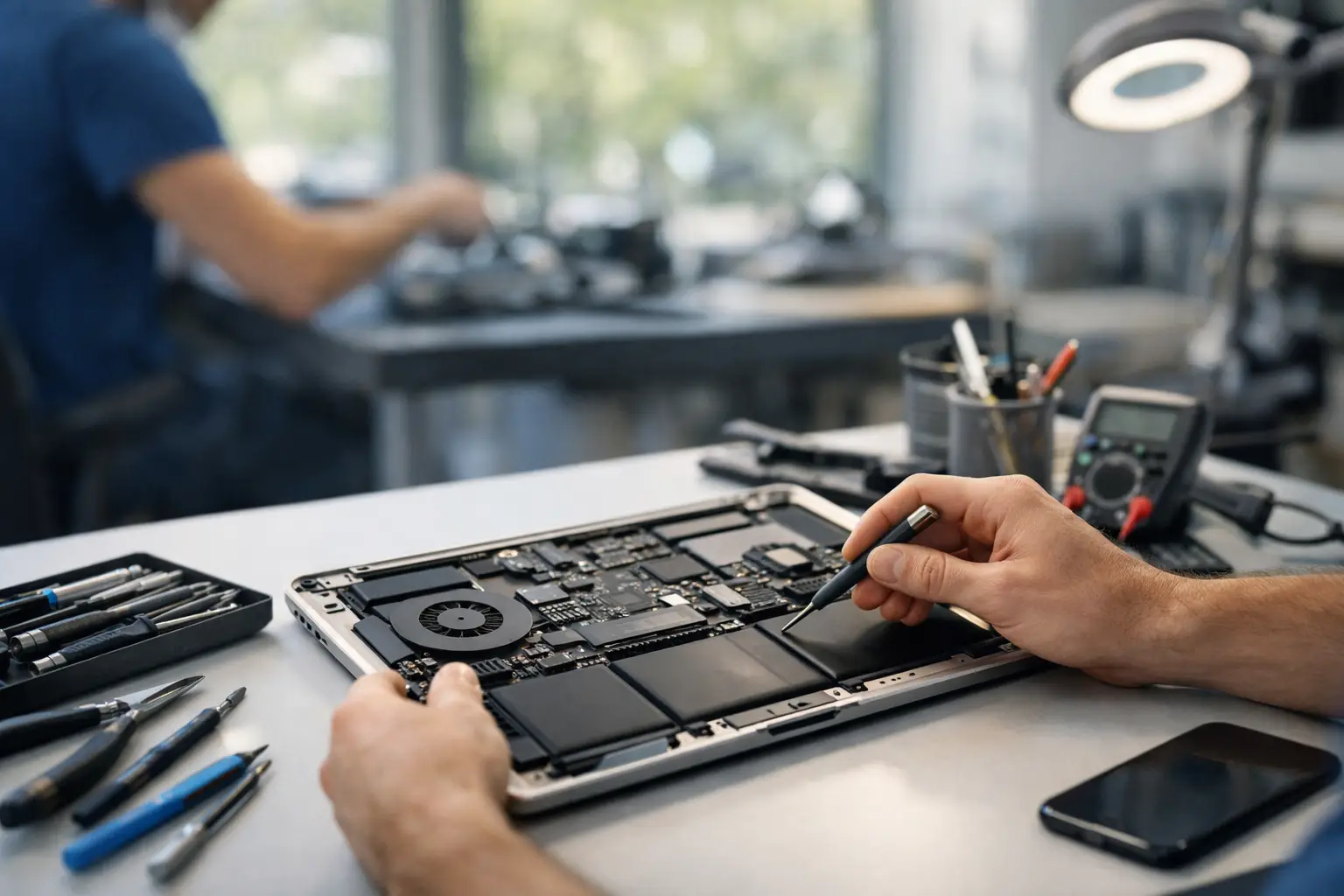
A laptop usually picks the worst possible moment to fail – right before a deadline, during online class, or when you finally sit down to handle work. That is why Centerville GA laptop repair is less about theory and more about getting your device working again fast, at a fair price, without turning a simple fix into a week-long headache.
If your screen is cracked, the battery dies in an hour, the charger only works at one angle, or the laptop will not power on at all, the real question is not whether it can be repaired. The real question is how quickly you can get a clear answer and whether the repair is worth it compared to replacing the device. In many cases, repair is the faster and smarter move.
When laptop repair makes more sense than replacement
A lot of people assume a failing laptop means it is time to buy a new one. Sometimes that is true. If the device is very old, has multiple major failures, and struggles with basic tasks even when it is working, replacement may be the better investment.
But most common laptop problems are far more manageable than people think. A broken screen, worn-out battery, damaged charging port, bad keyboard, overheating issue, failing fan, or liquid damage does not automatically mean the laptop is done. These are the kinds of problems that can often be diagnosed quickly and repaired for much less than the cost of a new machine.
That matters if you use your laptop every day for school, remote work, business, gaming, or keeping up with family life. Replacing a laptop is not just about buying hardware. It also means reinstalling programs, recovering files, signing back into everything, and hoping your data is intact. Repair keeps your routine intact when the issue is fixable.
The most common Centerville GA laptop repair issues
Laptop problems tend to show up in ways that are easy to ignore at first. The battery starts draining faster. The hinge gets a little loose. The fan runs loud every time you open a browser. Then one day the machine stops charging or shuts off in the middle of what you are doing.
Cracked or damaged screens
This is one of the most obvious repairs. A cracked display, black spots, flickering image, lines across the screen, or a laptop that powers on but shows no usable picture usually points to screen damage. In many cases, the fix is straightforward. The main thing that changes the repair is the exact laptop model and screen type.
Battery problems
If your laptop only works while plugged in, drops from 40 percent to zero without warning, or gets hot while charging, the battery may be at the end of its life. Battery replacement is often one of the best-value repairs because it can make an otherwise solid laptop usable again.
Charging port and power issues
A loose charging port is more than annoying. It can stop the laptop from charging consistently and may eventually prevent power from reaching the board at all. Sometimes the issue is the charger. Sometimes it is the port. Sometimes it goes deeper. A proper diagnosis saves time and keeps you from buying parts you do not need.
Keyboard, trackpad, and hinge damage
Spilled drinks, drops, and daily wear can take out keys, trackpads, and hinges. These problems are frustrating because the laptop may still technically work, but not well enough to use comfortably. If typing feels like a fight or the lid no longer opens and closes correctly, repair is usually worth addressing before the damage spreads.
Overheating and slow performance
Not every slow laptop needs a hardware repair, but many do need service. Dust buildup, dried thermal paste, fan failure, and aging storage drives can all drag performance down. In some cases, the solution is maintenance or part replacement, not a full device swap.
Water damage and board-level issues
This is where speed really matters. If liquid gets into a laptop, power it down, unplug it, and stop trying to turn it back on. Water damage can move from a minor repair to a major board issue fast. Some laptops can be saved with timely diagnostics and board-level work. Others depend on how much liquid got in and how long it sat.
What fast laptop repair should actually look like
Good repair service is not just about speed for the sake of speed. It is about getting the diagnosis right the first time, explaining the problem clearly, and moving quickly once the path is clear.
A solid local repair experience should feel simple. You bring in the laptop or schedule service. A technician checks the symptoms, confirms what failed, and gives you a straightforward repair recommendation. If the repair makes sense, it gets done as fast as possible. If it does not, you should hear that honestly too.
That matters because laptop problems do not all have the same timeline. A battery or screen repair may be much quicker than a board-level issue or liquid damage recovery. The best shops do not overpromise. They move fast where fast is realistic, and they stay transparent when the repair depends on deeper testing.
How to tell if a laptop repair shop is worth your time
Not every repair option is equal. If you need Centerville GA laptop repair, look for a shop that does more than take in devices and send them somewhere else. You want technicians who handle real diagnostics, common hardware repairs, and more advanced work when the problem goes beyond a simple parts swap.
Experience matters. Warranty matters. Clear pricing matters. Turnaround time matters too, especially if your laptop is tied to work or school. A shop that has completed thousands of repairs and stands behind the work with a strong warranty gives you more confidence than one that stays vague on both.
It also helps to choose a place that understands urgency. A lot of repair customers are not casually browsing options. They need their device back now. That is why same-day service can make such a difference when the issue is repairable and parts are available.
Why local repair beats shipping your laptop away
Mail-in service sounds convenient until you are boxed into someone else’s timeline. You ship the device, wait for intake, wait for diagnosis, approve a quote, wait for repair, and then wait again for return shipping. That may work if you have a backup laptop and plenty of time. Most people do not.
Local repair gives you answers faster. You can talk to a real person, explain what happened, ask questions, and get a practical timeline. If the laptop is used for payroll, homework, client work, or everyday communication, shaving days off the process matters.
For customers in and around Centerville, working with a nearby shop also makes follow-up easier. If something changes, you are not stuck on hold or dealing with shipping claims. You can come back in, talk to the team, and get the issue handled.
A practical approach to repair costs
People usually ask the same thing first – is it worth fixing? The honest answer depends on the model, the age of the device, the type of failure, and what you need the laptop to do.
If you have a newer laptop with a broken screen or bad battery, repair is often the clear winner. If the laptop is older but still does everything you need, a reasonably priced repair can buy you more useful life without the cost of replacement. If the motherboard is heavily damaged and the device was already slow, replacing it may make more sense.
The key is getting a fair diagnosis instead of guessing. Price should be competitive, but cheap alone is not the goal. You want value – a repair done correctly, with quality parts, by certified technicians, and backed by a warranty that means something.
That is where a shop like Reboot Hub stands out for local customers. Fast turnaround, fair pricing, certified technicians, and a lifetime warranty are not extras when your laptop is essential. They are the reason the repair feels worth doing.
What to do before you bring your laptop in
If the laptop still turns on, back up your files if you can. If it has liquid damage, stop powering it on and bring it in as soon as possible. If the problem involves charging, bring the charger with you. If the screen is damaged, avoid pressing on it or forcing the lid.
A quick explanation of what happened also helps. Did it fall? Was there a spill? Did it stop charging after the cord got yanked? Did it start running hot after a fan noise? Small details can speed up diagnosis.
The goal is simple: get a real answer fast, make a smart repair decision, and get back to normal without wasting money or time. If your laptop is slowing you down, the best next step is not waiting for it to get worse. It is getting it checked while the fix is still straightforward.
1 Comments