
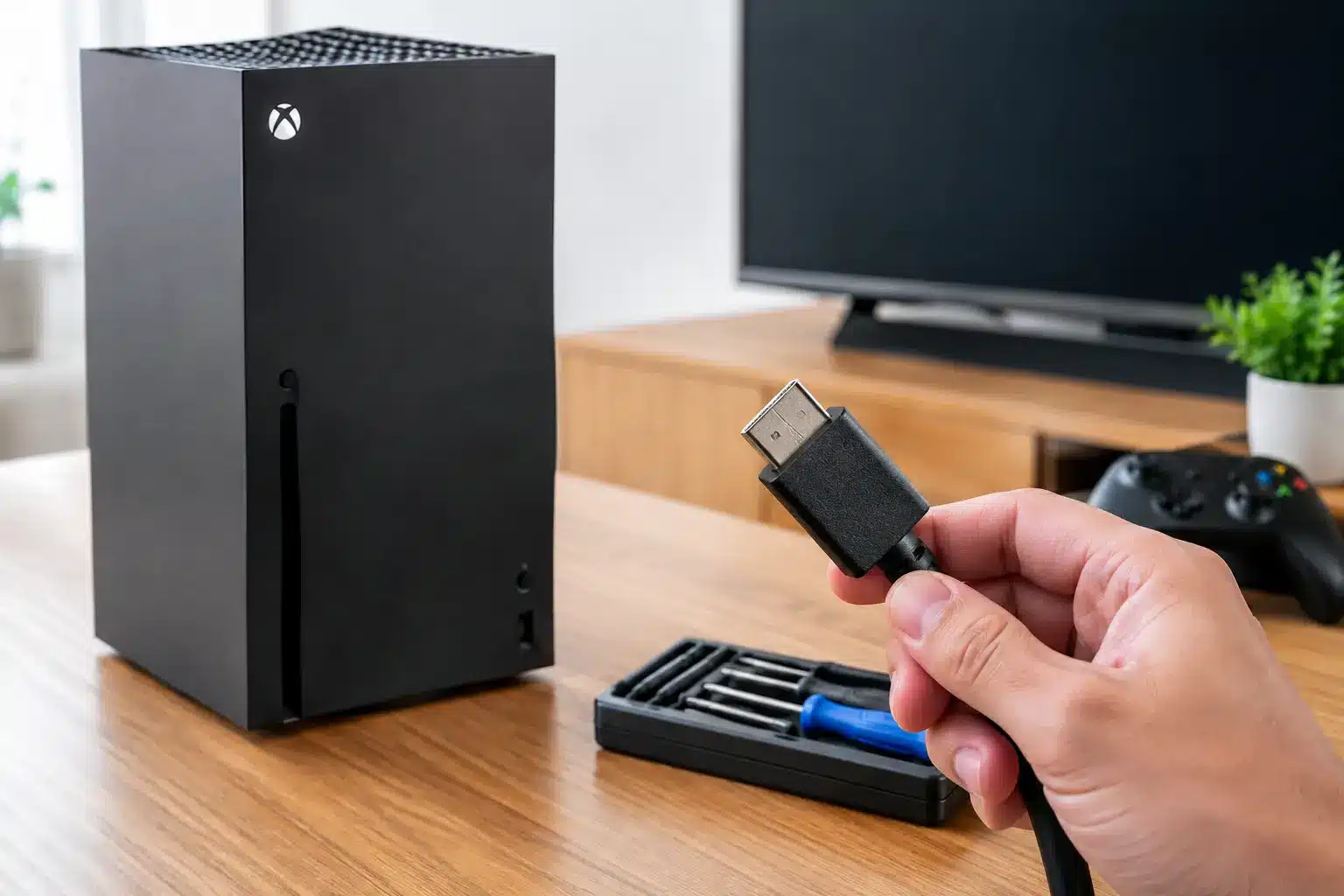
A failed display can turn a working console into a very expensive black box. If your TV says “No Signal,” flickers during startup, or only shows a picture when the cable sits at a certain angle, Xbox Series X HDMI repair may be the real fix. The console may still power on, make startup sounds, and connect to a controller normally – but a damaged HDMI port can stop the video signal before it ever reaches the screen.
For gamers and families, this is not a problem that waits well. Before assuming the entire console has failed or buying a replacement, it helps to know what HDMI damage looks like, what causes it, and why a proper port repair is often the more sensible choice.
Signs You Need Xbox Series X HDMI Repair
The most common symptom is simple: the Xbox turns on, but the TV reports no signal. That symptom alone does not guarantee a bad port. A failed HDMI cable, incorrect TV input, display setting issue, or a problem inside the console can produce the same message. The difference is usually in the details.
Look closely at the HDMI port on the back of the console. If the cable feels loose, falls downward, will not insert fully, or needs to be held in one position to show a picture, physical port damage is likely. You may also notice bent internal pins, a port pushed back into the console, or a damaged metal shell around the opening.
Intermittent video is another strong warning sign. The picture may cut in and out, show colored sparkles, flash black during games, or lose signal whenever the console is moved. A port can be partially damaged and still pass video sometimes. That does not mean it is safe to keep using. Repeatedly moving the cable to force a connection can bend pins further or damage the circuit board pads beneath the port.
A clear no-signal condition with a known-good cable and a second TV is worth having diagnosed. If the Xbox works on neither display and the port looks worn or loose, a professional HDMI inspection is the next practical step.
Why Xbox Series X HDMI Ports Fail
HDMI ports are built for frequent use, but they are not designed to absorb side pressure, drops, or cables pulled at an angle. The Series X port sits directly on the motherboard, where tiny solder connections hold it in place. When the cable is hit, yanked, or twisted, those connections can crack or the port itself can deform.
The usual causes are everyday accidents: moving the console while it is still connected, a child or pet catching the cable, a tight entertainment center that bends the cord, or a heavy HDMI cable putting constant downward pressure on the port. Damage can also happen after a console falls or during a move when cables are left plugged in.
Wear matters too. If a cable has been repeatedly forced in upside down or at an angle, its pins can damage the matching contacts in the console port. Cheap or poorly fitting cables can contribute, although the cable is not always the root cause.
There is also an important trade-off in diagnosis. A damaged port is a common failure, but it is not the only HDMI-related fault. The HDMI encoder, retimer chip, filter components, or motherboard traces may be damaged as well. That is why a shop should diagnose the console instead of promising a port replacement before inspecting the actual failure.
A Port Replacement Is Board-Level Work
Xbox Series X HDMI repair is not the same as swapping an external cable or replacing a controller part. The port is soldered to the motherboard with many small, closely spaced connections. Repair requires opening the console safely, removing the damaged port with controlled heat, cleaning the board, installing a quality replacement port, and testing each connection.
The job also calls for microscopy, proper soldering equipment, and experience with console boards. Too much heat can lift pads from the board. Poor alignment can create weak connections or prevent the cable from seating correctly. A port that looks replaced but has one bad data line can still lead to no signal, unstable video, or missing 4K features.
This is where certified technicians and microsoldering capability make a real difference. The goal is not simply to get a picture for five minutes. It is to restore a secure connection that handles normal use without risking additional damage to the board.
What to Check Before Bringing in Your Console
A few quick checks can prevent an unnecessary repair, and they do not require taking the Xbox apart. Try a different HDMI cable that you know works with another device. Connect the console directly to a different TV or monitor, bypassing receivers, HDMI switches, and soundbars. Then confirm that the display is on the correct HDMI input.
If you recently changed display settings, try starting the Xbox in low-resolution mode. This can help when the console is outputting a resolution or refresh rate your display will not accept. If you get a stable image in low-resolution mode, the port may be fine and the problem may be a video setting.
Do not insert objects into the HDMI port, spray cleaners into it, or try to bend pins back with a needle. Those attempts can turn a straightforward port replacement into a more involved board repair. Also avoid forcing the cable or propping it up to hold a signal. If the connection is already loose, pressure on the cable can make the damage worse.
What a Professional HDMI Repair Should Include
A good repair starts with a diagnosis, not a guess. The technician should inspect the port, test the console with known-good equipment, and look for signs that the fault extends beyond the connector. If a port replacement is appropriate, the console should be reassembled and tested for a stable image before it leaves the shop.
Testing should cover more than seeing the dashboard once. A proper check confirms that the HDMI cable seats firmly, video remains stable, and the console can communicate with a compatible display. Depending on the equipment available, that can include verifying resolution, refresh rate, and audio output.
Turnaround depends on the extent of damage and part availability. Some HDMI jobs can be completed the same day, while board damage beyond the port may need more time. Be cautious with any repair provider that guarantees a specific price or completion time without first seeing the console. Fair service means explaining what failed, what repair is needed, and what happens if diagnosis reveals additional damage.
For gamers around Warner Robins and Middle Georgia, Reboot Hub provides Xbox repair backed by experienced technicians, competitive pricing, and a lifetime warranty on qualifying repairs. That matters when you need a real fix instead of a temporary connection that fails during the next game night.
Is Repair Better Than Replacing the Xbox?
In many cases, yes. A Series X that powers on, responds to a controller, and simply will not display video can still have plenty of life left. Replacing an HDMI port is typically far less expensive than replacing the entire console, especially when the rest of the system is functioning normally.
Repair is less clear-cut when the console has major liquid damage, severe impact damage, repeated overheating, or multiple board-level faults. In those situations, a technician can help you compare the repair cost against the value of replacement. The right decision depends on the condition of your console, not just the first symptom you notice.
Once the repair is complete, protect the new port with a quality HDMI cable that fits without force. Leave enough slack behind the console so the cable is not bent sharply, and unplug it before moving the system. Small habits make a big difference when the port is carrying high-speed video data through connections no wider than a fingertip.
A no-signal Xbox does not have to mean the end of your console. Get the connection checked early, avoid forcing the cable, and choose a repair that is tested, clearly explained, and built to last.