
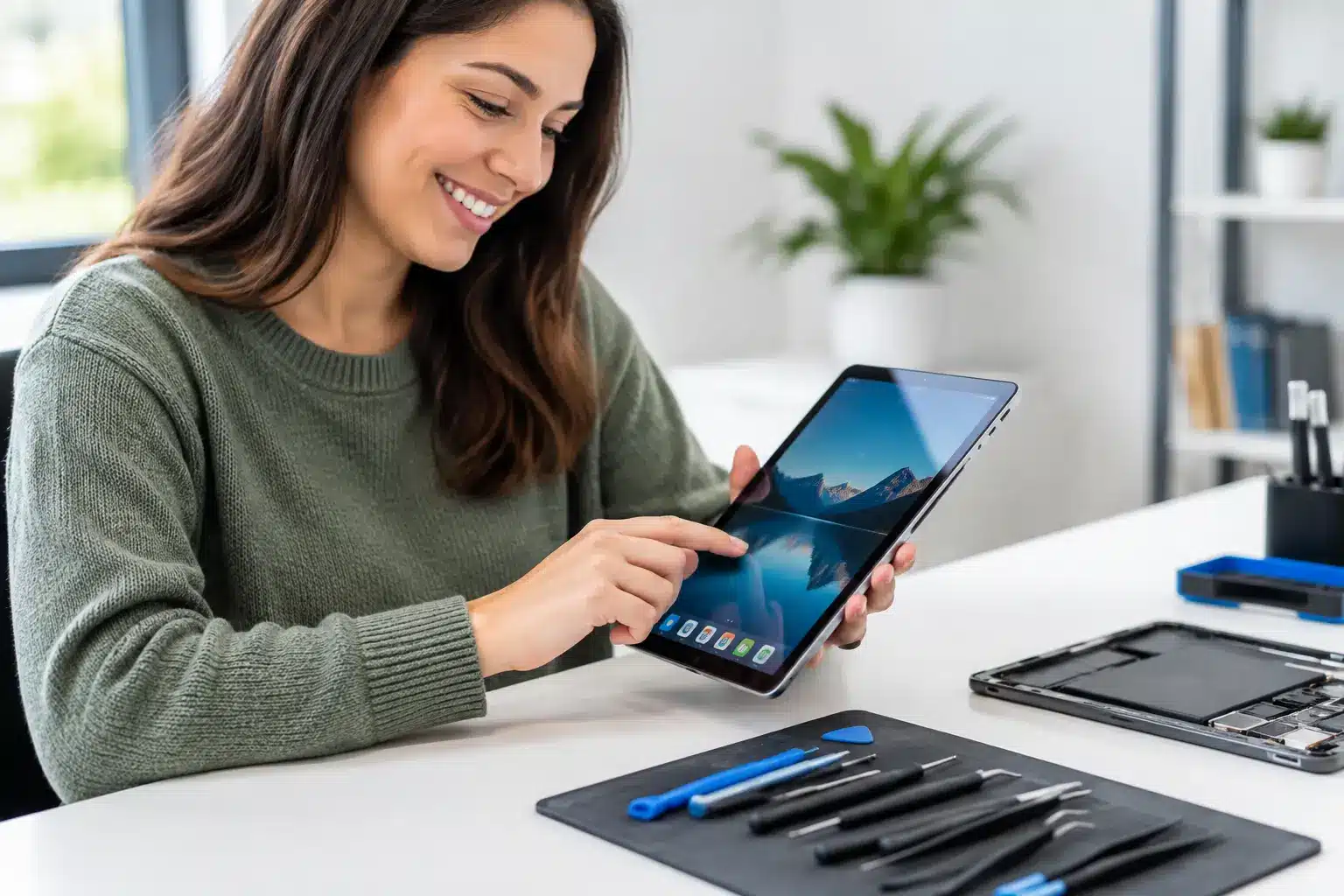
A tablet with a shattered screen, a battery that dies before lunch, or a charging port that only works at a certain angle is more than an inconvenience. It can mean missed school assignments, delayed work, a frustrated child, or a device you paid good money for sitting unused. For tablet repair Middle Georgia customers need, the priority is simple: get a clear answer, a fair price, and a working device without waiting weeks.
Mail-in repair can leave you without your tablet for days. Replacing it can cost far more than a targeted repair. A local repair shop can often diagnose the problem, explain the options, and complete many common tablet repairs the same day.
When Your Tablet Needs Repair Instead of a Restart
Some tablet problems look temporary at first. A frozen app may clear after a restart. A software update may fix an odd performance issue. But physical damage and recurring power problems usually do not improve on their own.
A cracked screen is the obvious example. Even a small crack can spread across the display, collect debris, and make touch controls unreliable. If the glass is broken but the picture and touch response still work, screen replacement may be straightforward. If the display has black spots, colored lines, flickering, or dead touch areas, the repair may require a full screen assembly.
Battery issues are another common reason to seek help. Tablets are often used for years, and batteries lose capacity over time. If yours drains quickly, shuts down at a percentage that should be safe, overheats during normal use, or will not stay powered on, a battery replacement can make a major difference. The right answer depends on the device and the condition of its charging system, but replacing the whole tablet is not always necessary.
Charging problems can be just as disruptive. A loose port, debris in the connector, a damaged cable, or a board-level fault can all make a tablet appear dead. Trying multiple chargers may help narrow down the issue, but forcing a cable into a port can cause more damage. A proper diagnostic identifies whether the problem is the port, battery, charging circuit, or something else.
Tablet Repair Middle Georgia Families Can Use Right Away
Tablets do a lot of work in local households. They are school tools, streaming screens, travel companions, recipe books, video-call devices, and sometimes the only device a child uses for class portals and learning apps. That is why repair speed matters.
For many common repairs, waiting for a manufacturer shipment and then waiting again for return delivery does not make sense. A walk-in or scheduled local repair gives you a chance to ask questions before the work begins and get a realistic turnaround estimate. At Reboot Hub, certified technicians work toward same-day service, with many repairs targeted for 30 minutes or less when the issue and parts availability allow it.
That last part matters. Not every tablet repair is a 30-minute job. An iPad screen replacement may be completed quickly when the correct part is available and there is no hidden damage. Water exposure, bent frames, severe impact damage, and board-level failures can take longer because the technician needs to inspect the device before promising a solution. Honest diagnostics are better than a fast promise that does not match the actual damage.
The Most Common Tablet Problems Worth Fixing
Screen damage, battery wear, and charging issues account for a large share of tablet repairs, but they are not the only reasons to bring one in. A technician can evaluate several failures that make a tablet difficult or impossible to use:
- Broken glass, black displays, flickering screens, or touch controls that no longer respond
- Batteries that drain too fast, swell, overheat, or cause unexpected shutdowns
- Charging ports that feel loose, do not recognize a cable, or charge only intermittently
- Water damage, including tablets that worked briefly after getting wet and then stopped
- Speaker, microphone, button, camera, Wi-Fi, Bluetooth, or signal-related problems
Water damage deserves quick attention. Do not keep charging a wet tablet to see if it comes back on. Electricity and moisture can create corrosion and short circuits inside the device. Turning it off and bringing it in for a diagnostic gives the device its best chance. Rice is not a repair method, and heat can make the damage worse.
For difficult cases, advanced microsoldering may be the difference between a repairable device and one written off too soon. Board-level work is not appropriate for every tablet, but it can be valuable when the issue involves damaged connectors, power circuits, or components that cannot be fixed with a standard part replacement.
Repair or Replace? Make the Cost Decision Clearly
The cheapest option is not always the best value. A low-cost tablet with major board damage may not justify an expensive repair. On the other hand, replacing a newer iPad, Samsung tablet, or high-capacity model over a cracked screen or worn battery can cost several times more than fixing it.
Start with the device’s age, condition, and role in your daily life. If the tablet still runs the apps you need, holds enough storage, and has no major performance limitations, repair is often the practical choice. It also keeps your photos, schoolwork, accounts, settings, and accessories in place.
Replacement may make more sense when a device has multiple expensive issues at once, such as a broken screen, water damage, a bent frame, and a failing battery. A good repair shop should explain that trade-off directly instead of pushing a repair that does not make financial sense.
Before approving service, ask what part is being replaced, what the turnaround time looks like, and what warranty covers the work. A lifetime warranty provides meaningful reassurance on eligible repairs because you should not have to pay twice for the same workmanship issue. Price matters too. A low-price guarantee helps you avoid choosing between quality service and a reasonable bill.
What to Do Before You Bring in a Tablet
If the tablet is still usable, back it up before repair. Save important photos, files, and school documents to your preferred cloud account or computer. If possible, remove accounts or disable device locks only when the repair team asks you to do so. Technicians may need access to test functions after the repair, but you should never share more information than is necessary.
Bring the charger if the problem involves power or charging. It can help identify whether the issue is the tablet, cable, wall adapter, or all three. If the device has been exposed to water, do not charge it, do not attempt to open it, and do not delay because it appears to be working again.
A clear description saves time. Explain whether the tablet was dropped, got wet, stopped charging gradually, or failed suddenly. Those details help a technician focus the diagnostic and give you a more accurate repair recommendation.
Fast Local Repair Means Less Downtime
Whether you are in Warner Robins, Perry, Macon, Centerville, Bonaire, or Byron, a broken tablet should not force you into a long replacement cycle. The best repair experience is straightforward: identify the actual problem, get an upfront recommendation, complete the repair quickly when possible, and stand behind the result.
If your screen is cracked, your battery cannot keep up, or your tablet will not charge, do not keep working around the problem until it gets worse. Get an instant quote or schedule your appointment, then get back to the schoolwork, work tasks, entertainment, and everyday moments your tablet supports.