
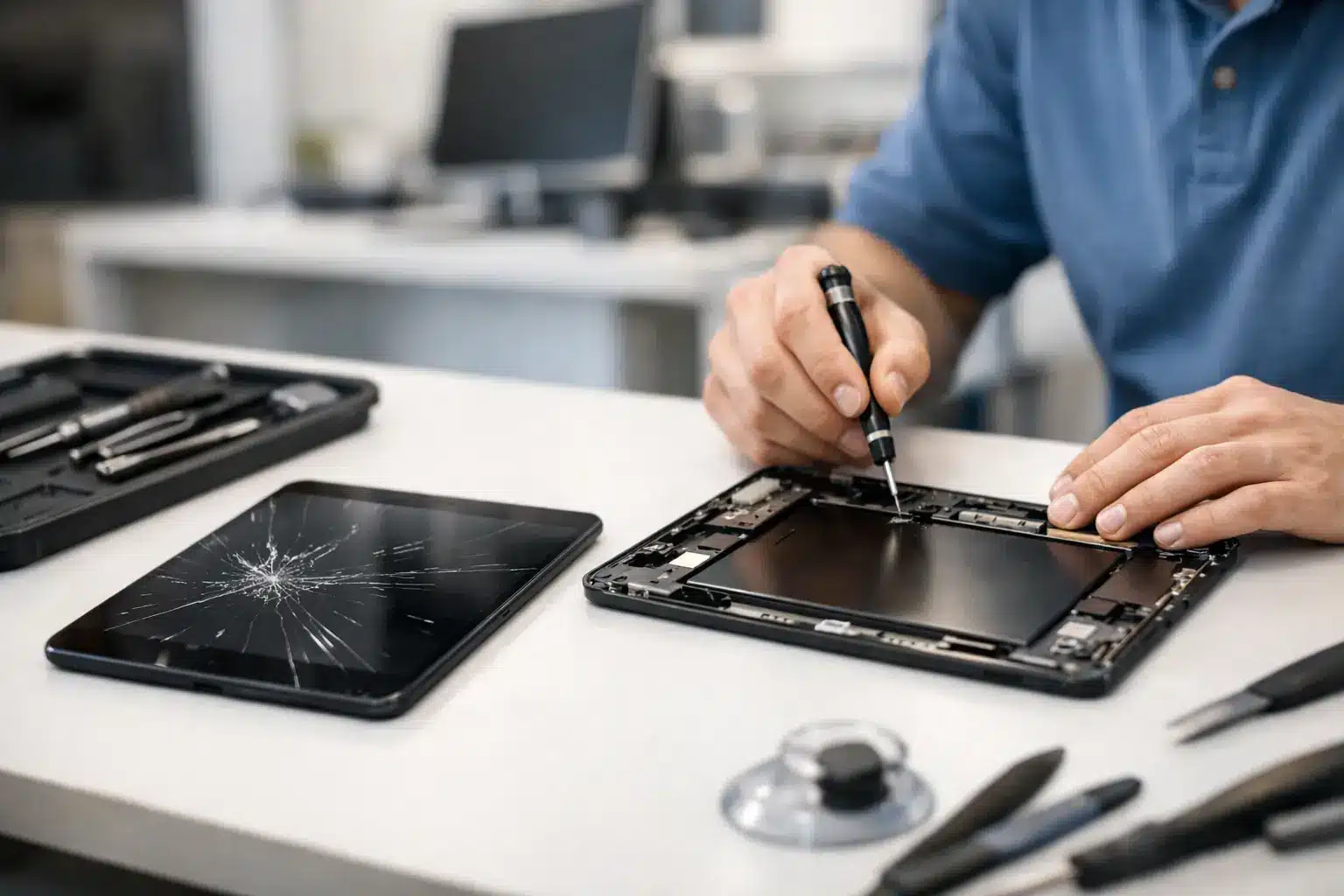
A tablet with a shattered screen is more than an annoying inconvenience. It can stop a student from finishing assignments, leave a parent without the family’s shared device, or put a business app, point-of-sale system, and customer information out of reach. When you need same day tablet repair, Warner Robins customers should not have to mail their device away or wait a week just to learn what is wrong.
Reboot Hub focuses on getting essential devices back in your hands fast. Many common tablet repairs can be completed the same day, often with a 30-minute goal when the repair type and part availability allow it. You get a clear diagnosis, competitive pricing backed by a Low Price Guarantee, and a lifetime warranty on qualifying repairs.
Same-Day Tablet Repair in Warner Robins Starts With the Right Diagnosis
A cracked display may look like a straightforward repair, but the visible damage is not always the whole story. A hard drop can also affect the touch layer, frame, charging port, camera, or internal connectors. Replacing only what is obvious without testing the tablet first can leave you with a device that still has problems after the repair.
A proper same-day repair starts with a quick inspection. Certified technicians check whether the display responds across the full screen, whether the tablet charges correctly, whether cameras and speakers work, and whether the frame is bent. That inspection helps separate a simple screen replacement from a repair that needs additional parts or board-level work.
Speed matters, but guessing is not fast. A correct diagnosis upfront prevents repeat visits and helps you make a fair repair-versus-replacement decision.
The Tablet Problems That Usually Need Fast Help
Most customers come in because the device will not work normally, not because they want a technical explanation. The goal is simple: make the tablet usable again as quickly as possible.
Cracked screens are the most common reason for tablet repair. Even a small crack can spread, cut fingers, collect moisture, or cause touch areas to stop responding. If the display is black, flickering, showing lines, or only responding in certain spots, the screen assembly may need replacement rather than a basic glass repair.
Battery problems are another frequent issue. A tablet that dies quickly, overheats, will not hold a charge, or only works when connected to a charger may have a worn battery. A battery replacement can be far more practical than replacing an otherwise reliable iPad, Samsung tablet, or other Android tablet.
Charging issues can look like battery failure but are not always caused by the battery. Lint in the port, worn charging components, liquid exposure, or damage from a bent cable can all keep a device from charging. Testing the cable, port, battery, and power path matters before approving a repair.
Water damage deserves immediate attention. If a tablet was dropped in a sink, splashed at the pool, or exposed to a spilled drink, turn it off and stop charging it. Power and moisture do not mix. Fast diagnostics can identify corrosion and reduce the chance that a small spill turns into permanent board damage.
What Same-Day Service Actually Depends On
Same-day does not mean every tablet repair is identical. The model, condition, repair needed, and parts availability all affect turnaround time. A common screen or battery repair may be completed quickly. A rare model, an older tablet, a severely bent frame, or water damage that requires microsoldering can take longer.
That is not a reason to settle for vague answers. You should know what the technician found, what repair is recommended, what it costs, and whether a same-day completion is realistic before work begins.
For example, an iPad with a cracked screen but normal touch response may have a different repair path than a tablet with no image, no backlight, and a damaged housing. Likewise, a tablet that will not charge may only need port cleaning, or it may require a charging port repair or board-level diagnosis. The right answer depends on the actual failure, not the symptom alone.
Repairing Your Tablet Is Often the Better Value
Buying a new tablet sounds easy until you add the real costs. There is the price of the replacement device, a case and screen protector, transferring photos and apps, recovering passwords, setting up school or work accounts, and replacing accessories that no longer fit. A fast repair can keep all of that from becoming your problem.
Repair makes particular sense when the tablet is otherwise current enough for what you need. A screen replacement on a newer iPad or Galaxy Tab can extend the device’s life for years. A new battery can make a slow-feeling tablet useful again if battery health is the real issue.
There are times when replacement is the smarter move. If a tablet has extensive liquid damage, multiple failed components, outdated software support, or repair costs close to the value of a comparable replacement, you deserve an honest recommendation. A good local repair shop helps you compare the options instead of pushing a repair that does not make financial sense.
Do Not Let a Small Tablet Problem Become a Bigger One
A cracked screen should be addressed before shards loosen or touch performance gets worse. A weak battery can swell over time, which may lift the screen or damage internal components. Charging a water-damaged tablet can cause a short that makes recovery much harder.
Until you can get the device inspected, use a case to protect a cracked screen, avoid pressing on damaged display areas, and back up important data if the tablet still powers on. If the device is hot, swollen, smells unusual, or has been exposed to liquid, stop using it and bring it in promptly.
Avoid cheap adhesive-only fixes, random online parts, and repair attempts that skip testing. Tablets are thin, tightly assembled devices. A low upfront price is not a bargain if the screen has poor touch response, the seal is compromised, or the repair fails shortly after installation.
A Faster Path Back to School, Work, and Streaming
The best repair experience should not involve a long wait, confusing pricing, or wondering whether the problem will return. Reboot Hub has completed more than 50,000 repairs since 2011, and the process is built around getting local customers answers quickly. Walk in with the tablet, explain what happened, and let a certified technician inspect the device.
If the repair is a good fit for same-day service, you can get your device back without putting your week on hold. Add a case or screen protector before you leave if you want to protect the repair from the next drop. If the tablet is beyond practical repair, ask about selling the damaged device for a premium price and putting that value toward your next device.
Your tablet should not sit broken on a counter while schoolwork, work messages, and family plans keep moving. Bring it in for a clear diagnosis, a fair quote, and the fastest practical repair path forward.