
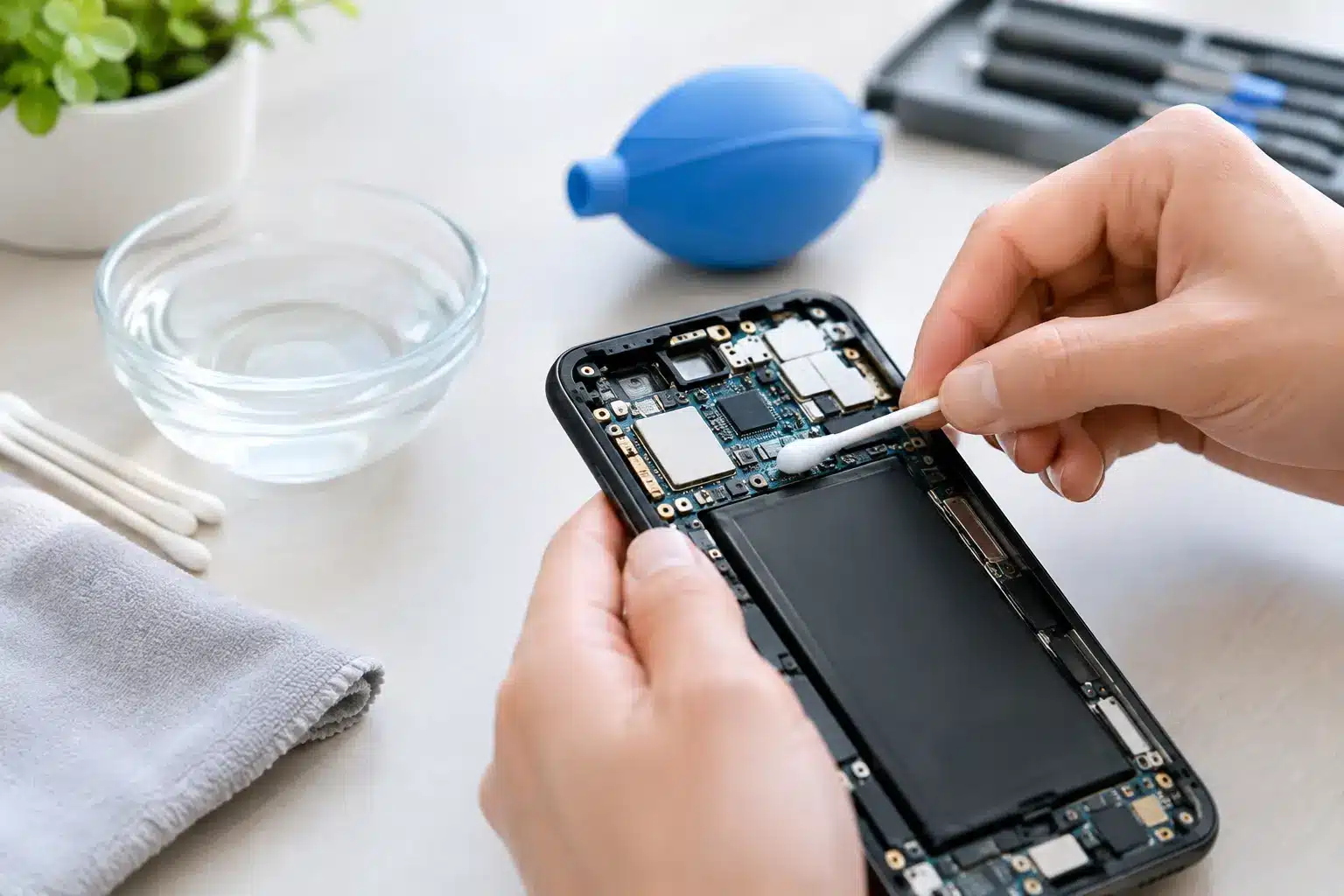
A phone can look dry on the outside and still be failing inside. That is the problem with water damage: moisture reaches charging ports, battery connections, cameras, and the logic board, then corrosion keeps spreading after the spill. If you need to remove phone water corrosion, acting quickly gives your device its best chance – but the wrong DIY fix can turn a repairable phone into a dead one.
What Phone Water Corrosion Actually Does
Water alone is not always the biggest issue. Minerals, salt, sugar, chlorine, soap, and residue left behind by the liquid can conduct electricity and eat away at tiny metal contacts. That green, white, or blue buildup around a charging port or SIM tray is corrosion. It can interrupt power, charging, audio, cameras, touchscreen response, cellular service, and Face ID or fingerprint functions.
A phone dropped in clean water may still work for a while, then begin restarting, losing signal, or refusing to charge days later. A phone exposed to a pool, ocean water, soda, coffee, or a washing machine load is usually more urgent because those liquids leave heavier residue.
Water resistance is not a guarantee, either. Seals wear down over time, especially after drops, screen damage, heat exposure, or a previous repair. Treat any liquid exposure seriously, even if your iPhone or Samsung phone seems fine at first.
First Steps Before You Try to Remove Phone Water Corrosion
Your first job is to stop electrical current from moving through a wet device. Power the phone off immediately. Do not test the speakers, plug in a charger, press buttons repeatedly, or connect it to a computer. Charging a wet phone is one of the fastest ways to damage the charging circuit or board.
Remove the case, SIM card tray, and any removable accessories. Gently blot exterior moisture with a clean, lint-free cloth. Keep the charging port facing downward so trapped liquid can drain out rather than deeper into the phone.
Then leave the device in a dry, ventilated place while you arrange a diagnostic. A fan moving room-temperature air nearby is fine. Direct high heat is not. Hair dryers, ovens, dashboards, and heat guns can warp screens, weaken adhesives, damage batteries, and push moisture farther into the device.
If the phone is hot, swollen, smoking, making crackling sounds, or has a damaged battery, stop handling it. Place it on a nonflammable surface away from anything combustible and seek professional help right away.
Can You Remove Phone Water Corrosion at Home?
You may be able to clean minor residue from an accessible charging port, but board-level corrosion is not a surface-cleaning job. Modern phones are tightly packed, and a single misplaced tool can damage delicate pins, puncture a battery, or tear a cable.
Do not insert paper towels, cotton swabs, toothpicks, metal picks, or compressed air into the charging port. Fibers can catch on the pins, while metal tools can bend or short them. Visible lint and visible corrosion can look similar, but they need different treatment.
If you see light residue only on the outside edge of a port and the phone is fully powered off, a repair technician is still the safer choice. They can inspect the port under magnification, disconnect the battery, clean appropriate areas with professional-grade solutions, and test charging afterward. If corrosion has reached the board, the repair may require ultrasonic cleaning, replacement of a damaged component, or microsoldering.
Opening the phone at home also has trade-offs. It may void remaining manufacturer coverage, compromise water-resistant seals, and make an insurance or trade-in claim harder. The money saved on a DIY kit often disappears if a small mistake damages the display, battery, or logic board.
Skip Rice, Heat, and “Just Let It Dry” Advice
Rice does not remove minerals or corrosion. It cannot pull liquid from under shielded components, and loose dust from the rice can get into ports and speakers. A phone sitting in rice may dry somewhat, but residue remains on the parts that matter most.
Waiting can also be expensive. Corrosion does not always stop once the phone dries. It can continue degrading connections, particularly in humid conditions. That is why a phone that survived a sink drop on Monday can suddenly stop charging on Thursday.
Avoid these common moves:
- Do not charge or wirelessly charge the phone until it has been inspected or is clearly dry and functioning normally.
- Do not use a hair dryer, oven, microwave, space heater, or direct sunlight.
- Do not shake the phone aggressively, which can move liquid into areas that were previously dry.
- Do not spray household cleaners, vinegar, alcohol wipes, or water-displacing products into ports or openings.
The goal is not to make the outside look dry. The goal is to prevent shorts and remove contaminant residue before it damages the internal electronics.
Signs You Need a Water-Damage Diagnostic Now
Some symptoms are obvious, including a phone that will not power on after getting wet. Others are easy to dismiss until the damage gets worse. Bring the device in promptly if it has charging problems, a dim or flickering display, ghost touches, muffled sound, foggy camera lenses, battery drain, overheating, signal loss, or random restarts.
A charging warning is especially worth taking seriously. Many newer phones can detect moisture in the port and block wired charging. Do not keep overriding the warning. The phone is trying to protect itself from a short circuit.
Data concerns raise the urgency even more. If the device still turns on, avoid repeated attempts to use it. A technician may be able to stabilize the phone, recover access, or complete a repair before corrosion reaches storage-related components. There are no guarantees with liquid damage, but fast action improves the odds.
How Professional Corrosion Removal Works
A proper liquid-damage repair starts with a diagnostic, not a promise that every phone can be saved. A technician checks the charging port, indicators, battery, cameras, screen connections, and internal board areas for moisture and corrosion. The device is opened safely, the battery is disconnected, and damaged areas are inspected under magnification.
Cleaning may involve carefully removing residue from connectors and components. If a port, battery, screen, camera, speaker, or flex cable has already failed, replacement may be the practical fix. When corrosion has damaged microscopic board components, advanced microsoldering can sometimes restore the affected circuit.
The right repair depends on where the liquid traveled and what it contained. Clean-water exposure caught quickly may need cleaning and testing. Saltwater or sugary-drink damage may require parts and board-level work. In severe cases, repair is not cost-effective, and recovering data or replacing the device may be the better decision. A trustworthy shop will explain that before work begins.
For fast water-damage diagnostics in Warner Robins and Middle Georgia, Reboot Hub can inspect the device, identify the real issue, and recommend the most practical repair path. Certified technicians handle everything from charging-port damage to advanced board-level repairs, with same-day service available for many issues.
Protect Your Phone After the Repair
After corrosion removal, use a quality case and screen protector to reduce drop damage that can weaken water-resistant seals. Keep the phone away from steamy bathrooms, pool edges, and wet counters when possible. If the charging port gets damp, let it air dry before plugging in a cable.
Back up photos, contacts, messages, and work files once the phone is stable. Liquid damage is unpredictable, even after a successful repair, because previously weakened components can fail later. A backup gives you options instead of panic.
The smartest move after a spill is simple: power the phone off, do not charge it, and get it checked before a small amount of moisture becomes permanent corrosion. A quick diagnostic can be the difference between a straightforward repair and losing the phone you rely on every day.