
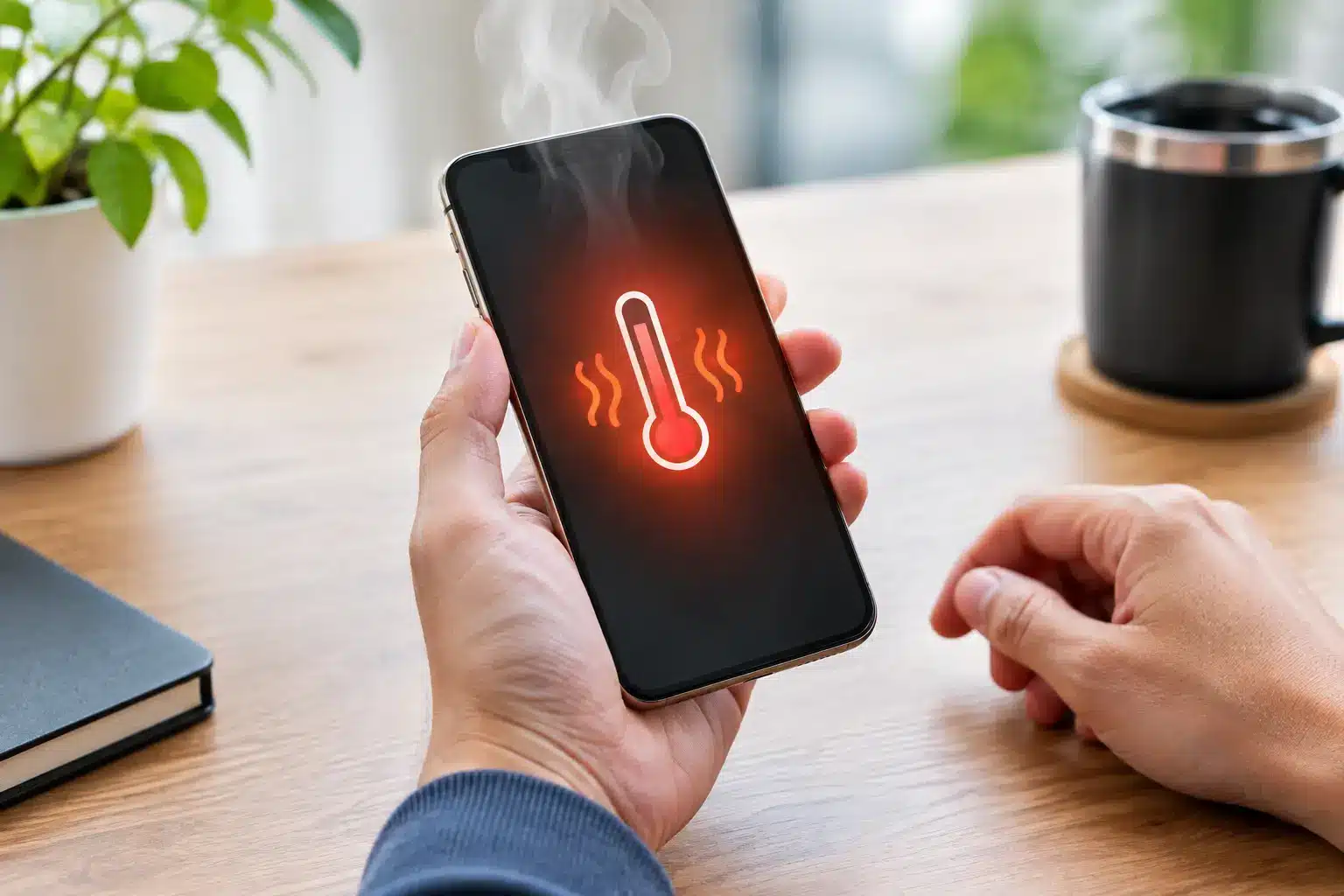
A phone that gets hot while charging, scrolling, gaming, or sitting in your pocket is not just annoying. Heat can drain the battery faster, slow down performance, damage internal parts, and turn a small issue into a costly repair. If you are searching for how to fix phone overheating, start by cooling it down safely instead of forcing it to keep working.
Your phone may show a temperature warning, dim the display, stop charging, close apps, or feel unusually hot near the camera, charging port, or back panel. Those are protective measures. The goal is to find out whether the heat came from normal heavy use, a charger problem, a failing battery, water exposure, or an internal hardware fault.
Cool Your Phone Down the Safe Way
First, stop using the phone. Close your apps, unplug the charger, remove the case, and move it out of direct sunlight or a hot car. Place it on a hard, cool surface in a room with normal airflow. Give it 10 to 20 minutes before trying to use it again.
Do not put an overheated phone in a refrigerator, freezer, or directly in front of an ice pack. Rapid temperature changes can create condensation inside the device. That moisture can damage the battery, charging system, cameras, and board components. A phone that feels hot needs gradual cooling, not a cold shock.
If the phone is hot enough that it is uncomfortable to hold, power it off. If it is bulging, the screen is lifting away from the frame, there is a chemical smell, or it hisses or smokes, stop handling it and keep it away from flammable materials. A swollen battery is a safety issue, not a DIY project.
Why Phones Overheat in the First Place
Some heat is normal. Your phone works harder when it is charging, using GPS navigation, streaming video, recording long videos, making video calls, or running graphics-heavy games. Warmth during these tasks is expected, especially in Georgia heat, where a phone left in a vehicle can reach unsafe temperatures quickly.
Repeated overheating is different. It often points to one of these problems:
- A worn, damaged, or swelling battery
- A low-quality, damaged, or incompatible charging cable or power adapter
- A charging port with debris, corrosion, or physical damage
- A malfunctioning app stuck in the background
- Software bugs after an update or an outdated operating system
- Water damage or corrosion inside the phone
- A board-level issue that needs professional diagnosis
The location of the heat can offer a clue. Heat near the charging port usually suggests a charger, cable, port, or battery issue. Heat around the camera area may relate to processor demand, camera use, or internal board trouble. Heat that happens even while the phone is idle deserves attention quickly.
Check Your Charger and Charging Habits
Charging is one of the most common times a phone overheats. Start by trying a known-good, manufacturer-approved or certified cable and adapter. A frayed cable, loose connector, cheap adapter, or damaged car charger can deliver inconsistent power and create excess heat.
Inspect the charging port with a flashlight. Pocket lint can pack into the bottom of the port and prevent a secure connection. Do not dig inside with metal tools, pins, or anything that can damage the connectors. If the cable wiggles, only charges at a certain angle, or the port becomes hot every time you plug in, the phone may need a charging port repair.
Wireless charging can also run warmer than wired charging, particularly with a thick case, poor alignment, or long charging sessions. Remove the case, align the phone properly, and test a wired charger. If the overheating stops, wireless charging may simply be generating more heat than your device can comfortably manage.
Avoid charging under pillows, on beds, or inside a hot car. Soft surfaces trap heat. It is also smart to avoid gaming, video calling, or running navigation while charging. Fast charging is convenient, but it naturally produces more heat, so give the phone room to cool.
Reduce the Load Causing the Heat
If the phone only gets hot during use, check what is running. Close games, camera apps, navigation, social media apps, and browser tabs you do not need. Restarting the phone can clear an app or process that has gotten stuck and is using too much processing power in the background.
Then update your operating system and installed apps. Software updates often fix battery drain, performance bugs, and app conflicts. If the problem began immediately after installing one particular app, uninstall it for a day or two and see whether the heat returns.
Lowering screen brightness, turning off Bluetooth when you do not need it, and using Wi-Fi instead of weak cellular service can also help. When signal is poor, your phone may work continuously to connect to a tower. That can make it warm while also draining the battery unusually fast.
These adjustments can help with normal workload heat. They will not fix a failing battery or a damaged charging system. If the phone overheats while it is sitting unused, do not assume a settings change will solve it.
When an Overheating Battery Is the Real Problem
Lithium-ion batteries wear down over time. As a battery ages, it can lose capacity, charge unpredictably, drain faster, and generate more heat. Drops, moisture, counterfeit charging accessories, and repeated exposure to extreme heat can speed up that decline.
Watch for a group of symptoms: overheating, rapid battery drain, random shutdowns, charging that stalls, or a battery percentage that jumps unexpectedly. On iPhones, a battery health warning is another useful sign. On Android phones, battery diagnostics may be available through device settings or the manufacturer’s support app.
A swollen battery requires prompt professional service. Do not press the screen back down, puncture the battery, or continue charging the device. Battery replacement is usually far less expensive than replacing a phone after the swelling damages the screen or internal components.
Rule Out Water Damage and Internal Faults
An overheating issue can show up days or weeks after water exposure. Even if the phone still works after being dropped in a sink, caught in the rain, or exposed to humidity, corrosion can begin inside and affect the battery connection, charging circuit, or motherboard.
If your phone got wet, avoid charging it until it has been inspected. Rice is not a reliable repair method, and plugging in a wet phone can make the damage worse. A professional diagnostic can identify corrosion and determine whether the device needs cleaning, a battery replacement, charging port repair, or advanced microsoldering.
Internal faults are more likely when the phone overheats after a hard drop, gets hot with no apps open, or keeps showing a temperature warning after basic troubleshooting. That is the point where continuing to reset, charge, and use the device can create more damage.
How to Fix Phone Overheating When It Keeps Returning
If the heat returns after you remove the case, restart the device, update software, and test a quality charger, get the phone checked. A technician can test battery health, charging behavior, port condition, water damage indicators, and power draw. That is more useful than guessing based on one symptom.
For customers who need phone repair near me in Warner Robins, Reboot Hub can diagnose overheating problems and handle battery, charging port, water-damage, and board-level repairs with a speed-first approach. A fast repair matters because an overheating phone can become unreliable at work, at school, or when you need it most.
A Quick Safety Checklist Before You Bring It In
Back up your phone if it stays on long enough to do so. Bring the charger and cable if the issue mainly happens while charging, since testing the full setup can help pinpoint the problem. If the phone is swollen or extremely hot, power it off and do not charge it again before service.
You do not need to live with a phone that overheats every day. Cool it down safely, eliminate obvious charger and app issues, and get a proper diagnosis if the problem continues. The sooner you address unusual heat, the better your chances of protecting the battery, your data, and the device you rely on.