
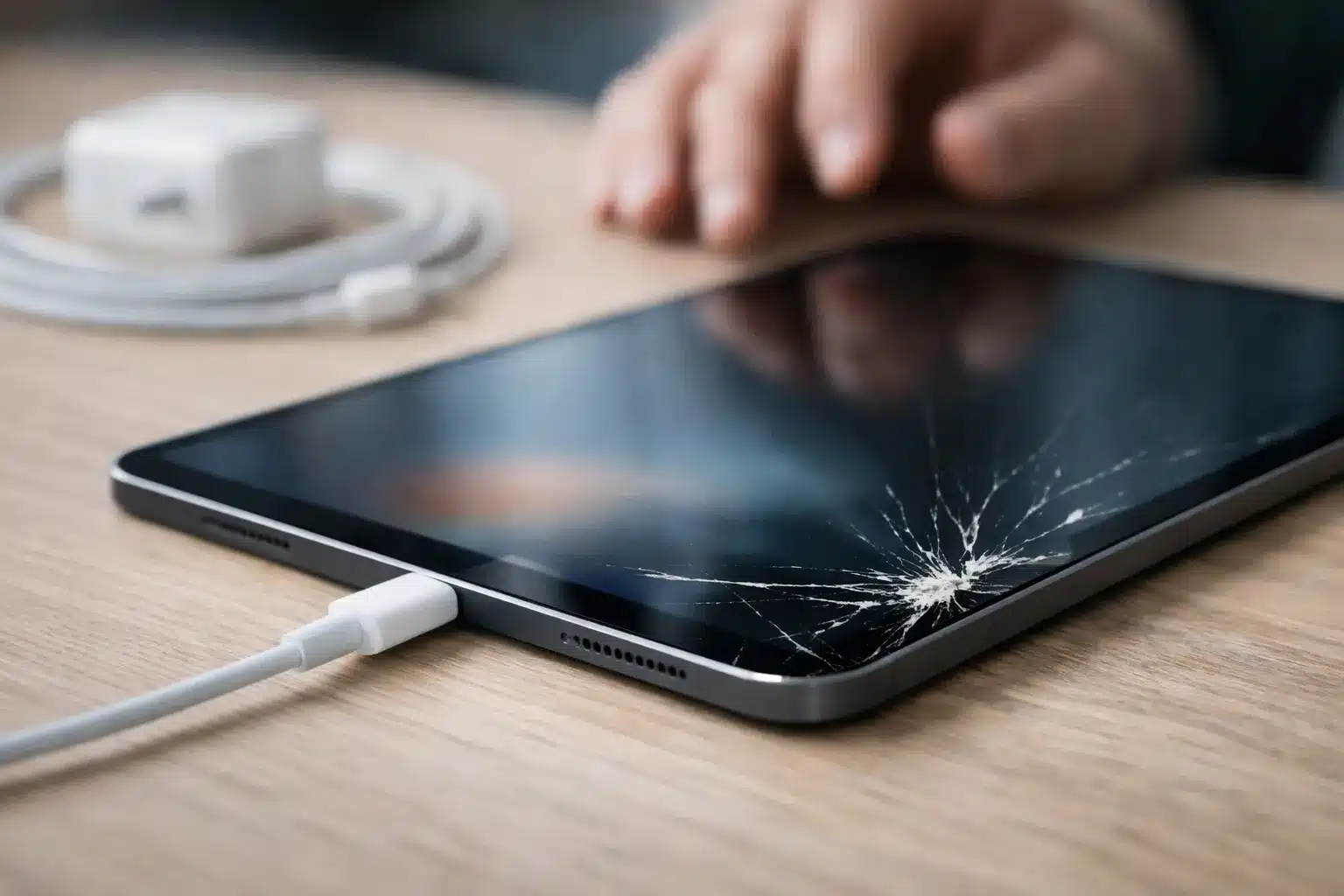
A cracked charging port can turn a fully working iPad into a device that dies at the worst possible time – during homework, a work call, travel, or a long car ride. If you need to fix cracked iPad charging issue problems, do not keep forcing the cable into place or assume a new charger will solve it. A loose, split, bent, or damaged port can worsen quickly, especially when the connector is pushed in at an angle.
The good news is that not every iPad that will not charge needs to be replaced. The right next step depends on where the damage is, whether the port still holds a cable, and whether the charging failure is limited to the port or reaches the battery or charging circuit.
What a Cracked iPad Charging Port Usually Means
On older iPads with a Lightning port, the metal housing and internal contact pins are small and tightly positioned. On newer USB-C iPads, the connector is reversible, but it can still be damaged by drops, pressure, moisture, or repeatedly pulling the cable sideways. A visible crack around the opening may be cosmetic, but a crack inside the port is a different problem.
When the port is damaged, the cable may feel loose, charge only in one position, disconnect when the iPad moves, or fail to charge at all. You may also see a warning that an accessory is unsupported, even when you are using a dependable cable. Those signs point to an unstable physical connection, not a software glitch.
The problem may not be the port alone
An iPad with a cracked frame near the charging port can have more than one issue. The impact that cracked the housing may also have loosened the charging assembly, damaged the battery connection, or affected the board-level charging components. If the iPad gets hot near the port, cycles between charging and not charging, or stays dead after being connected to power, it needs a proper diagnosis.
That is why a charging issue should be checked before anyone promises a simple port replacement. Repairing the visible damage without testing the charging path can leave you with the same problem and an unnecessary bill.
Do Not Force the Cable Into a Cracked Port
It is tempting to wedge the cable at a certain angle because it gives you a few more percent of battery. That temporary workaround is often how minor damage becomes a full charging failure. Each time the plug is forced, it can bend contact pins, loosen solder connections, or crack the port further away from the frame.
Avoid using metal tools, pins, knives, or paper clips to dig inside the port. These can scrape the contacts or create a short. Skip compressed air if there is any chance the iPad was exposed to liquid, too. Pushing moisture deeper into the device is not worth the risk.
If the connector is warm, smells burned, looks discolored, or shows broken metal inside the port, unplug it immediately. Do not leave it charging overnight. Heat is a warning that the connection may be unsafe or that a component is failing.
Safe Checks Before You Repair a Cracked iPad Charging Issue
Before scheduling a repair, there are a few low-risk checks worth making. Start with a known-good wall adapter and cable. Plug it directly into a wall outlet rather than a weak computer USB port, power strip, or vehicle charger. Let the iPad sit connected for 20 to 30 minutes if the battery is completely drained.
Next, look into the port under bright light without inserting anything. Lint can pack into the bottom of a port and prevent the cable from seating fully. If you can clearly see debris and the port itself is not bent or cracked internally, a technician can clean it safely. A professional cleaning is far safer than trying to scrape it out at home.
Then pay attention to what the iPad does. A battery icon with a lightning bolt suggests that power is reaching the device, even if charging is slow. No response at all can mean a damaged port, bad battery, failed charging circuit, or a deeper board issue. If the iPad charges only when you hold the cable, that is strong evidence of physical port damage.
Software updates and restarts can occasionally fix a false charging alert, but they cannot repair cracked metal, broken pins, or a loose connection. Do not lose hours troubleshooting settings when the cable visibly will not sit correctly.
When Port Repair Is the Right Fix
Port repair is usually the answer when the cable will not click into place, the port has visible damage, charging cuts in and out with movement, or debris and corrosion are blocking the contacts. The repair approach depends on the iPad model and the extent of the damage.
Some iPads use charging assemblies that can be replaced as part of a larger component repair. Others require advanced microsoldering because the port is attached directly to the board. Board-level work takes more precision, but it can be the better value when the iPad is otherwise in good shape and has important data, apps, or family content on it.
A cracked exterior frame can complicate the job. If the housing no longer supports the connector properly, replacing only the port may not give the cable a secure fit. In that case, a technician should explain whether the frame, screen assembly, or charging port needs attention first. The lowest upfront price is not always the lowest-cost repair if it does not address the reason the port keeps failing.
Watch for Battery or Board-Level Warning Signs
A damaged charging port and a worn battery can show similar symptoms, but they are not the same repair. If your iPad charges normally once the cable is connected but drains unusually fast, shuts down at 20 or 30 percent, or loses battery overnight, the battery may be part of the problem.
Board-level charging trouble is more likely if the device was dropped hard, exposed to water, or charged with a damaged cable. Signs include no charging response with multiple known-good chargers, rapid overheating, repeated restart loops, or a port that was repaired previously but still will not charge. These cases need testing by a shop equipped to trace the fault instead of guessing with parts.
A certified technician should inspect the port, battery behavior, charging current, and internal connections before recommending a repair. That diagnosis protects you from paying for a part that was never the root cause.
Get Fast iPad Repair Without Replacing Your Device
For many people, an iPad is not optional. It is a school device, a point-of-sale screen, a work tool, or the family entertainment center. Waiting days for mail-in service is frustrating when a cracked charging port is keeping it on the couch next to an outlet.
Reboot Hub provides iPad repair in Warner Robins for charging failures, cracked screens, battery issues, and advanced board-level problems. Our technicians diagnose the actual cause, explain the repair clearly, and focus on getting your device back in service fast. Many common repairs can be completed same day, often with a 30-minute goal when the model and damage allow it.
Bring the iPad in with the charger that has been giving you trouble. That helps confirm whether the issue is the cable, adapter, port, battery, or internal charging circuit. You will get a straightforward recommendation, competitive pricing backed by a Low Price Guarantee, and repair coverage supported by a lifetime warranty.
A cracked charging port does not have to become a dead iPad. Stop forcing the cable, protect the device from further damage, and get it checked before a small connection problem turns into a more expensive repair.