
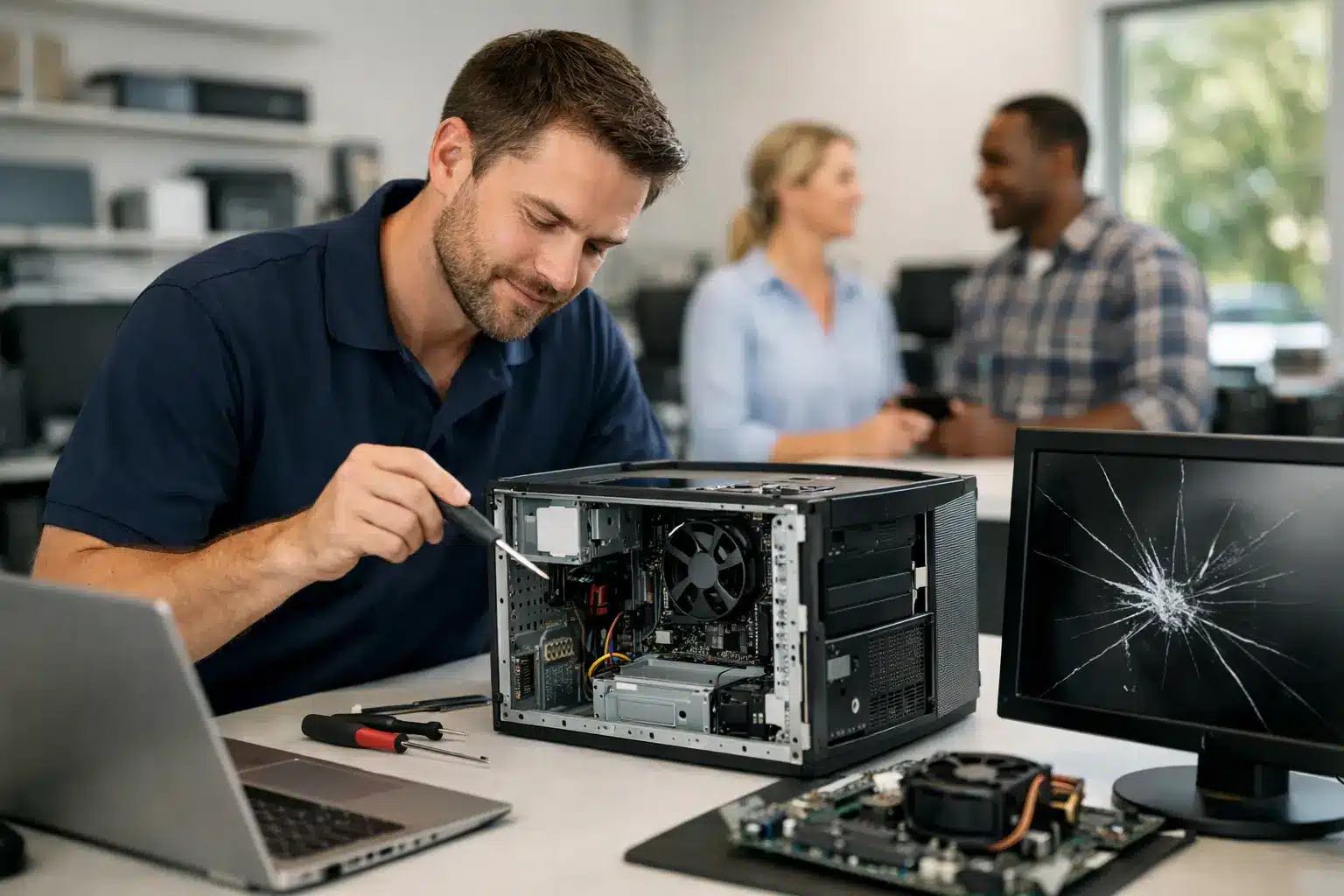
A slow laptop before a deadline, a desktop that will not start, or a cracked computer screen can bring an ordinary day to a stop fast. For computer repair middle georgia customers need when work, school, or family life cannot wait, the right fix starts with a real diagnosis and a shop that respects your time.
Replacing a computer is not always the answer. Many problems that feel terminal – a dead battery, failed charging port, overheating, a damaged screen, a stubborn software issue, or a failing drive – can be repaired for far less than the cost of a new device. The key is knowing what failed, what the repair will cost, and whether the result makes sense for the way you use your computer.
Computer Repair in Middle Georgia Should Start With Answers
You should not have to guess whether your computer is worth fixing. A qualified technician should inspect the device, explain the issue in plain language, and give you a clear repair path before the work begins. If a repair is not cost-effective, you deserve to hear that too.
That matters because similar symptoms can have very different causes. A laptop that will not power on could have a worn-out battery, a bad charger, a damaged DC jack, a charging circuit failure, or liquid damage on the board. A computer that freezes may need a software cleanup, more memory, a new storage drive, or deeper board-level work. The symptom is only the starting point.
For customers around Warner Robins, Perry, Macon, Centerville, Bonaire, and Byron, local service can remove the uncertainty of shipping a device away and waiting days for an update. Bring in the computer, get it assessed, and make an informed decision without putting your week on hold.
The Computer Problems That Deserve Fast Attention
Some computer issues are inconvenient. Others put your files, work, and device at greater risk every hour they are left alone. If your laptop is overheating, repeatedly shutting down, showing a swollen battery, or making unusual clicking sounds from the drive, stop using it and get it checked. Continuing to push a failing device can turn a manageable repair into data loss or more extensive damage.
A cracked display is another issue that tends to worsen. Small fractures can spread, touch functions may become unreliable, and exposed areas can allow debris or moisture inside. Screen replacement is often more practical than replacing an otherwise dependable laptop, especially when the device still has enough speed and storage for your needs.
Battery problems are equally common. If your laptop only works while plugged in, drops from 40 percent to zero, gets unusually hot, or has a lifting trackpad or separating case, it may need immediate battery service. A swollen battery is not a wait-and-see problem. It should be handled by a technician instead of being punctured, forced back into place, or tossed in household trash.
Then there are the problems people call “slow.” A slow computer is not one diagnosis. It can come from limited storage, a worn mechanical hard drive, too many startup programs, malware, overheating, failing memory, or an operating system issue. A proper repair shop looks for the actual bottleneck rather than selling a generic fix that does not solve the problem.
When Repair Makes More Sense Than Replacement
The right choice depends on the computer’s age, condition, and purpose. A laptop used for email, homework, browsing, and office work may get years of additional life from a battery, screen, charging-port repair, or storage upgrade. Replacing an older hard drive with a solid-state drive can make a compatible machine feel dramatically faster during startup and everyday use.
Repair is especially worth considering when the device contains files you need, specialized software, a familiar setup, or hardware that still meets your needs. A business laptop with customer information, accounting files, or project data is not something you want to replace casually without a recovery plan.
There are trade-offs. A very old computer with multiple major failures may not justify a large repair bill, particularly if it cannot run the software you need. Water-damaged systems can also be unpredictable, depending on what was exposed and how quickly power was disconnected. An honest diagnosis should separate the repairs that are likely to provide reliable value from the ones that only delay replacement.
Do Not Treat Water Damage Like a Simple Drying Problem
Spilled coffee, rain, humidity, and a dropped drink can damage a computer long after the outside looks dry. Liquid leaves behind residue that can corrode connectors and components, creating problems days or weeks later. Turning the device back on to “see if it works” can send power through affected areas and make the damage worse.
If liquid reaches your laptop or desktop, shut it down, disconnect the charger, and avoid using a hair dryer or placing it in rice. Rice does not remove residue from a board or repair corroded connections. Get the device diagnosed as quickly as possible, especially if there are important files involved. Fast action gives data recovery and board-level repair a better chance.
Advanced microsoldering may be appropriate when damage reaches charging circuits, connectors, HDMI ports, or other board-level components. That is a different level of repair than swapping a part. It requires the right equipment, experience, and a technician who can identify the damaged component rather than replacing an entire device unnecessarily.
What to Expect From a Computer Repair Shop
Speed matters, but speed without quality creates repeat problems. Look for a shop that can explain turnaround expectations based on the repair, not make vague promises. Some issues can be resolved the same day when parts are available. More complex diagnostics, liquid damage, data concerns, or board-level repairs may require additional time. The point is clear communication from the start.
Price should be just as straightforward. Ask what the quoted repair includes, whether there is a diagnostic fee, and what happens if the technician finds additional damage. A fair shop will explain the options before moving ahead. You should never feel pressured to approve a repair that does not make financial sense.
Warranty coverage is another practical test. A repair shop should stand behind its work, particularly for common hardware repairs. Reboot Hub backs eligible repairs with a lifetime warranty and pairs that confidence with competitive pricing and a low-price guarantee. That means customers can focus on getting their computer working again instead of worrying about a rushed, short-term fix.
Protect Your Data Before a Computer Fails
Most people think about backups after the computer starts clicking, freezing, or refusing to boot. By then, the options may be narrower. If your device still turns on, save essential files to a secure backup location before bringing it in whenever possible. This includes school assignments, family photos, tax documents, work files, saved passwords, and any folders stored only on the computer.
If the computer will not start, do not repeatedly restart it or install random repair software from another device. Repeated attempts can stress a failing drive, and DIY software fixes can overwrite recoverable information. Tell the technician that your files are a priority before any repair begins.
For small businesses, one damaged computer can affect payroll, scheduling, customer communication, and daily operations. Keeping a current backup and having a local repair partner makes downtime easier to manage. The fastest repair is helpful, but preserving the information that keeps your operation moving is often the bigger win.
Get the Repair That Fits the Problem
A computer is not just a piece of hardware when your job, classwork, photos, or business depends on it. Whether you need a laptop screen replacement, a battery fix, charging repair, liquid-damage diagnostic, performance help, or board-level service, start with a direct assessment and a price you can understand.
Do not let a small issue become a lost week of work or a preventable data problem. Schedule your appointment or stop in for a diagnosis, and get a clear answer on the fastest, fairest way to get your computer back in service.