
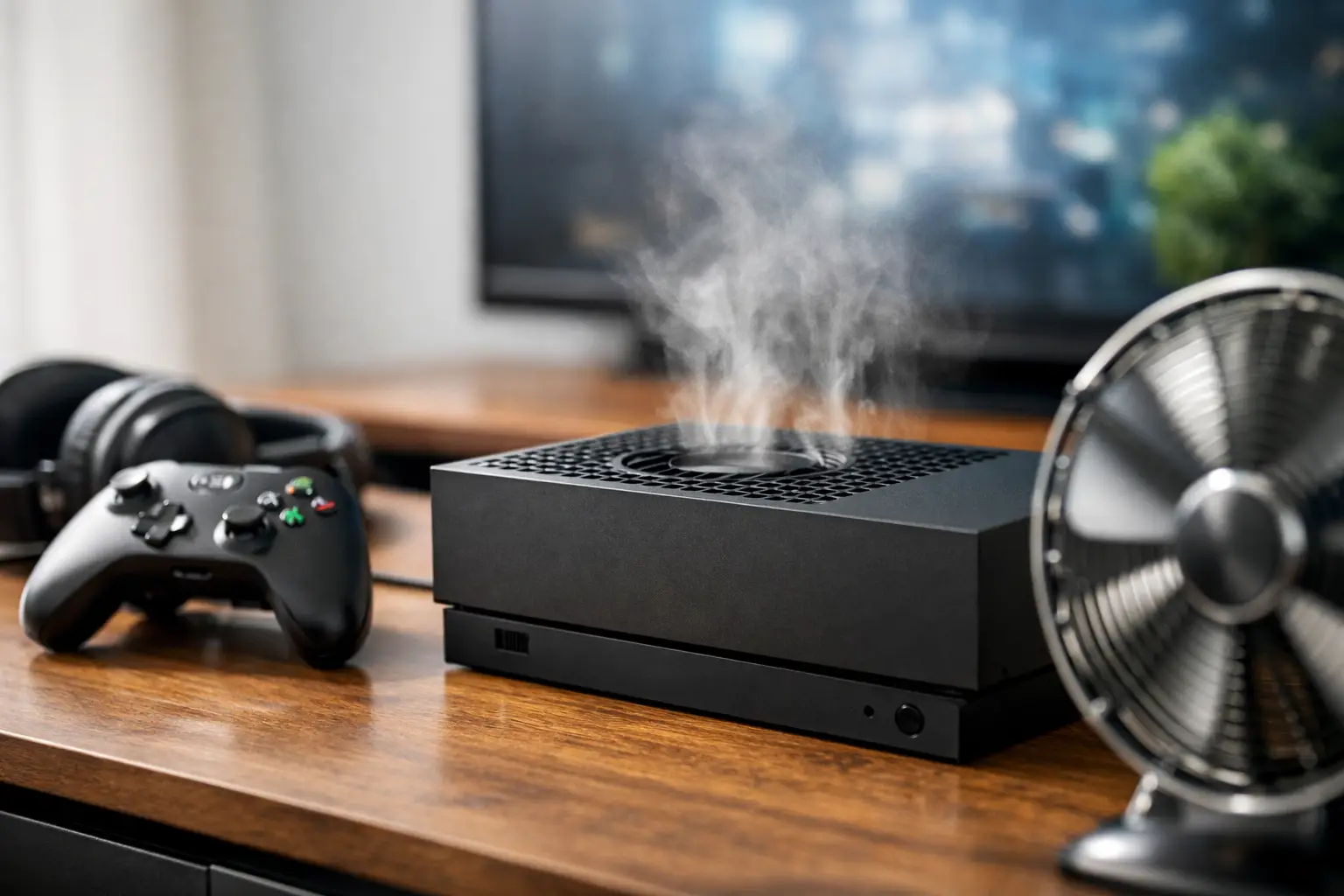
That sudden jet-engine sound during a match is more than annoying. If you are asking, “why is my Xbox so loud,” the console is usually working harder than it should to move heat away from its internal components. Sometimes the fix is as simple as changing where it sits. Other times, a loud fan is the first warning that dust buildup, failing hardware, or overheating could turn into a shutdown.
Why Is My Xbox So Loud During Games?
Your Xbox fan changes speed based on temperature. A quiet console can become noticeably louder during demanding games because the processor and graphics hardware are producing more heat. That is normal to a point, especially with newer games, long play sessions, or a warm room.
What is not normal is a fan that stays extremely loud on the home screen, ramps up immediately after startup, makes grinding or rattling sounds, or causes the console to feel unusually hot. Those symptoms deserve attention before a simple cooling issue becomes a more expensive Xbox repair.
The exact cause also depends on the console. Older Xbox One models tend to collect years of dust and may have tired cooling components. An Xbox Series X or Series S has more efficient hardware, but blocked vents, a faulty fan, or a thermal issue can still make it run loudly.
The Most Common Causes of a Loud Xbox
Dust blocking the vents and heatsink
Dust is the most common reason an Xbox gets louder over time. Air moves through the console to carry heat away. When dust, pet hair, and lint clog the intake vents, exhaust vents, fan blades, or internal heatsink, the fan has to spin faster to do the same job.
You may notice the problem after moving your Xbox, using it in a room with pets, or placing it near carpet. A little dust visible around the vents can mean there is much more inside. External cleaning helps airflow, but severe buildup often needs a proper internal cleaning by a technician.
Poor airflow around the console
An Xbox needs breathing room. Putting it inside a tight entertainment center, against a wall, on a thick rug, or beside a heat-producing receiver traps warm air around the system. The console then recycles its own hot exhaust and raises fan speed to compensate.
Keep the vents uncovered and leave several inches of open space around the unit. Do not stack devices on top of the console. For Xbox Series X owners, make sure the large top exhaust is not blocked by a shelf or accessories.
A demanding game or long gaming session
Some fan noise is expected when you are playing a graphically intensive title for hours. High-resolution textures, busy online matches, and long sessions put more load on the hardware than streaming a show or sitting at the dashboard.
The trade-off is simple: a fan that becomes moderately louder only while the game is working hard is generally doing its job. A fan that sounds strained, stays loud after you quit the game, or comes with overheating warnings is not something to ignore.
Warm room temperatures
Your Xbox cannot cool itself below the temperature of the air it pulls in. On a hot Georgia afternoon, a console in an unairconditioned room or near a sunny window can run louder than usual. The same can happen if the room is crowded, the HVAC is struggling, or the console sits beside another warm device.
Move it to a cooler, open area and let it cool down before playing again. If the noise improves quickly, room temperature and placement may be the main issue.
A worn or damaged cooling fan
A loud whooshing sound points toward airflow. A rattling, clicking, buzzing, scraping, or grinding sound is different. Those noises can indicate a fan with worn bearings, loose blades, or an obstruction. A damaged fan may still spin, but it cannot move air efficiently or reliably.
Do not keep gaming through a grinding fan. If it stops completely, the console can overheat quickly. Fan replacement is a targeted repair and is usually far less costly than dealing with heat damage on the motherboard.
Thermal paste or internal cooling failure
Thermal paste transfers heat from the processor to the heatsink. Over time, it can dry out and become less effective. Other internal cooling parts can also loosen or wear down. When heat is not transferring properly, the fan goes into overdrive even if the vents look clean.
This is not a good DIY job for most owners. Modern Xbox consoles are tightly built, and incorrect disassembly can damage cables, connectors, shielding, or the board itself. If your console is loud and overheating despite good airflow, a professional diagnostic is the safer move.
What You Can Safely Do Before Booking Xbox Repair
Start by fully powering down the console, unplugging it, and allowing it to cool for at least 30 minutes. Then check the intake and exhaust vents for visible dust. Use a soft brush or a vacuum held near the vents to lift loose debris. Avoid pushing a vacuum nozzle into the vent openings, and do not use compressed air in a way that drives dust deeper into the system.
Next, move the Xbox into an open location on a hard, level surface. Remove any items blocking the vents and test it with a game that normally makes it noisy. If the sound drops after improving its placement, keep that airflow setup permanently.
Also check for warning signs. Random shutdowns, a hot plastic smell, screen glitches, an “insufficient ventilation” message, or a fan that rattles are reasons to stop using the console until it is inspected. Restarting repeatedly will not fix an overheating problem.
Avoid internet shortcuts such as opening the console without the right tools, spraying liquids into vents, or installing cheap external cooling attachments. Many add-ons restrict airflow, add noise of their own, or fail to address the real problem inside the console.
When a Loud Xbox Needs Professional Help
A loud fan does not always mean your Xbox is about to fail. But it does mean the cooling system is under more pressure than usual. The sooner you address ongoing noise, the better your chance of avoiding sudden shutdowns, lost game time, and heat-related board damage.
Bring the console in for diagnosis if cleaning the exterior and improving ventilation do not help, if it makes mechanical noises, or if it shuts off during games. A qualified repair technician can inspect the fan, remove internal dust safely, test cooling performance, and identify whether the issue is the fan, thermal material, or a board-level fault.
For gamers in Warner Robins and Middle Georgia, Reboot Hub can diagnose Xbox cooling and fan issues with the same focus we bring to every console repair: clear answers, fair pricing, and fast service whenever the repair allows. You should know what is wrong before paying for a fix.
Can a Loud Xbox Damage the Console?
The noise itself does not cause damage. It is the heat behind the noise that can. Xbox systems are designed to protect themselves by increasing fan speed and shutting down if temperatures become unsafe. Those safeguards are helpful, but repeated overheating can put long-term stress on internal components.
Think of the fan as your console asking for help. A temporary increase during a demanding game is normal. Constant roar, strange mechanical sounds, or overheating alerts are the point where waiting becomes a bad bargain.
Give your Xbox open airflow, keep its vents clean, and pay attention when the sound changes. Getting a noisy console checked early is usually the fastest way back to quiet gaming and a system you can trust through the next long session.