
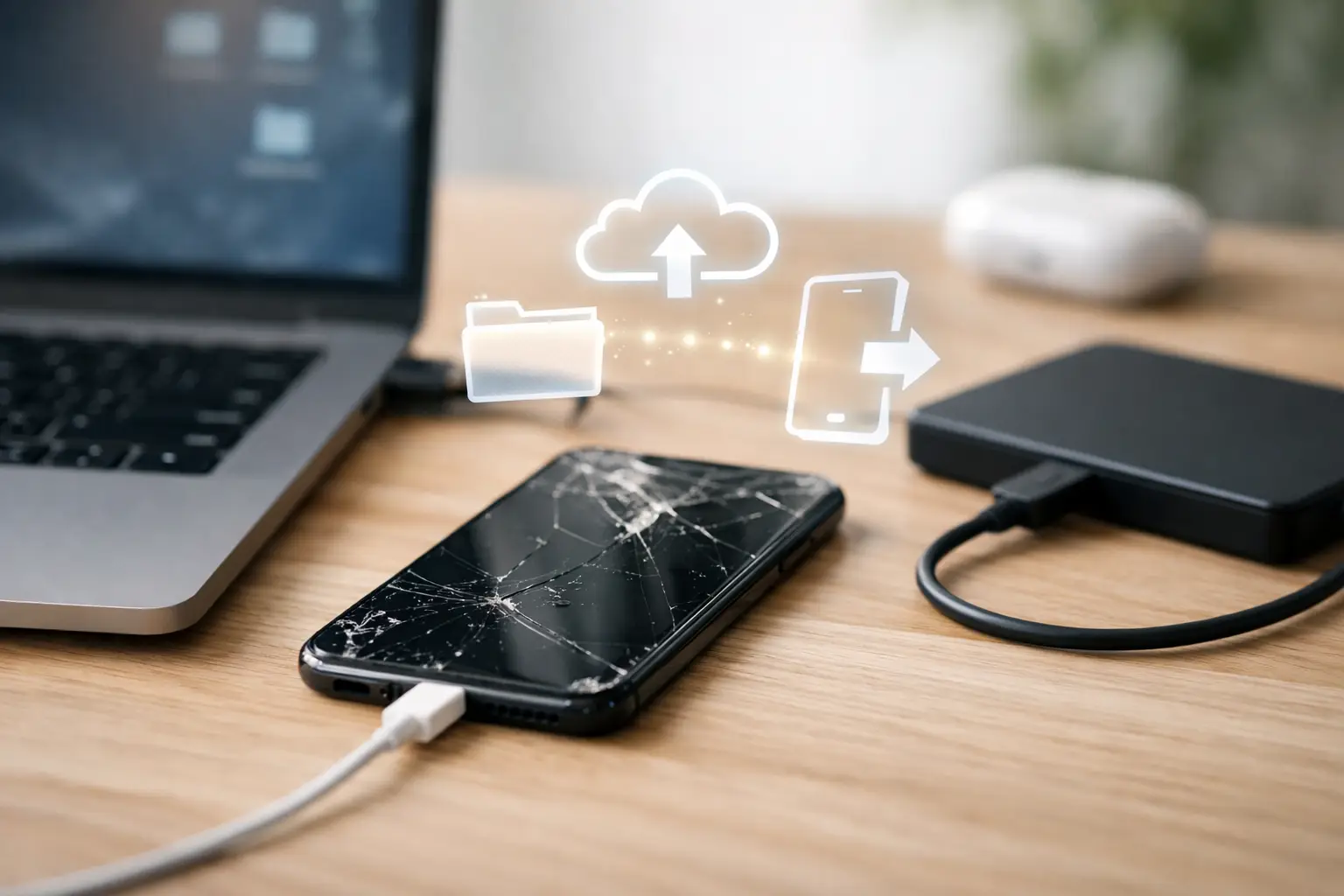
Your iPhone screen is black, the touch isn’t responding, or the phone won’t power on at all – and suddenly the real problem isn’t the hardware. It’s the photos, messages, notes, contacts, and work files trapped inside. If you need to restore data from broken iPhone, the right move depends on one thing first: whether the phone is still functional enough to communicate with a computer, backup service, or technician.
This is where people lose time. They assume a broken phone means the data is gone, or they keep trying random charging cables and force restarts until a small problem turns into a bigger one. In many cases, your data is still there. The key is choosing the safest recovery path before the phone gets worse.
What actually determines whether data can be recovered
A broken iPhone is not one category. A cracked screen is one situation. A dead motherboard, severe water damage, or a phone stuck in a boot loop is something else entirely.
If the phone still turns on, vibrates, makes sounds, or connects to a computer, your odds are usually much better. Even if the display is unreadable, the device may still be working in the background. That often means there is still a path to backup or transfer your data.
If the phone does not power on at all, recovery becomes more dependent on the type of damage. Battery failure, charge port issues, or screen failure can make a phone appear dead when the storage is actually fine. But if the logic board is badly damaged, the process may require board-level repair just to get the device stable enough to access the data.
That distinction matters because data recovery is often really temporary repair. The goal is not always to make the phone good as new. Sometimes the goal is simply to get it powered on one more time, long enough to create a backup.
The fastest way to restore data from broken iPhone
Start with the least invasive option. If your iPhone has been backing up to iCloud, restoring your data may be straightforward. Sign into your Apple account on a replacement iPhone and check whether your photos, contacts, notes, messages, and app data are already available to restore. For many people, this is the cleanest fix because it does not require the broken phone to function at all.
If you used a Mac or PC to back up the device, check for a local encrypted backup. This can be especially valuable because local backups often include more complete app and account data than people expect. If a backup exists, you may be able to restore almost everything to another iPhone without needing the damaged one.
The problem is that many customers are not fully backed up. Maybe iCloud storage was full. Maybe the phone hadn’t connected to a computer in months. Maybe the screen broke before they could trust the device on a laptop. That is where physical repair and data recovery start to overlap.
If the screen is broken but the phone still works
This is one of the best-case scenarios. A shattered display, dead touch layer, or black screen does not automatically mean lost data. In fact, screen replacement is often the fastest path to recovery.
If the phone powers on but you can’t enter the passcode, approve trust prompts, or navigate settings, replacing the screen may give you temporary access to everything inside. Once the display works again, you can back up to iCloud, back up to a computer, or transfer directly to a new iPhone.
This is why speed matters. Waiting too long after a screen breaks can complicate recovery, especially if the phone also took impact to the frame, battery, or board. A quick diagnostic from a repair shop can tell you whether the problem is only the screen or whether there is deeper damage hiding underneath.
If the iPhone has water damage
Water damage is where people make the biggest mistakes. They keep trying to charge it, keep forcing it on, or leave it sitting for days hoping it will dry out on its own. That can turn a recoverable phone into a corroded board with permanent data loss.
If your goal is to restore data from broken iPhone after liquid exposure, stop charging it and stop testing it repeatedly. Water damage recovery is time-sensitive because corrosion keeps working after the initial spill. Sometimes the phone needs cleaning, parts replacement, or microsoldering before it can safely power on.
This is also a situation where DIY advice often falls short. Rice does not fix corrosion. A fan does not clean contaminated circuits. What matters is whether the board can be stabilized long enough to access the storage. Sometimes that means a short-term repair focused only on data recovery, not full device restoration.
If the phone is stuck on the Apple logo or keeps restarting
Boot loops are tricky because the phone is technically alive, but not usable. This can happen after failed updates, storage issues, battery problems, or board damage. In some cases, software tools can help. In others, updating or restoring the phone risks erasing the very data you are trying to save.
That is the trade-off. A software restore may make the phone functional again, but it may also wipe local data if no backup exists. Before you try anything that resets the device, find out whether there is already an iCloud or computer backup available. If not, a repair-first approach is usually safer.
A technician may be able to identify whether the issue is battery-related, connector-related, or board-level. If the device can be brought to a stable boot state without wiping it, you have a much better chance of recovering the data intact.
When a repair shop can help more than software can
A lot of online recovery advice assumes the iPhone can still be seen by a computer. Real-world damage is often messier than that. Phones get run over, dropped in pools, crushed in car doors, or charged with damaged ports until they stop responding.
That is where an experienced repair shop earns its value. If the battery is dead, the screen is gone, the charge port is failing, or the board has damage, software alone will not solve it. You may need a technician to replace parts, test power flow, or perform microsoldering to get the phone communicating again.
A good shop will also be honest about the odds. Not every device is recoverable. Severe board damage, failed storage, or heavy corrosion can limit what is possible. But many phones that look completely dead are not true data-loss cases. They are repair-access cases.
For customers around Warner Robins and Middle Georgia, that local option matters because speed matters. Mail-in recovery can take days or weeks. If the goal is to get business contacts, family photos, or two-factor authentication access back fast, same-day diagnostics can save a lot of stress.
What to do before you hand over the phone
Keep the phone as-is as much as possible. Do not factory reset it. Do not keep plugging it in with different chargers if it is heating up or acting erratically. Do not attempt software restores unless you are sure a backup exists.
If you know your Apple ID and passcode, have them ready. That can make recovery much faster because many backup and trust actions require authentication. If the screen is unreadable but the phone still connects, those details may be the difference between partial access and a full backup.
It also helps to be clear about your real priority. Do you want the phone repaired for daily use, or do you only care about getting the data off? Those are not always the same service path. A customer-first shop will tell you the most cost-effective route instead of pushing a full repair when a temporary fix is all you need.
How to protect yourself next time
The hard truth is that successful recovery often comes down to preparation done before the accident. Automatic iCloud backups, enough available storage, and occasional computer backups make a huge difference. So does replacing a failing battery or cracked screen before the phone takes a second hit.
If your phone is already showing signs of trouble – random shutdowns, charging issues, overheating, or display damage – take that seriously. Data loss usually does not happen in one dramatic moment. It often happens after weeks of warning signs that were easy to put off.
And if your iPhone is already broken, don’t assume the data is gone just because the phone looks bad. A fast diagnosis can tell you whether the issue is a simple screen, a power problem, or something deeper. The sooner you know which one you’re dealing with, the better your chances of getting your photos, contacts, and files back without making the damage worse.
If the data matters, treat the phone like evidence, not scrap.