
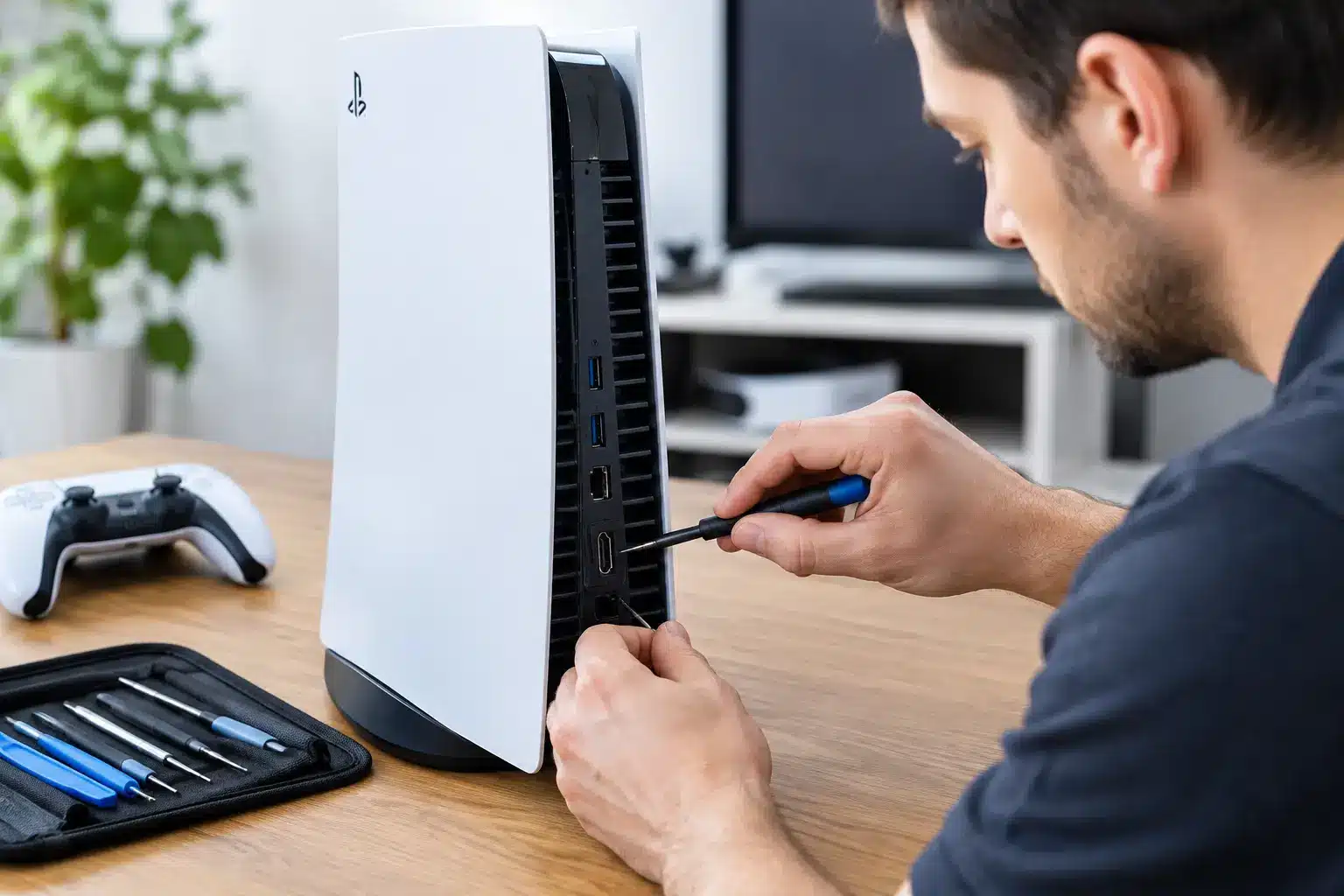
A PS5 can power on perfectly, light up blue or white, and still leave you staring at a blank TV screen. If your console was bumped, dropped, moved between rooms, or the HDMI cable took a hard pull, you may need PS5 HDMI port repair Macon gamers can get without mailing their console away and waiting weeks for an answer.
The HDMI port is small, but it is the connection between your PS5 and every game, stream, and movie on your screen. When it fails, switching cables or restarting the console may not solve the problem. A proper diagnosis and board-level repair can get you back to gaming without replacing an otherwise good console.
Signs Your PS5 HDMI Port Is Damaged
The most obvious sign is no picture at all. Your PS5 may turn on, make startup sounds, and respond to the controller, but your TV says “No Signal.” That does not automatically mean the port is the problem, but it is one of the most common causes after physical damage.
Look closely at the HDMI port on the back of the console. A damaged port can have bent or missing pins, a loose fit when the cable is plugged in, or an opening that looks pushed inward. Sometimes the cable only works when held at a certain angle. That is not a reliable workaround. Continued pressure can tear the port further or damage the connection points on the motherboard.
You may also see a flickering picture, random black screens, distorted colors, sparkles across the display, or a picture that cuts out whenever the console is moved. These symptoms can come from a failing HDMI cable, a TV input issue, or a console-side HDMI problem. The right repair starts by separating those possibilities before work begins.
Try the Simple Checks First
Before bringing in your PS5, test a known-good HDMI cable and a different HDMI input on the TV. If possible, test the console on another TV or monitor. Make sure the cable is fully seated without forcing it. A damaged port should never be forced into place.
If the issue follows the PS5 to another display and another cable does not help, it is time for a professional diagnosis. Avoid taking the console apart or attempting to bend pins back into position. HDMI port replacement requires microsoldering equipment, controlled heat, and a technician who can inspect the board under magnification.
What PS5 HDMI Port Repair in Macon Actually Involves
An HDMI repair is not simply swapping a plug. The port is soldered directly to the PS5 motherboard with multiple pins and anchor points. Those connections carry high-speed video data, so precision matters. A port that is installed poorly may produce no image, intermittent video, or additional board damage.
A certified technician first inspects the port and tests the console to confirm the fault. If the port is damaged, the old part is removed using specialized tools. The board pads are cleaned, the replacement port is aligned carefully, and each connection is soldered and inspected. The console is then tested with a display to make sure it outputs a stable image.
There is a trade-off worth understanding. If the damage is limited to the HDMI port, repair is usually straightforward for an experienced console technician. If the port was ripped away hard enough to damage board traces, filters, or HDMI-related chips, the repair can require additional board-level work. That is why an honest diagnosis matters more than a quick guess based on a blank screen.
Why a Local Repair Beats a Replacement
A new PS5 is expensive, and replacing it can also mean reinstalling games, restoring settings, and signing back into accounts. In many cases, a damaged HDMI port does not mean the console itself is done. The processor, storage, controller pairing, and game library may all be fine.
Local repair also saves you from packing a heavy console, shipping it, and hoping it returns quickly. For gamers in Macon and Middle Georgia, an in-person repair option means you can speak with a technician, get a clear assessment, and know what is happening with your console.
Speed still depends on the damage and parts availability. Simple repairs may qualify for same-day service, while more involved board damage can take longer. A shop that promises an exact turnaround before inspecting the console is guessing. The better promise is a fast diagnosis, fair communication, and repair work done correctly the first time.
What to Bring With Your PS5
Bring the console and, if you have it, the HDMI cable that was connected when the problem started. The cable can help identify whether the issue is isolated to the port or whether the connector itself is damaged. You do not usually need to bring every controller, game, or accessory unless the technician asks for it.
If your PS5 has been exposed to liquid, dropped from a height, or stopped working after a power surge, say so at check-in. Those details can point to a larger issue than the port alone and help avoid wasted time. Be direct about what happened. Good repair decisions start with the full story.
Your saved games and account data are generally not the focus of an HDMI port repair because the storage system is not being replaced. Still, it is smart to make sure you know your PlayStation Network login before dropping off any console. If the system turns on but has no display, a technician may be able to verify its function during testing.
Choose Repair Work That Is Backed Up
Console repair is not the place to choose solely by the lowest advertised price. An unusually cheap quote may not include proper diagnostics, quality replacement parts, post-repair testing, or support if the problem returns. The cheapest repair is not a bargain if you are back to a black screen a few days later.
Ask whether the shop performs microsoldering in-house, whether it tests video output after the repair, and what warranty applies to the work. Those answers tell you far more than a generic “we fix game consoles” claim. You want a technician who understands the difference between a damaged port, a failed HDMI circuit, and a TV or cable issue.
Reboot Hub serves gamers around Macon, Warner Robins, and Middle Georgia with fast, warranty-backed device and console repair. With more than 50,000 repairs completed since 2011, the focus is simple: identify the real problem, give you a fair price, and get your equipment working again without unnecessary downtime.
Keep the New HDMI Port Protected
Once the repair is complete, small habits can prevent another broken port. Set the PS5 where the cable will not be pulled by foot traffic, pets, or a tight entertainment-center fit. Leave enough room behind the console so the cable does not bend sharply against a wall.
When moving the console, remove the HDMI cable first instead of carrying the PS5 with it attached. Use a cable that fits securely, but never force it. If the picture starts cutting in and out again, stop using the connection before a loose cable turns a minor issue into another damaged port.
A blank TV screen does not have to mean your PS5 is finished. Get the console checked, get a straight answer about the fault, and get back to the games waiting for you.