
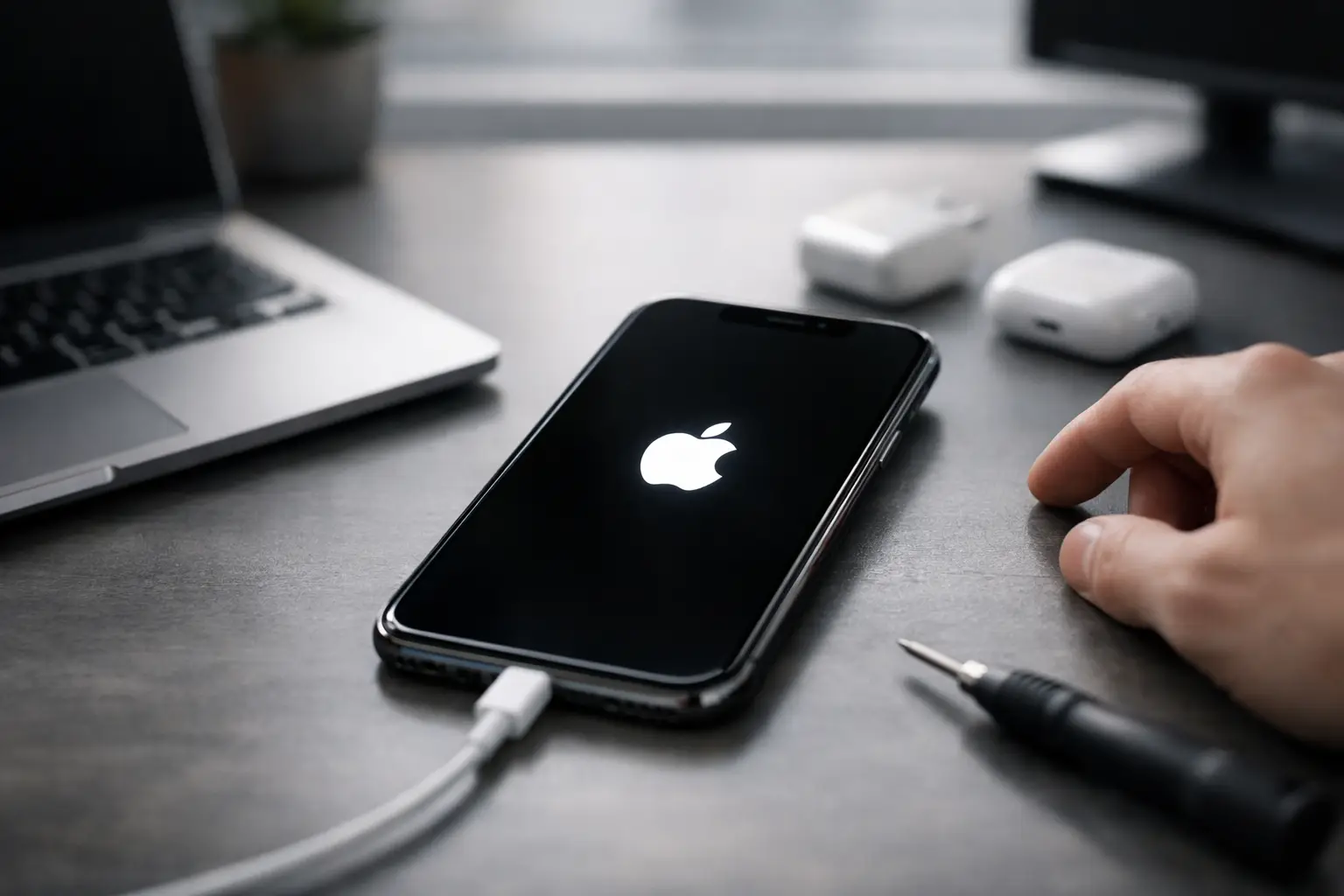
Your iPhone was working, then it restarted, flashed the Apple logo, and never made it past that screen. If you need to fix iPhone stuck on Apple logo issues fast, the good news is this problem is common. The bad news is that the right fix depends on what caused it in the first place.
Sometimes it happens after a failed iOS update. Sometimes storage was nearly full, the battery dipped at the wrong time, or the phone took a hard drop and now a hardware issue is showing up as a boot failure. That matters, because the safest first step is not always the most aggressive one.
Why an iPhone gets stuck on the Apple logo
When an iPhone shows the Apple logo but never reaches the lock screen, it usually means the startup process is being interrupted. The phone can still power on, but iOS is hitting a problem before it fully loads.
Software issues are the most common reason. A buggy update, failed restore, corrupted system files, or a transfer that didn’t finish correctly can all trap the phone in a boot loop. This is especially common if the device restarted during an update or ran out of space right when iOS needed room to install system files.
Hardware problems can look almost identical. A weak battery, charging issue, bad dock connector, damaged board component, or internal damage from a drop or liquid exposure can prevent the phone from finishing startup. That is why two iPhones with the same Apple logo symptom may need completely different repairs.
Start with the safest checks first
Before you try recovery tools, plug the iPhone into a known-good charger and cable and let it sit for 15 to 30 minutes. If the battery is deeply drained or unstable, giving it steady power can sometimes move it past the logo.
Next, check whether the phone gets unusually hot. Warm is normal during startup. Very hot is not. If it is heating up fast while stuck on the Apple logo, unplug it and stop forcing repeated restarts. Heat can point to a deeper hardware problem, and continuing to push it can make the situation worse.
If the phone was recently dropped, exposed to water, or repaired elsewhere, keep that in mind. Those details change the odds. A software reset may still work, but physical damage raises the chance that the real fix is a part replacement or board-level repair.
Force restart to fix iPhone stuck on Apple logo
A force restart is the first real troubleshooting step because it does not erase your data. It simply tells the phone to restart the boot process.
For iPhone 8, iPhone SE 2nd generation and newer, quickly press and release Volume Up, quickly press and release Volume Down, then press and hold the Side button until the Apple logo disappears and reappears.
For iPhone 7 and 7 Plus, press and hold the Volume Down button and the Sleep/Wake button together until the Apple logo appears again.
For iPhone 6s, iPhone SE 1st generation, and older models with a Home button, press and hold the Home button and the Sleep/Wake button together until the Apple logo appears again.
If the phone boots normally after that, watch it closely. If it goes back into the same issue later, there may still be a deeper software or battery problem causing the restart loop.
Use Recovery Mode if the force restart fails
If a force restart does nothing, Recovery Mode is usually the next step. This gives your computer a way to reinstall or update iOS when the phone itself cannot finish booting.
Connect the iPhone to a Mac or Windows PC. Open Finder on a Mac or Apple Devices or iTunes on Windows, depending on your setup. Then put the phone into Recovery Mode using the same button combination for your model, but keep holding the final button until you see the recovery screen instead of releasing at the Apple logo.
Your computer should offer two options: Update or Restore. Choose Update first. This attempts to reinstall iOS without wiping your data. If the issue came from corrupted system files, this is often the best-case fix.
There is a trade-off here. Update is safer for your data, but it does not always work if the software damage is severe. If the update fails repeatedly, the next option is Restore, which erases the device and installs a fresh copy of iOS.
When a full restore makes sense
A restore is worth considering if you already have a recent iCloud or computer backup, or if the phone contains little you cannot replace. It is also the logical next move if Recovery Mode update fails and the device still will not boot.
What matters is understanding the cost. A restore can solve serious software corruption, but it wipes local data that is not backed up. If your photos, notes, messages, or business files are only on that phone, rushing into a restore may not be the smartest move.
That is where many people get stuck. They want the phone working now, but they also do not want to lose years of data. If the phone may have a hardware issue, restoring it first can waste time and reduce your options.
Signs the problem is probably hardware, not software
If the iPhone keeps getting stuck on the Apple logo after update attempts, pay attention to the pattern. A phone that disconnects from the computer, restarts randomly, or only boots while plugged in often points to a battery or charging circuit problem.
A recent drop is another red flag. Internal connectors can loosen, batteries can fail, and board components can crack without leaving obvious exterior damage. Water exposure matters too, even if it happened days ago. Corrosion often takes time to show up.
Storage issues can blur the line. If the phone was completely full before the problem started, the root cause may be software, but a professional diagnosis is still useful because startup failures tied to storage can be stubborn and unpredictable.
What not to do when your iPhone is stuck
Do not keep hard-resetting the phone over and over for an hour. If one or two attempts do not change anything, repeated button cycles rarely solve it.
Do not install random repair software because an ad promised a one-click fix. Some tools are fine, some are not, and many push a restore anyway. If your data matters, be careful.
Do not open the phone unless you already know what you are doing. Modern iPhones are easy to damage further, especially when the battery is swollen, the screen is cracked, or liquid is involved.
And if the phone got wet, do not charge it repeatedly to see if it comes back. That can turn a salvageable repair into a more serious board issue.
When fast professional repair is the smarter move
If you have already tried a force restart and Recovery Mode update, the next step is usually a real diagnosis, not more guessing. This is especially true if the phone has signs of physical damage, liquid exposure, battery swelling, or repeated boot looping.
A good repair shop should be able to tell you quickly whether the issue is software, battery-related, charge-port related, or something deeper on the board. That matters because the fix can range from a straightforward part replacement to advanced microsoldering. You do not want to pay for a full replacement phone if the real issue is repairable.
For local customers around Warner Robins and Middle Georgia, this is the kind of problem where speed matters. A phone stuck on the Apple logo can shut down work, school, banking, two-factor logins, and everyday communication. Reboot Hub handles these failures with fast diagnostics, certified technicians, and repair options backed by a lifetime warranty on eligible work, so you are not left gambling on a temporary fix.
How to reduce the chance it happens again
Keep enough free storage on the device, especially before major iOS updates. If your phone is constantly within a few gigabytes of full, startup problems become more likely.
Back up regularly. That alone changes the stress level if your iPhone ever gets stuck on the Apple logo again. With a current backup, you can make better repair decisions without feeling trapped.
Use quality charging accessories and replace weak batteries before they become a bigger problem. A failing battery can cause more than short battery life. It can create unstable restarts that show up at the worst possible time.
And if your phone takes a hard fall or gets wet, do not wait for it to completely fail. Early diagnostics are usually faster, cheaper, and less risky than trying to recover a phone after the damage spreads.
An iPhone stuck on the Apple logo is frustrating, but it is not always the end of the device. Start with the safe steps, protect your data where you can, and if the phone still will not boot, get it checked before a small issue turns into a bigger one.