
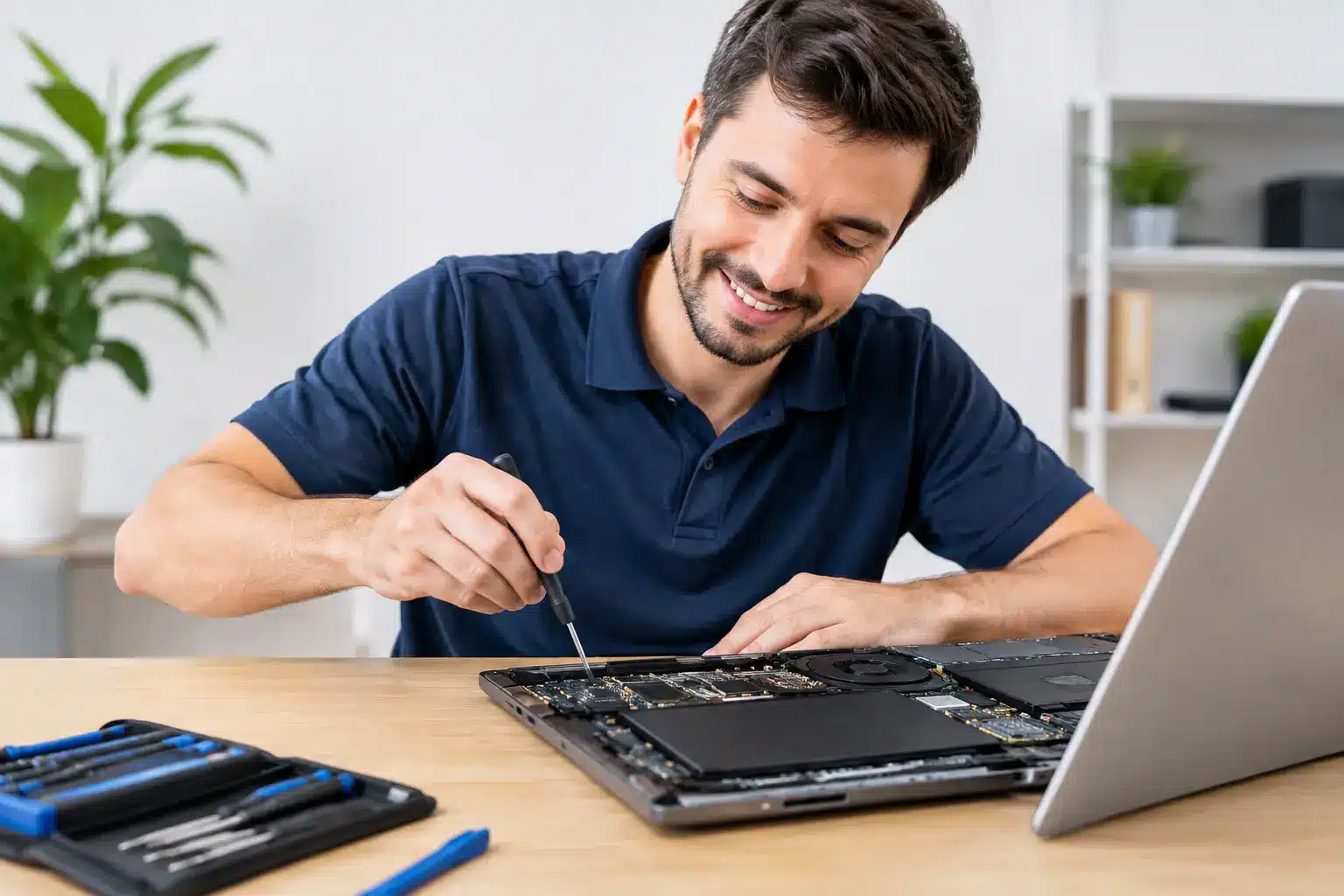
A laptop failure rarely happens at a convenient time. It happens before a class deadline, during a work shift, or when you need to send one last file. If you are searching for laptop repair near Perry GA, you need more than a vague estimate and a week without your computer. You need a local repair team that can identify the problem, explain the price clearly, and get you back to work fast.
A cracked display, dead battery, charging issue, liquid damage, or slow computer does not automatically mean you need to buy a replacement. Many laptop problems can be repaired for far less than the cost of a new device. The key is getting a real diagnosis before spending money on parts you may not need.
What to Expect From Laptop Repair Near Perry GA
The right repair starts with the symptom, but the symptom is not always the actual failure. A laptop that will not turn on could have a worn battery, damaged charging port, failed power circuit, bad display, or an issue on the motherboard. Replacing the wrong part wastes time and money.
A good local technician checks the device before recommending a repair. That means confirming whether the laptop receives power, whether the screen is working, whether the storage drive is healthy, and whether the issue is hardware or software. You should receive a straightforward explanation of what failed, what the repair will cost, and whether repair makes financial sense.
Turnaround depends on the device and the problem. A battery, screen, keyboard, fan, or software repair may be completed the same day when parts are available. Board-level damage and liquid exposure can require deeper diagnostics. Fast service matters, but accurate service matters too. A quick guess is not a repair.
Common Laptop Problems We Can Fix
Cracked, Flickering, or Black Laptop Screens
A damaged screen can make a perfectly good laptop feel unusable. You may see cracks, dark spots, lines, flickering, a dim backlight, or a display that stays black while the computer still powers on. Screen replacement is often the practical answer, especially if the laptop otherwise runs well.
Not every black screen needs a display replacement. Sometimes the issue is a loose internal cable, graphics problem, or power-related failure. Diagnosis helps separate a simple screen repair from a more involved issue before you approve the work.
Battery and Charging Problems
If your laptop dies off the charger, drains unusually fast, gets hot while charging, or shows a battery warning, the battery may be worn out. Batteries are consumable parts. After enough charge cycles, they simply stop holding power the way they should.
Charging problems can also come from a damaged charger, worn charging port, broken DC jack, or internal power issue. Do not keep forcing a loose charger into the port. That can turn a smaller repair into a larger one. Bring the charger with you so the technician can test the full charging setup.
Slow Performance, Freezing, and Startup Failures
A laptop that takes ten minutes to start, freezes during video calls, or crashes when opening everyday programs is not always “just old.” It may have too little available storage, a failing hard drive, malware, overheating, corrupted software, or memory problems.
A repair shop can determine whether cleanup, software repair, a storage upgrade, or component replacement will provide a meaningful improvement. There is a trade-off here: putting money into an older entry-level laptop is not always the best move. But a well-built computer with a failing drive or low memory can often be worth repairing and may feel dramatically faster afterward.
Water Damage and Motherboard Issues
Liquid damage is one of the biggest reasons people assume a laptop is done for. Sometimes it is. But sometimes the damage is limited to a keyboard, charging circuit, or a small area of the board that can be repaired.
If liquid reaches your laptop, power it off, unplug it, and stop trying to charge it. Do not rely on rice or a hair dryer. Heat can make corrosion worse, and powering the device on can create additional damage. Get it diagnosed as soon as possible. The sooner a technician can inspect and clean the device, the better the chance of saving it.
Repair or Replace? Make the Call With Real Numbers
A replacement laptop may be the smarter choice when the repair cost approaches the value of the device, parts are no longer available, or the computer cannot run the programs you need. That is especially true for older systems with multiple problems at once.
Repair is usually the better value when the laptop has a single clear failure, your files and setup are already on the device, or a repair can extend its useful life by another year or two. A screen replacement, new battery, keyboard repair, SSD upgrade, or charging-port fix can cost far less than replacing a computer and moving everything over.
Ask for the diagnosis first, then decide. A reliable shop should not pressure you into a repair that does not make sense. Clear pricing and honest recommendations are part of good service.
Why Local Repair Beats Shipping Your Laptop Away
Mail-in repair can sound convenient until you factor in shipping time, packing risks, delayed updates, and the days you are left without a computer. For students, families, and local businesses, that downtime adds up quickly.
Choosing a nearby repair shop gives you a face-to-face explanation of the problem and a direct place to return if you have questions. It also makes same-day service possible for many common issues. You can walk in with a laptop that will not charge and leave with a clear answer instead of waiting for an email from a warehouse across the country.
For customers in Perry and across Middle Georgia, Reboot Hub offers fast diagnostics and repair for laptops, computers, phones, tablets, and game consoles. The team has completed more than 50,000 repairs since 2011, with certified technicians, competitive pricing backed by a Low Price Guarantee, and a lifetime warranty designed to give you confidence after the repair.
Protect Your Files Before a Laptop Repair
If your laptop still turns on, back up important files before bringing it in. Save schoolwork, photos, work documents, and any files you cannot replace to a secure cloud account or external drive. Hardware repairs are performed carefully, but a failing drive can stop working without warning.
If the laptop will not start, tell the technician whether there are important files you need. Data recovery is different from a standard repair, and knowing your priorities upfront helps determine the best next step. In some cases, the first goal is restoring access to your files. In others, it is getting the machine running again as quickly as possible.
You should also bring the charging cable and be ready to provide the laptop password if testing requires it. If you are not comfortable sharing a password, ask what functions can be tested without it. Clear communication protects both your privacy and your repair timeline.
Get Back to Work, School, or Game Night Faster
Do not let a damaged laptop sit in a closet while deadlines pile up. Whether the problem is a cracked screen, weak battery, no power, water damage, or a computer that has slowed to a crawl, get a diagnosis before replacing it.
Schedule your appointment or stop in for a fast evaluation. A fair repair with warranty-backed work can turn a stressful device failure into a short interruption – and get your day moving again.