
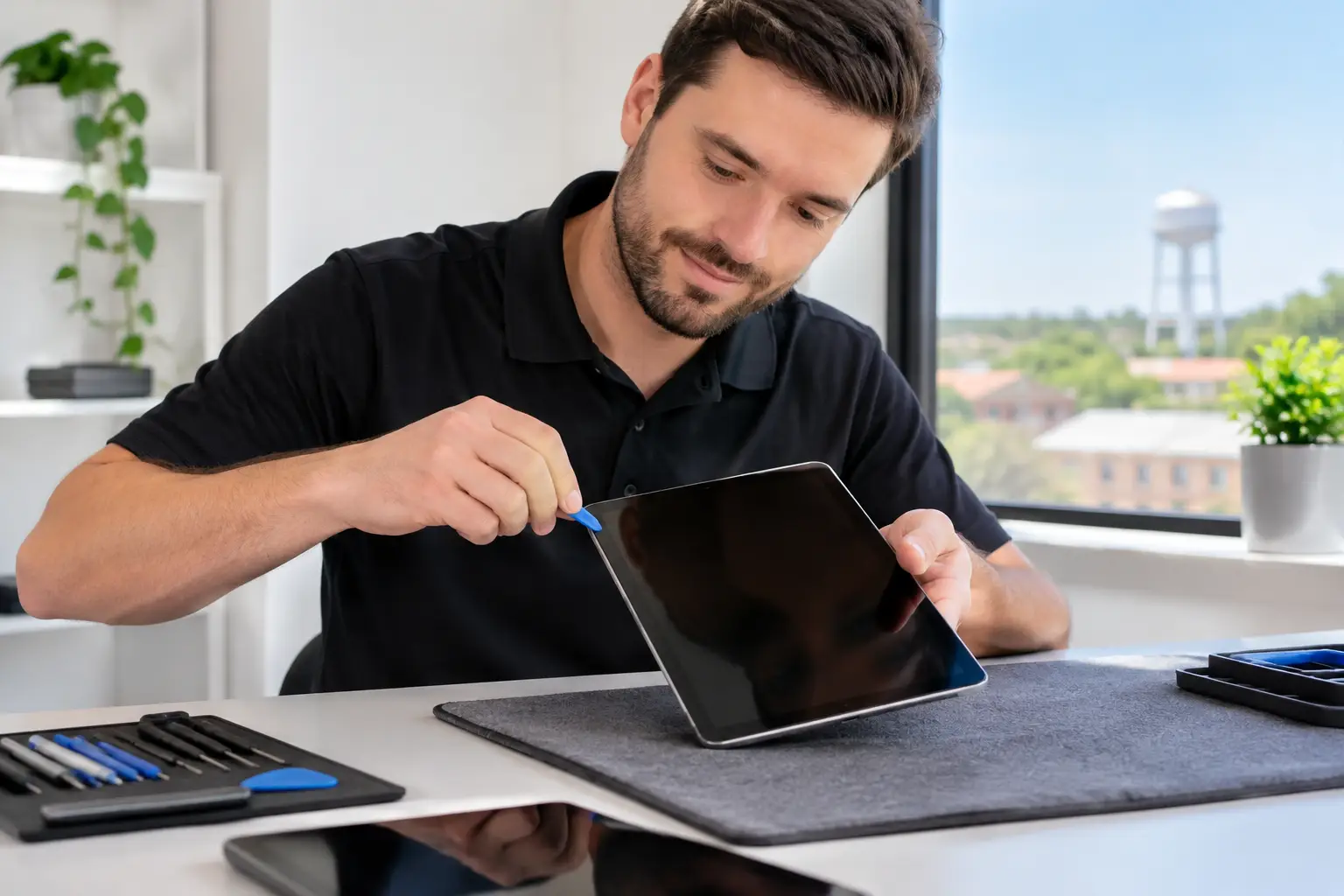
A tablet with a shattered screen or a battery that quits at lunchtime is not a device you can casually set aside. It may be your child’s school tablet, your work dashboard, your streaming screen, or the one device everyone in the house shares. When you need Byron GA tablet repair, the goal is simple: get a clear answer, a fair price, and a working tablet back as soon as possible.
Reboot Hub serves customers throughout Middle Georgia with fast, same-day repair options for the tablet problems that interrupt real life. Our certified technicians have completed more than 50,000 repairs since 2011. That experience matters when the issue looks obvious, like a cracked screen, and when it does not, like a tablet that will not charge, connect to Wi-Fi, or turn on after getting wet.
Byron GA Tablet Repair for the Problems That Stop Your Day
Tablet damage is rarely convenient, and the same symptom can have more than one cause. A screen may be cracked but still respond to touch. Or it may show black spots, flicker, register random taps, or stop displaying anything at all. A quick inspection helps separate a surface-glass issue from a display or touch-layer failure so you are not paying for the wrong repair.
Battery problems are another common reason customers look for tablet repair near Byron. If your tablet drains unusually fast, shuts down with charge remaining, runs hot, or only works while connected to power, the battery may be worn out. In other cases, the problem is a damaged charging port, a bad cable, or a charging circuit issue on the board. The right diagnosis comes before the repair recommendation.
We regularly help with tablet problems including:
- Cracked glass, broken displays, flickering screens, and touch issues
- Weak batteries, sudden shutdowns, overheating, and power problems
- Charging ports that are loose, blocked, damaged, or not charging
- Water-damage diagnostics and corrosion-related failures
- Speaker, microphone, button, camera, Wi-Fi, Bluetooth, and signal issues
- Tablet software concerns and advanced board-level repair needs
Whether you use an iPad, Samsung Galaxy Tab, Amazon Fire tablet, or another popular model, repair options depend on the device, the damage, and parts availability. We explain the practical path forward before work begins.
A Cracked Tablet Screen Does Not Always Mean Replacement
Seeing glass splinter across a tablet screen can make replacement feel like the only option. Sometimes it is. If a device is older, slow, unsupported by current apps, or has several failures at once, putting money toward a new tablet can be the smarter call.
But a cracked screen alone does not automatically make a tablet disposable. If the device still fits your needs and the repair cost makes sense compared with replacement, a screen repair can keep it useful for school, work, travel, and entertainment. This is especially true for a newer iPad or Samsung tablet that would be expensive to replace.
The details matter. Can you still see the display clearly? Does touch work across the full screen? Is the frame bent? Did the tablet take a hard impact that also affected the battery, cameras, or internal connectors? A technician should inspect these factors rather than quote every damaged tablet as if it has the same repair need.
After repair, add protection that matches how the tablet is used. A durable case is a strong choice for kids and shared family devices. A screen protector can help reduce scratches and minor impact damage, although it cannot guarantee protection from a major drop. Small choices like these can prevent another repair visit a few weeks later.
Fast Diagnosis Beats Guesswork
A tablet that does not charge is a perfect example of why diagnosis matters. The issue may be lint packed into the charging port. It may be a failing battery. It could also be a worn cable, a damaged port, or a deeper board-level fault. Replacing a battery when the real problem is the port does not solve anything.
The same is true after water exposure. A tablet might power on immediately after a spill and fail later as moisture causes corrosion inside the device. Do not keep charging it or repeatedly try to turn it on. Those attempts can make a recoverable issue worse. Power it down if possible and bring it in for water-damage diagnostics quickly.
Reboot Hub handles both everyday repairs and advanced microsoldering for eligible board-level problems. Not every water-damaged or non-powering tablet is worth repairing, and a trustworthy shop should say so. When repair is not the best value, you deserve an honest recommendation rather than a repair bill that does not make financial sense.
What to Expect From a Local Tablet Repair Visit
A good tablet repair experience should be straightforward. Bring in the tablet for an assessment, describe what happened and when the issue started, and let the technician check the device. If you have noticed specific behavior, such as a charge that only works at a certain angle or a screen that flashes after a drop, mention it. Those details help narrow the diagnosis.
Once the issue is confirmed, you should receive a repair recommendation and price before work moves forward. Many common repairs can be completed the same day, often with a 30-minute-or-less goal when the repair and parts situation allow it. More involved water damage, uncommon models, or board-level issues can take longer. Speed matters, but doing the repair correctly matters more.
Before handing over your tablet, back up important photos, school files, and work documents if the device still works. Remove accessories and make sure you know your passcode if testing will require access to device functions. If the tablet will not power on or the screen is unusable, do not worry about troubleshooting it at home. That is what the diagnostic process is for.
Fair Pricing and a Warranty That Means Something
The cheapest quote is not always the lowest-cost outcome. A repair that uses poor-quality parts, skips diagnostics, or comes without meaningful warranty coverage can become more expensive when the problem returns. Price matters, but so do the part quality, technician skill, turnaround time, and support you receive if something is not right.
Reboot Hub backs eligible repairs with a lifetime warranty and a Low Price Guarantee. That gives Byron-area customers a practical alternative to long mail-in repair timelines, confusing replacement programs, and buying a new tablet before it is necessary. You get a local team that can assess the damage, explain the options, and stand behind the repair.
There is also value in fixing the device you already know. Your apps, files, settings, parental controls, and accessories are already in place. For parents, that can mean getting a child back to schoolwork without setting up another device from scratch. For business owners, it can mean less downtime and fewer interruptions for employees who rely on tablets in the field.
Do Not Wait for a Small Tablet Problem to Grow
A cracked edge can spread across a screen. A loose charging port can eventually stop accepting power entirely. A battery that swells or overheats needs prompt attention, not another week of use. If your tablet is showing warning signs, bringing it in early can protect the device and may keep the repair simpler.
For Byron GA tablet repair, start with the symptoms you are seeing, not assumptions about what needs to be replaced. Get the tablet checked, get a clear quote, and choose the repair only when it makes sense for your device and your budget. A fast, warranty-backed fix can get your screen, schoolwork, workday, or family movie night back on track.