
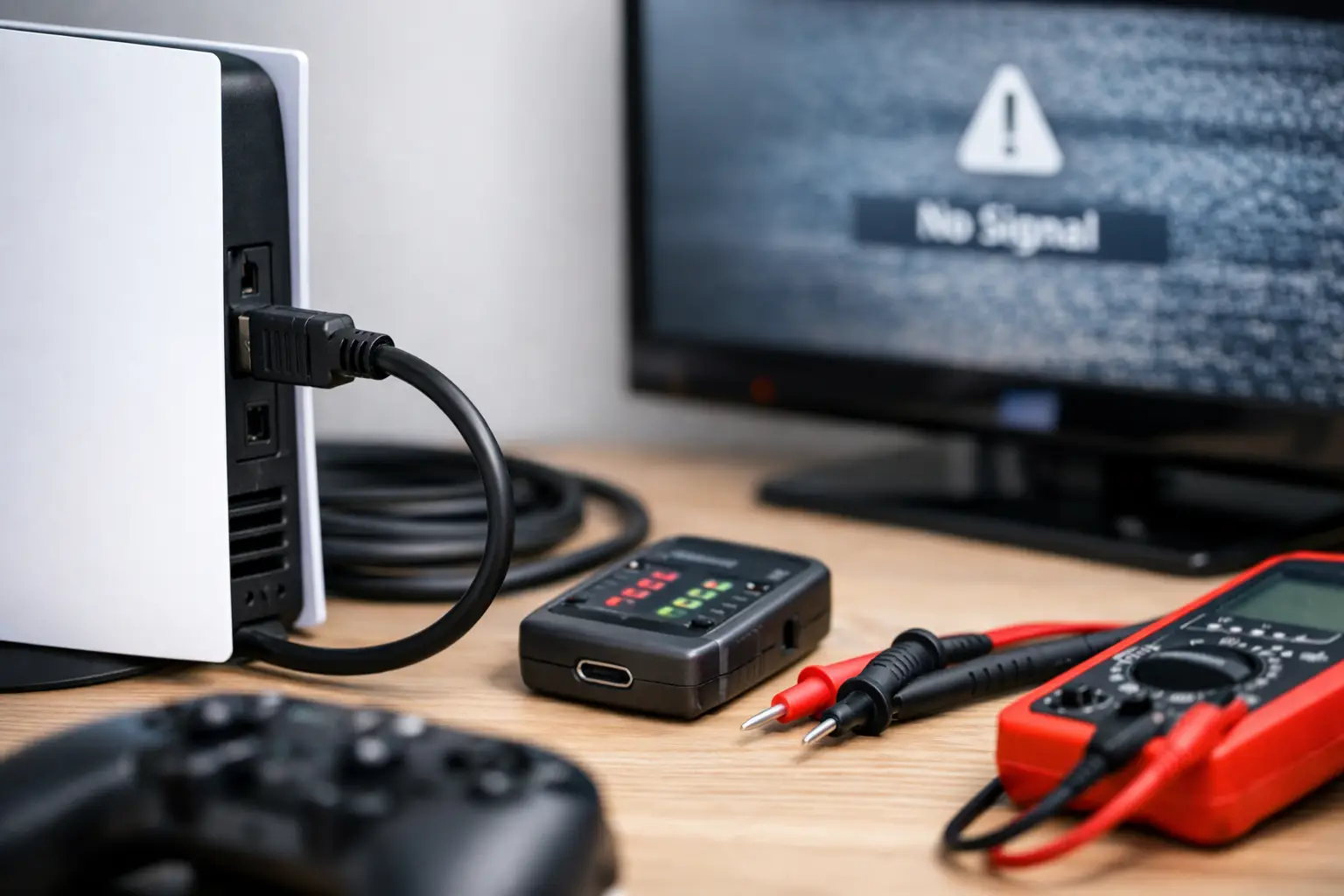
You sit down to play, power on the console, and the TV gives you nothing but a black screen, a no signal message, or a flicker that comes and goes. That is usually how the complete guide to console HDMI issues starts in real life – not with a complicated theory, but with a console that suddenly refuses to show up when you finally have time to use it.
HDMI problems on game consoles are common because the port gets used constantly, cables get swapped, systems get moved, and one small point of damage can shut the whole setup down. The good news is that not every HDMI issue means expensive repair. The bad news is that some problems look simple from the outside but actually point to board-level damage inside the console.
Complete guide to console HDMI issues: what usually goes wrong
When people say their HDMI is not working, they are usually describing one of a few specific symptoms. The TV may show no signal, the image may cut in and out, the screen may flash static, the display may lock to a very low resolution, or the console may power on with lights and sound but never produce video.
The cause matters because the fix depends on where the failure happens. Sometimes the cable is bad. Sometimes the TV input is the issue. Sometimes the HDMI port on the console is physically bent or loose. And sometimes the port looks fine, but the damage is deeper, involving filters, retimers, or the HDMI encoder circuit on the board.
On PS5, Xbox Series X, PS4, and older Xbox consoles, the most common hardware failure is port damage from repeated plugging and unplugging, a console being dropped with the cable still inserted, or force applied at an angle. A damaged port can stop the signal entirely or create intermittent output that gets worse over time.
The difference between a cable problem and a console problem
A bad HDMI cable usually causes inconsistent results. You might get picture on one TV but not another, or the signal may return when the cable is wiggled or replaced. That is the easiest category to rule out.
A console-side issue tends to follow the system no matter where you connect it. If your PS5 or Xbox fails on multiple known-good TVs with multiple known-good cables, the odds shift toward the console itself. If the port feels loose, looks crooked, or has visibly bent pins, that is an even stronger sign.
When the TV is actually the problem
It happens more than people think. A bad HDMI input on the TV, the wrong input selected, a handshake issue between devices, or a resolution setting the display does not like can all look like a dead console. Smart TVs also sometimes get stuck after firmware updates or input switching.
That is why basic isolation matters. Test the console on a second TV or monitor before assuming the console is done.
First checks before you assume the HDMI port is broken
Start with the simple stuff because it saves time and money. Fully power off the console and TV, unplug both for a minute, then reconnect everything. Try a different HDMI cable that you know works with another device. Try a different HDMI input on the TV. If possible, test the console on another display.
Also inspect the port with a flashlight. You do not need to take the console apart. Just look for bent pins, debris, wobble, or a port shell that appears pushed inward or out of alignment. If the cable does not sit firmly, that is a red flag.
For PlayStation systems, safe mode can help determine whether the problem is a display setting rather than failed hardware. If the console reaches safe mode, you may be dealing with output resolution or HDCP settings. For Xbox, a low-resolution startup can do something similar. If those modes still produce no image at all, hardware becomes more likely.
Complete guide to console HDMI issues on PS5 and Xbox
Newer consoles push more bandwidth, which means the signal path has less tolerance for weak connections and partial damage. On a PS5 or Xbox Series X, even minor port wear can become obvious fast, especially if the system gets moved between rooms or taken to friends’ houses.
The PS5 HDMI port is a frequent failure point because the pin structure is delicate and the rear port area takes direct stress any time the cable is bumped. The Xbox Series X can have similar issues, though the exact internal failure can differ depending on impact, wear, or power events.
What makes this tricky is that two consoles with the same symptom may need very different repairs. One may only need an HDMI port replacement. Another may need microsoldering work on damaged pads, filters, or surrounding board components. That is why guessing can get expensive.
Signs you may need professional repair
If the console powers on but never displays on any screen, the port is visibly damaged, the cable only works when held at a certain angle, or the system suffered a drop or power surge, it is time to stop forcing it. Repeatedly plugging in cables or pushing harder on the connector can turn a repairable issue into a more involved board repair.
Another warning sign is intermittent image loss that becomes more frequent. That usually means the connection is failing mechanically or electrically. It rarely fixes itself.
Why DIY can help – and where it can go wrong
There is nothing wrong with doing basic troubleshooting yourself. Swapping cables, testing another TV, checking settings, and inspecting the port are all smart first steps. Those checks often save people from paying for a repair they do not need.
But once the issue points to the HDMI port or board, DIY gets risky. Console HDMI repair is not just about removing one metal connector and soldering on another. Many jobs require microsoldering, pad repair, and testing the signal path after installation. Too much heat, lifted pads, or poor alignment can create bigger failures than the original problem.
This is especially true if the console was already opened by someone else or if a cheap replacement port was installed badly. At that point, the job can move from routine repair to trace reconstruction and component-level work.
What a real HDMI diagnosis should include
A proper diagnosis should not stop at, the port looks bad. That is only part of the story. A technician should inspect the port, test continuity where needed, verify whether the console is producing output, and check for damage beyond the connector itself.
That matters because replacing the port alone will not fix every no-display issue. If there is damage to the HDMI circuit on the board, you need the right repair the first time. Fast service is great, but accurate service is what keeps you from paying twice.
For families and gamers around Warner Robins and Middle Georgia, speed matters too. If your console is your main entertainment setup, waiting weeks on a mail-in service does not make much sense when the problem can often be diagnosed locally and repaired much faster.
How to prevent HDMI problems from coming back
Most console HDMI failures start with stress on the port. The easiest prevention is keeping the console stable and avoiding unnecessary cable movement. If you do not need to unplug it, leave it alone.
When you do disconnect it, pull the cable straight out. Do not twist it side to side. Make sure the console is not sitting where the cable gets bumped by feet, furniture, or pets. If the setup is tight against a wall, give the cable enough room so it is not constantly pushing against the port.
It also helps to move the console by itself, not by the connected cords. A lot of damaged HDMI ports come from one quick lift where the cable catches and torques the connector.
When repair makes more sense than replacement
A lot of people assume no HDMI signal means the whole console is done. Usually, that is not true. If the system still powers on and the issue is isolated to video output, repair is often the more practical move. It is usually faster, less expensive than replacing the console, and it keeps your existing data and setup intact.
That is where an experienced repair shop makes a difference. A team that handles console repair regularly can tell the difference between a quick port job and a deeper board issue, and they can do it without wasting your time. Shops like Reboot Hub build trust by keeping the process simple: diagnose the problem, fix it fast, and stand behind the work.
If your console suddenly stops displaying, do the basic checks first, then pay attention to the clues. A loose port, no signal on multiple screens, or flickering that keeps getting worse is your cue to stop guessing. The fastest fix is usually getting the right diagnosis before a small HDMI problem turns into a bigger repair.
5 Comments