
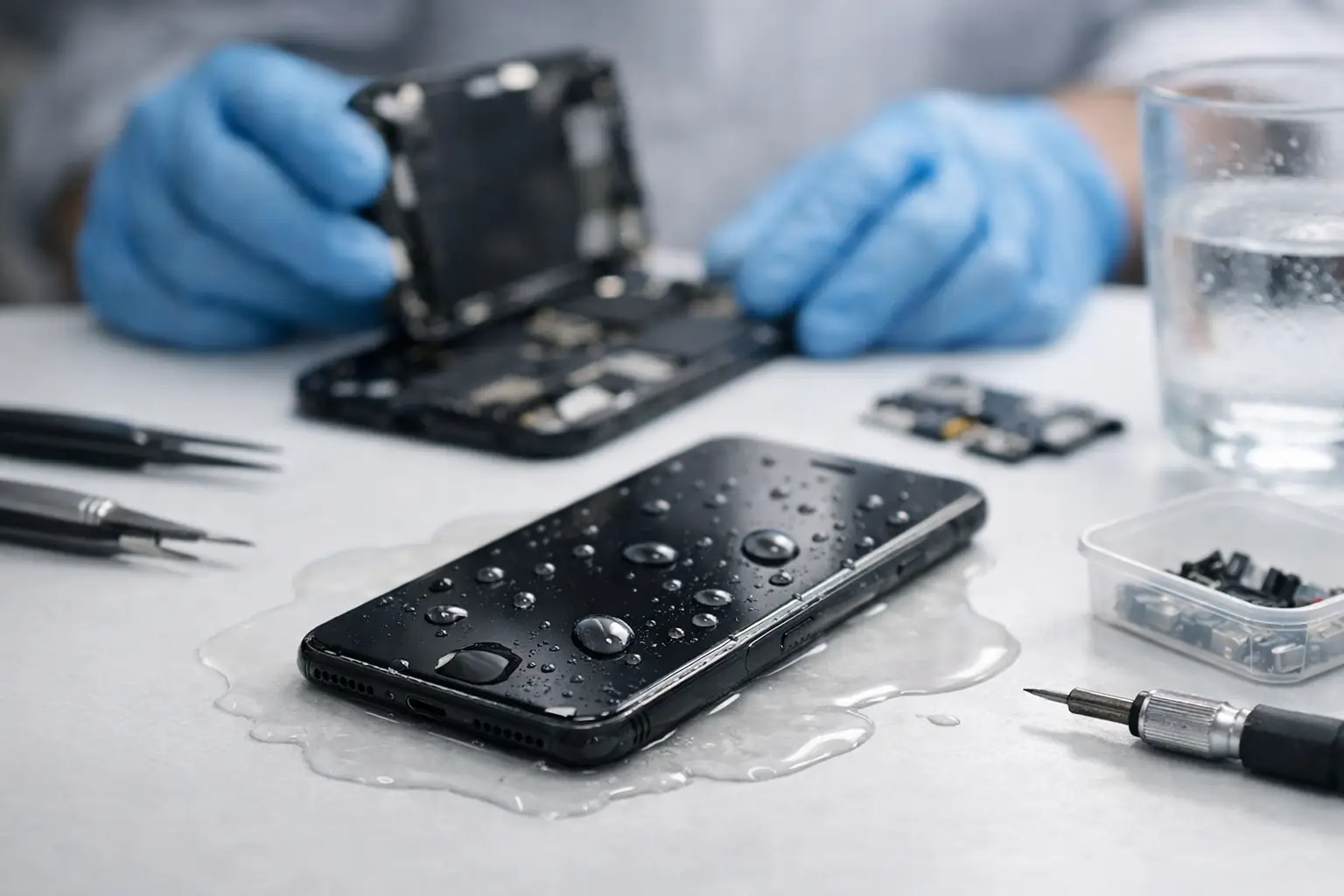
Your iPhone falls in a sink, pool, washing machine, or cup holder full of coffee, and the first question is always the same: can you fix water damaged iPhone problems, or is it done for good? The honest answer is yes – sometimes. Water damage is fixable in many cases, but speed matters, the type of liquid matters, and what you do in the first few minutes can make the difference between a repair and a replacement.
A lot of people lose the phone twice. First to the water, then to bad advice. Rice, hair dryers, charging it to “see if it still works,” and waiting a full day before getting help can all make things worse. If your phone got wet, your best move is to act fast and keep the damage from spreading.
Can you fix water damaged iPhone damage at home?
Sometimes you can limit the damage at home, but fully fixing a water damaged iPhone usually takes proper diagnostics and, in many cases, internal cleaning or board-level repair. That is especially true if the phone starts overheating, boot looping, shows lines on the screen, loses sound, or refuses to charge.
The biggest misunderstanding is that a water resistant iPhone is the same thing as a waterproof iPhone. It is not. Water resistance also gets weaker over time. A phone that survived splashes last year may not survive a short drop in water today, especially if it already has a cracked screen, frame separation, or a worn seal.
If the liquid was clean water and the exposure was brief, your chances are better. If it was saltwater, soda, juice, detergent, or anything sugary or corrosive, the odds drop fast because residue keeps eating at components even after the phone looks dry on the outside.
What to do immediately after your iPhone gets wet
First, power it off. If it is already off, leave it off. Do not test buttons over and over. Do not plug it in. Do not set it on a charger. Electricity and moisture are a bad mix, and shorting is what turns a repairable phone into a board repair or total loss.
Remove the case and any accessories. If you can remove the SIM tray, do that too. Gently dry the outside with a clean cloth. Keep the phone upright and avoid shaking it hard, because that can push moisture deeper into the device.
Then get it diagnosed as soon as possible. Time matters here. Corrosion does not wait. A certified tech can open the phone, inspect for liquid intrusion, disconnect the battery, clean the affected areas, and test what still works before more damage sets in.
What not to do
Rice is the big one. It does not remove trapped liquid from under shields or connectors, and it does nothing for corrosion already starting on the board. At best, it wastes time. At worst, people leave the phone sitting for days while damage spreads.
Skip the hair dryer, oven, heater vent, or leaving it on a dashboard in the sun. Too much heat can warp components, weaken adhesive, and damage the display or battery.
Do not keep trying to charge it just because you need your phone. If the device shows the liquid detection warning, listen to it. Charging too early is one of the fastest ways to create a bigger repair bill.
Signs your water damaged iPhone may still be repairable
If the phone powers on but has partial problems, that is often a repairable situation. Maybe the screen works but touch is acting up. Maybe the speaker sounds muffled, Face ID fails, charging cuts in and out, or the battery drains unusually fast. Those symptoms can point to liquid damage affecting specific parts rather than total board failure.
Even a phone that will not turn on at all is not automatically dead. In many cases, the issue is corrosion on connectors, a shorted charging circuit, a bad screen after liquid exposure, or damage isolated to one area on the logic board. That is where experienced diagnostics matter. Guessing and swapping random parts wastes time and money.
On the other hand, if the board is badly corroded, multiple critical circuits are shorted, or the liquid was especially corrosive, repair may not make financial sense. A good shop should tell you that plainly instead of pushing a repair that is not worth it.
How a professional fixes a water damaged iPhone
A real water damage repair is not just “drying out” the phone. The process usually starts with opening the device and inspecting the inside for liquid indicators, residue, corrosion, and failed parts. The battery is disconnected right away to reduce the risk of further shorting.
From there, the affected areas may need a careful cleaning, damaged parts may need replacement, and the board may need microsoldering work if the liquid caused short circuits or component failure. That is why water damage pricing can vary. Some phones need a cleaning and a charging port. Others need advanced board repair to recover power, touch, audio, or data.
This is also why quick turnaround matters. The sooner the phone is opened and evaluated, the better the odds of saving it. A same-day diagnostic is not just convenient – it can directly improve the repair outcome.
Is it worth fixing a water damaged iPhone?
It depends on the model, the extent of the damage, and what matters most to you. If your iPhone is newer, holds important photos or business data, or would cost a lot to replace, repair is often the smarter move. If it is an older device with major board damage and several failing components, replacement may be the better value.
There is also a middle ground people miss. Sometimes the goal is not long-term repair. Sometimes it is data recovery, temporary restoration, or getting the phone stable enough to trade in. A good repair shop should talk through those options clearly.
For local customers around Warner Robins and Middle Georgia, speed matters even more. Most people cannot wait days to find out whether their phone can be saved. They need answers now, and they need a repair plan that makes financial sense.
Can you fix water damaged iPhone screens, speakers, and charging ports?
Yes, often. Water damage does not always destroy the entire phone. In many cases, one or two parts take the hit first. Screens can flicker, turn green, or lose touch response. Speakers can sound low or distorted. Charging ports can corrode and stop making a stable connection.
The trick is knowing whether those parts are the only problem. A screen replacement on a water damaged phone only makes sense if the board underneath is stable. The same goes for a battery or charging port. Good technicians test the full device before calling the repair done.
That matters because water damage can be sneaky. A phone may seem normal for a day or two, then start showing problems later once corrosion spreads. Proper diagnostics help catch that early.
How long should you wait before getting help?
You should not wait. The best time is immediately after the phone gets wet. Even if it still turns on, hidden damage may already be forming. Delaying service gives corrosion more time to spread under shields, into connectors, and across the board.
If your iPhone was exposed to anything other than clean water, the timeline gets even tighter. Salt, sugar, soap, and chemicals leave residue behind. That residue keeps causing trouble until it is professionally cleaned.
This is where a fast local repair shop has a real advantage over mail-in service. You are not shipping a wet device around while hoping for the best. You are getting it checked before the damage has days to settle in.
The bottom line on water damaged iPhones
So, can you fix water damaged iPhone issues? Yes, many of them can be fixed, and the phone is not automatically a lost cause just because it got wet. But the window to save it is smaller than most people think, and the wrong first steps can make the repair harder.
If your iPhone has been exposed to water, shut it down, keep it off, skip the rice, and get it checked by a shop that handles real diagnostics and board-level repair. Reboot Hub sees this every day, and the phones that come in fast usually have the best chance. The smart move is simple: do not wait for the damage to decide for you.
4 Comments