
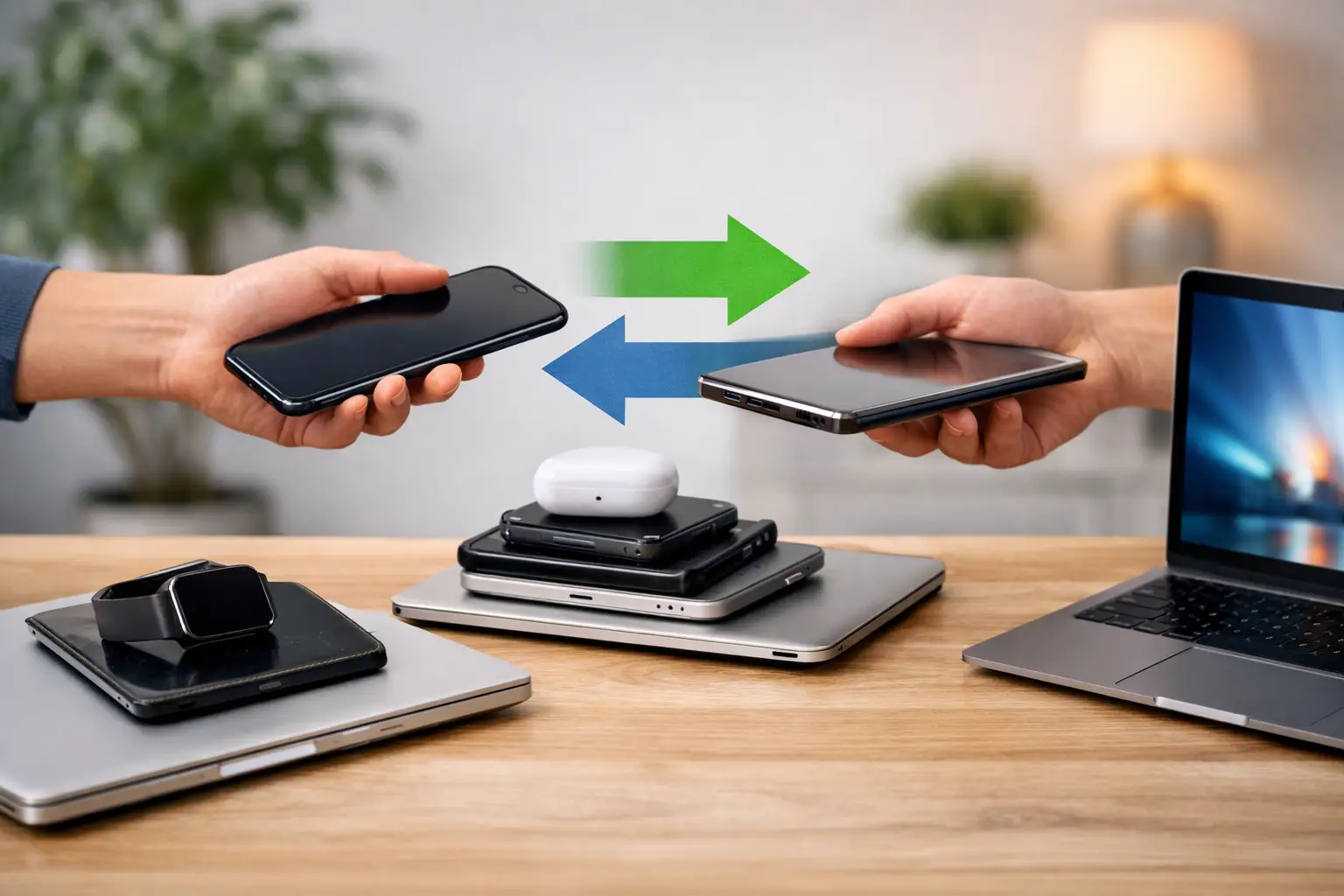
That old phone in your drawer is probably worth more right now than it will be six months from now. The same goes for tablets, laptops, smartwatches, and even game consoles. A good electronics trade in program guide helps you avoid the two mistakes people make most often: waiting too long and trading in a device without knowing whether a quick repair would raise its value.
If your device is still powering on, holding some charge, or only has one obvious issue like a cracked screen or weak battery, you may have more options than you think. Sometimes the fastest way to get the best return is to trade it in as-is. Other times, a same-day repair puts more money back in your pocket. The smart move depends on the device, the damage, and how the trade-in company calculates value.
What an electronics trade in program guide should actually tell you
Most trade-in advice online stays too general. It says to compare offers, wipe your data, and ship the device. That is basic stuff. What people really need to know is how value gets decided and where the trade-offs are.
Trade-in programs usually price devices based on five things: model, storage size, carrier status, physical condition, and full functionality. A newer iPhone with higher storage and no account locks will usually get a stronger offer than an older base model, even if both still work. The same logic applies to Samsung phones, iPads, MacBooks, gaming systems, and wearables.
Condition matters, but not always in the way people expect. A small screen crack can drop a trade-in offer a lot, while cosmetic wear on the frame may barely move it. A battery that drains too fast can hurt value if the buyer tests battery health. Face ID, fingerprint readers, cameras, speakers, charging ports, and buttons can all affect the final number. If one critical feature fails inspection, the revised offer may come in much lower than the original estimate.
That is why trade-in decisions should never be based on headline pricing alone. The real question is simple: what will you actually get after inspection, fees, delays, and possible value adjustments?
When trade-in makes sense
Trading in is usually the better move when the device is newer, still works well, and you want the least hassle. If you are already upgrading to another phone, tablet, or laptop, trade-in can be the fastest path. You hand over the device, collect credit or cash depending on the program, and move on.
This route also makes sense when the problem is mostly market timing. Electronics lose value fast. A perfectly working phone from two generations ago may lose more value from age over the next few months than from a small cosmetic flaw today. In that case, waiting for the perfect moment rarely helps.
Trade-in can also work well for business users managing multiple devices. If the phones are functional and the goal is reducing downtime, a clean bulk trade-in is often more practical than trying to squeeze every last dollar out of each device.
When repair before trade-in can pay off
Here is where many people leave money on the table. If a device has one repairable issue and otherwise works well, fixing it first may raise the trade-in value more than the repair cost.
A cracked screen is the most common example. On many phones, one screen defect can slash the offer because buyers assume deeper risk. But if the phone is otherwise in strong shape, replacing that screen can move it into a much better condition tier. The same applies to battery replacement on newer devices with poor battery health, charging port repair, camera repair, or button issues.
It depends on the numbers. If a repair costs $89 and increases the trade-in value by $140, that is a smart move. If the repair costs $149 and only raises the offer by $80, it is not. The device model matters too. A repair on a newer premium phone or tablet often has a better payoff than the same repair on an older budget device.
Speed matters here. If the repair can be done the same day, you keep momentum and avoid letting the device sit another month while its resale value keeps sliding. That is especially important with phones and laptops, where each new product cycle pushes older models down.
The condition checklist that affects your offer
Before you trade anything in, check the device the same way a buyer will. This is the part most people rush through, and it is why adjusted offers happen so often.
Start with power and charging. If the device does not turn on, charges inconsistently, or only works at a certain cable angle, expect lower value. Then test the display. Look for cracks, dead pixels, touch issues, discoloration, and screen lift. On laptops and tablets, check hinges and keyboard function too.
Next, test the basics people forget: cameras, microphones, speakers, Wi-Fi, Bluetooth, cellular signal, volume buttons, power button, Face ID, fingerprint readers, and ports. On smartwatches, check charging, touch response, and pairing. On game consoles, test controller sync, disc reading, HDMI output, overheating, and storage errors.
Then deal with account status. If Find My iPhone, Google lock, or another activation lock is still on the device, many trade-in programs will reject it or cut the offer dramatically. Carrier locks can also affect value. So can financed devices that are not fully paid off.
Finally, look at appearance honestly. Small scuffs are normal. Bent frames, swollen batteries, liquid damage indicators, and missing parts are not minor issues in trade-in pricing. They are red flags.
How to decide: trade it in, repair it, or sell it damaged
The fastest way to make the right call is to compare three numbers: the as-is trade-in value, the post-repair trade-in value, and the repair cost.
If the post-repair value minus repair cost is clearly higher than the as-is offer, repair first. If the gap is tiny, trade it in as-is and save yourself the extra step. If both numbers are weak because the device is too old or too damaged, selling it directly to a local buyer that purchases broken electronics may be the better option.
This is where a local shop can give you an edge. Instead of guessing from an online estimator, you can get a real-world opinion on whether the damage is simple, serious, or not worth fixing. That matters because hidden board damage, water exposure, or aftermarket part issues can change the math fast.
For people around Warner Robins and Middle Georgia, that local speed matters. You do not have to mail off a device, wait for inspection, and hope the quote holds. You can get eyes on it, get a number, and make a decision the same day.
Common trade-in mistakes that cost people money
The biggest mistake is waiting until the device is nearly worthless. The second biggest is assuming all damage should be repaired first. Both can be expensive.
Another common mistake is failing to back up and wipe the device properly. If you cannot remove your account because the screen is too damaged to use, that should be handled before trade-in becomes urgent. People also forget chargers, styluses, or accessories when those items affect value for certain categories.
Then there is quote shopping without quote reading. Some programs advertise strong maximum values but downgrade heavily during inspection. Others are more conservative upfront but more consistent once the device arrives. The highest estimate is not always the best actual payout.
And if you are trading in a console, laptop, or tablet, do not assume the same rules as phones. Console value can drop hard if HDMI output fails. Laptop value can collapse over keyboard, trackpad, or battery issues. Tablets often lose value fast for screen cracks because replacement cost is high relative to resale price.
A practical electronics trade in program guide for real life
A real electronics trade in program guide is not about pushing every device into the same lane. It is about getting the most value with the least wasted time.
If your device is newer and mostly healthy, trade-in is often the cleanest move. If it has one fixable issue, get the repair numbers first. If it is older, heavily damaged, or unreliable, selling it directly to a buyer who accepts broken devices may be the smarter path.
At Reboot Hub, this is how we look at it every day. Sometimes the right answer is repair my device. Sometimes it is trade it in now before value drops again. The point is not to force one option. The point is to help you make the fast, fair choice based on what the device is actually worth today.
Your old electronics are not getting more valuable sitting in a drawer. If you are unsure whether to fix, trade, or sell, get a real assessment while the device still has leverage.