
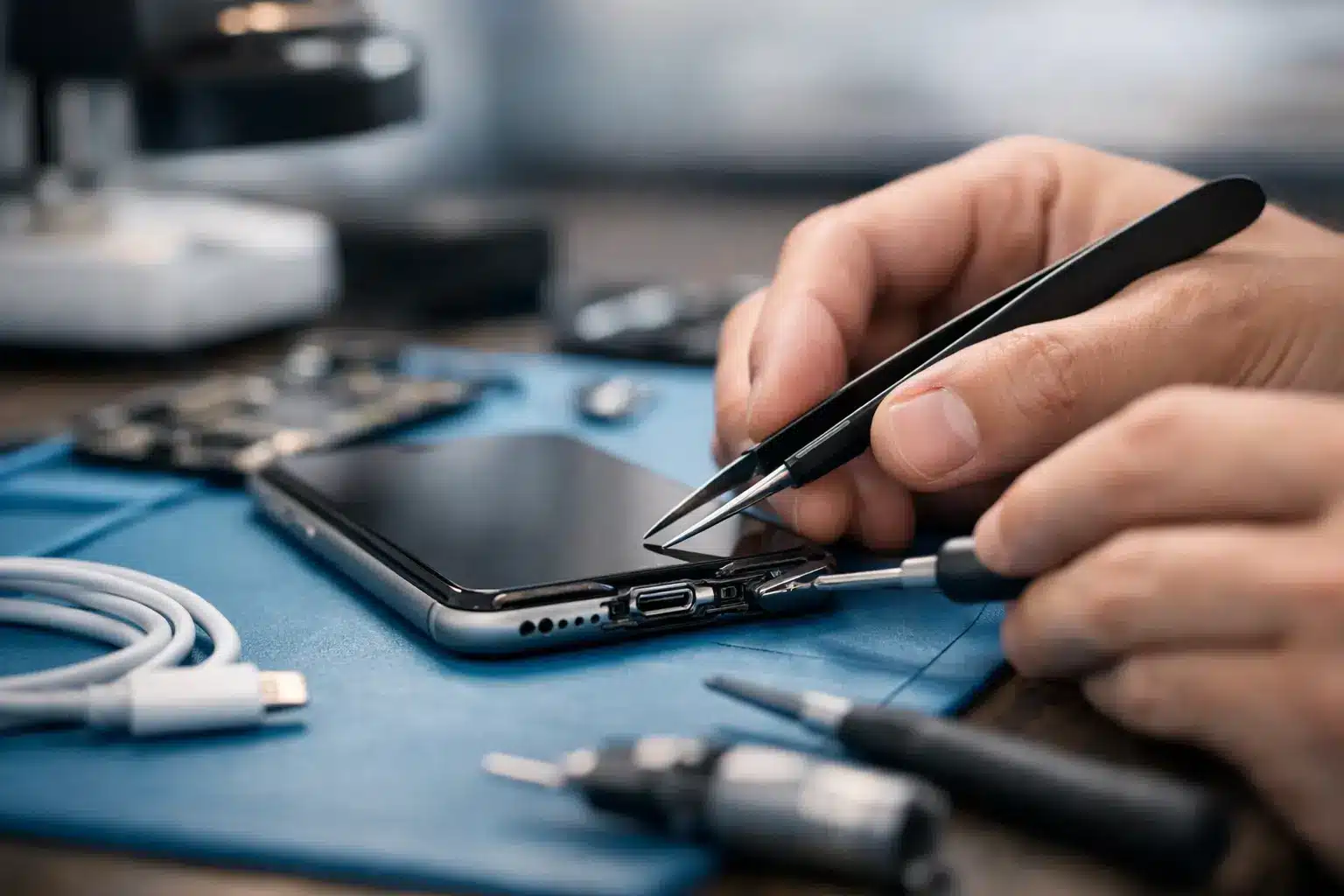
Your phone only charges when the cable is bent at a strange angle, falls out of the port, or refuses to charge at all. Before you replace the device, learn how to repair charging port problems by ruling out the simple causes first. A blocked or worn port is common, but forcing a cable or digging inside with the wrong tool can turn a quick fix into a more expensive repair.
Start by Confirming It Is Actually the Charging Port
A charging problem does not automatically mean the port has failed. The charging cable, wall adapter, battery, software, or internal charging circuit can create the same symptom. Start with the easiest test: use a known-good cable and adapter that work with another device.
If your phone charges normally with the second cable, the port is probably fine. Replace the damaged cable and move on. Also inspect the connector closely. Bent pins, frayed insulation, a loose USB-C tip, or discoloration near the plug are clear signs that the accessory should not be used.
Next, try a different power source. A weak car charger, worn power strip, or low-output adapter may show a charging icon without adding much battery percentage. If the phone charges slowly everywhere, gets hot while charging, or loses battery while plugged in, the issue could be the battery or charging circuit rather than the port itself.
Wireless charging can offer one useful clue on compatible phones. If wireless charging works but a wired cable does not, the wired port or its connection is more likely to be the problem. That still does not confirm a broken port, because packed lint can prevent the cable from seating fully.
How to Repair a Charging Port Safely at Home
Most ports that seem loose are not actually loose. They are packed with compacted pocket lint. Every time a cable is inserted, it presses dust, fabric fibers, and debris deeper into the bottom of the port. Eventually, the connector cannot reach its proper depth, so it feels loose or disconnects with the slightest movement.
Turn the device completely off before cleaning. Remove the case so you can see the port clearly, then use a bright light to inspect it. Look for a felt-like layer of lint at the bottom, corrosion, bent contact points, or a piece of a broken cable tip.
Use a dry, non-metal tool such as a plastic pick, a soft anti-static brush, or a wooden toothpick with a fine tip. Work slowly around the edges, not aggressively into the center. The goal is to lift debris out in small pieces, not to scrape the contacts. Hold the phone with the port facing downward so loosened debris can fall out.
A few safety rules make a major difference:
- Do not use a paper clip, sewing needle, pin, knife, or other metal object. Metal can bend contacts or create an electrical short.
- Do not pour alcohol, water, cleaner, or lubricant into the port. Liquid can spread contamination and cause corrosion.
- Avoid blasting high-pressure air into the port. It can push debris farther inside or damage delicate components.
- Stop immediately if you see green, white, or rusty residue. That is often corrosion, and cleaning it at home may make the damage worse.
After cleaning, reconnect a known-good cable. It should click or seat firmly, stay in place without being held, and begin charging consistently. If it still moves loosely or only works at one angle, the port may be worn, cracked, or separated from the internal board.
When Cleaning Will Not Fix the Problem
A clean port can still fail because the charging connector is a physical part that takes daily wear. USB-C, Lightning, and Micro-USB ports can develop bent pins, broken solder joints, damaged flex cables, or corrosion after moisture exposure. Repeatedly yanking a cable sideways, charging in a vehicle, and using worn accessories all add stress.
Pay attention to the symptoms. A phone that recognizes a charger only when the cable is tilted often has worn contacts or a damaged port assembly. A device that does not react to any charger may have a failed port, a dead battery, a charging IC issue, or board-level damage. If it charges briefly but repeatedly connects and disconnects, the port may be contaminated, loose, or affected by moisture.
Warning messages matter too. An iPhone that reports liquid detection or an Android phone that shows moisture in the USB port should not be forced to charge by cable. Disconnect it, keep the port facing downward, and let it dry in a well-ventilated area. Do not use rice, heat guns, ovens, or hair dryers. Heat can damage seals, adhesives, batteries, and internal components.
What Professional Charging Port Repair Involves
Professional charging port repair begins with diagnosis, not an automatic parts replacement. A technician checks power draw, cable fit, battery health, port condition, and charging behavior. That process prevents paying for a port replacement when the actual problem is a failing battery or charging circuit.
On many phones, the port is attached to a replaceable charging flex assembly. The repair may involve opening the device, disconnecting the battery, replacing the assembly, testing microphones or antennas located on the same part, and resealing the phone. On other models, the port is soldered directly to the motherboard. Those repairs require microsoldering equipment and a technician who can inspect damaged pads and traces under magnification.
This is where DIY repair has a real trade-off. Replacement-port kits can look inexpensive, but the repair may require heat, adhesive removal, specialty screwdrivers, fragile screen removal, and careful reassembly. One torn cable or punctured battery can cost more than a professional repair. Water resistance can also be reduced if the device is not properly resealed.
For a phone you depend on for work, school, banking, or family communication, fast diagnostics are usually the better value. Reboot Hub provides same-day phone repair for many charging issues, with certified technicians, competitive pricing, and warranty-backed work. If the port needs replacement or the problem reaches the board level, you get a clear answer before investing in a repair that will not solve the issue.
Charging Port Repair in Warner Robins: When to Bring It In
Bring the device in for charging port repair if the cable will not stay connected after careful dry cleaning, the port has visible bent pins, the device has been exposed to water, or it remains dead with multiple known-good chargers. The same applies if the device becomes unusually warm, smells burnt, or flashes on and off while plugged in. Stop charging it in those situations.
Do not wait until the battery reaches zero if the phone still charges intermittently. Back up photos, messages, authentication apps, and important files while you still can. A failing port can become completely unresponsive without much warning, especially after a drop or moisture exposure.
There is also a practical reason to act early: an intermittent charge can leave you stranded with a dead device, while a prompt repair is often simpler than recovering a phone after corrosion spreads. For customers around Warner Robins and Middle Georgia, a local repair visit avoids the downtime and uncertainty of mailing an essential device away.
Can a charging port be cleaned without taking the phone apart?
Yes, if the issue is ordinary lint near the opening. Power the phone off, use a light, and gently remove visible debris with a dry non-metal tool. Do not try to disassemble the phone just to clean the port. If debris is deep, the contacts look damaged, or cleaning does not restore a firm connection, have it inspected.
Why does my phone say it is charging but the battery still drops?
The charger may not provide enough power, the cable may be damaged, the port may have poor contact, or the battery may be worn out. Heavy use while charging, such as gaming, video calls, or navigation, can also consume power faster than a weak charger can replace it.
Is a loose charging port always broken?
No. Packed lint is one of the most common reasons a cable feels loose. If debris removal does not help, however, the port may have worn contacts or a broken internal connection that needs professional repair.
A cable should fit securely and charge without a ritual of twisting, propping, or holding it in place. If yours does not, protect your data, stop forcing the connection, and get the problem diagnosed while the repair is still straightforward.