
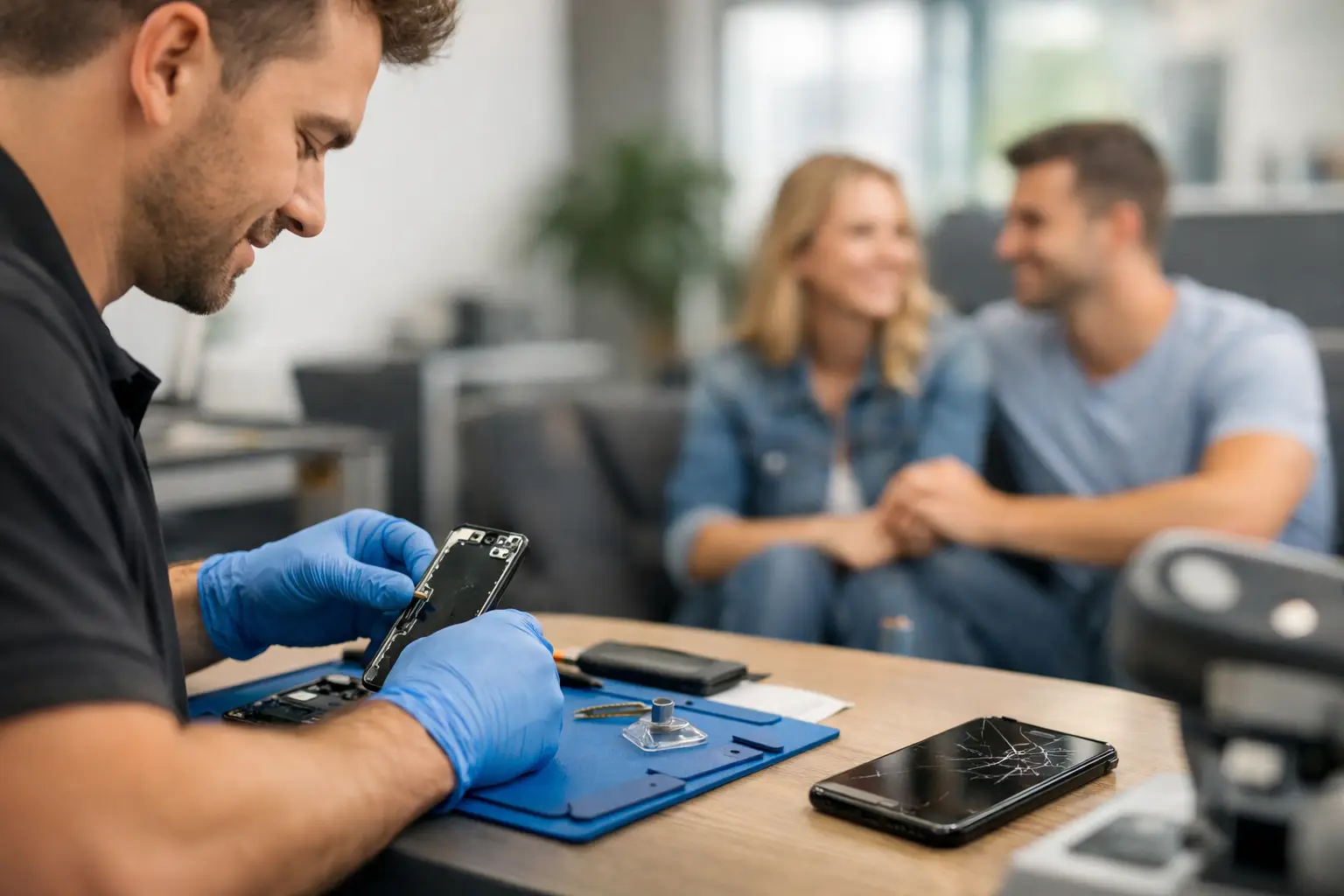
A phone screen can crack on the way to work, a battery can quit before school pickup, or a charging port can stop working when you need a ride home. When that happens, searching for cellphone repair near Byron GA is not about browsing options for days. You need a clear answer, a fair price, and a repair that gets your device back in your hand fast.
A damaged phone does not always mean you need a replacement. Many of the problems that make a device feel unusable – broken glass, weak battery life, water exposure, muffled speakers, failed buttons, and charging trouble – can be repaired the same day. The right local repair shop starts with a diagnosis, explains what is actually wrong, and gives you a practical path forward.
What to Expect From Cellphone Repair Near Byron GA
The best repair experience should not leave you guessing. You should know what is being fixed, what it will cost, and how long you will be without your phone before the work begins. For many common iPhone and Samsung repairs, a trained technician can complete the job in 30 minutes or less. More involved damage can take longer, especially if the issue reaches the logic board or requires testing after liquid exposure.
Speed matters, but it should not come at the expense of quality. A screen that looks good but has poor touch response is not a real fix. A battery replacement that does not hold a charge is not a solution. Look for a repair provider that uses dependable parts, tests the device before returning it, and stands behind the work with a strong warranty.
Reboot Hub has completed more than 50,000 repairs since 2011, serving customers who need their phones, tablets, laptops, smartwatches, and game consoles working again without the usual runaround. Certified technicians, same-day service, competitive pricing, and a lifetime warranty give customers a better alternative to waiting on a mail-in repair or paying full price for a new device.
Common Phone Problems That Can Be Fixed Fast
Cracked or Shattered Screens
A cracked screen is more than a cosmetic issue. Sharp glass can cut your fingers, cracks can spread quickly, and a damaged display may eventually lose touch sensitivity or show black spots. If the image is still visible, it may be a screen-only repair. If the phone has no picture, flickering lines, or unresponsive touch, the display assembly may need to be replaced.
Screen repair time depends on the model and parts availability, but many popular devices can be handled quickly. Waiting too long can allow moisture and debris to work through the damaged glass, so it makes sense to address the problem before a simple repair becomes a larger one.
Battery That Drains Too Quickly
If your phone drops from 40 percent to 5 percent without warning, needs to be charged multiple times a day, or shuts off in cold weather, an aging battery may be the cause. Batteries wear down naturally. Heavy use, heat, and years of charging all affect capacity.
A battery replacement can make a phone feel useful again, particularly when the rest of the device is in good shape. It is often far less expensive than replacing a phone that still takes good photos, runs the apps you need, and has no major damage. Before replacing the battery, though, a technician should rule out charging issues, software problems, or power-related board damage.
Charging Port Problems
A phone that will not charge is not automatically a dead phone. Lint packed into the charging port, a worn cable, a damaged connector, or corrosion from moisture can all cause trouble. Avoid digging into the port with metal objects or forcing a cable that no longer fits correctly. That can bend internal pins and turn a cleaning into a repair.
A proper inspection identifies whether the port needs cleaning, replacement, or further board-level work. Wireless charging may still work in some cases, but it is not a permanent answer if you rely on a cable for the car, office, or travel.
Water Damage and No-Signal Issues
Water damage is unpredictable. A phone may seem fine after getting wet, then fail hours or days later as corrosion develops. Turn the device off if possible, do not charge it, and get it checked as soon as you can. Rice is not a repair method. It does not remove corrosion or clean liquid from the device.
No signal, dropped calls, Wi-Fi trouble, and Bluetooth failures can also have several causes. Sometimes the issue is a carrier setting or software update. Other times, it is antenna damage, a broken connector, or a board-level fault. Advanced microsoldering can repair certain problems that basic part swapping cannot, but whether it makes financial sense depends on the device model, its value, and the extent of the damage.
Repair or Replace? Make the Smart Call
The right choice depends on more than the crack you can see. A good repair is usually worth considering when your device is otherwise reliable, the repair costs much less than replacement, and you want to keep your photos, apps, settings, and familiar phone without the setup hassle.
Replacement may be the better move when a device has multiple major issues at once, such as severe water damage plus a broken screen and failing battery. It can also make sense when an older phone no longer supports the software or storage you need. A reputable shop should be honest about that trade-off instead of pushing a repair that does not add up.
Do not forget the hidden cost of replacing a phone. Beyond the purchase price, there is the time spent transferring data, logging into apps, reconnecting accessories, and learning a new device. For a single failed component, repair can be the faster and more affordable route.
How to Get Your Phone Ready for Repair
If the screen still works, back up your phone before bringing it in. Save important photos, check that you know your passcode, and remove any banking cards or sensitive information you do not want accessible. Turning off Find My on an iPhone or removing a Google account lock on an Android device may be necessary for certain repairs and testing.
Bring the device, not a box of accessories, unless the charger or cable may be part of the problem. Be ready to describe what happened: whether the phone was dropped, exposed to water, stopped charging gradually, or suddenly lost service. Those details help the technician diagnose the issue faster.
If your phone is badly damaged and you are concerned about privacy, ask how the shop handles device access and testing. The technician may need your passcode to confirm cameras, speakers, touch response, cellular service, and other functions after repair. That testing protects you from walking out with an incomplete fix.
Why Local, Same-Day Repair Makes a Difference
Mail-in service can leave you without a device for days or weeks. Manufacturer repair options may be useful for certain warranty claims, but they can involve appointments, shipping, backups, and replacement decisions that take time. For a cracked screen or worn battery, a local repair is often the more practical option.
Choosing a nearby shop also gives you a person to talk to before work starts. You can ask about part quality, turnaround time, pricing, and warranty coverage. If your device needs a more advanced repair, you can get a direct explanation rather than a generic status email.
When you need cellphone repair near Byron GA, do not let a cracked screen, dead battery, or charging problem take over your week. Get an instant quote, bring in your device, and let a qualified technician tell you what it needs. A fast, warranty-backed repair can be the difference between losing your day and getting back to it.