
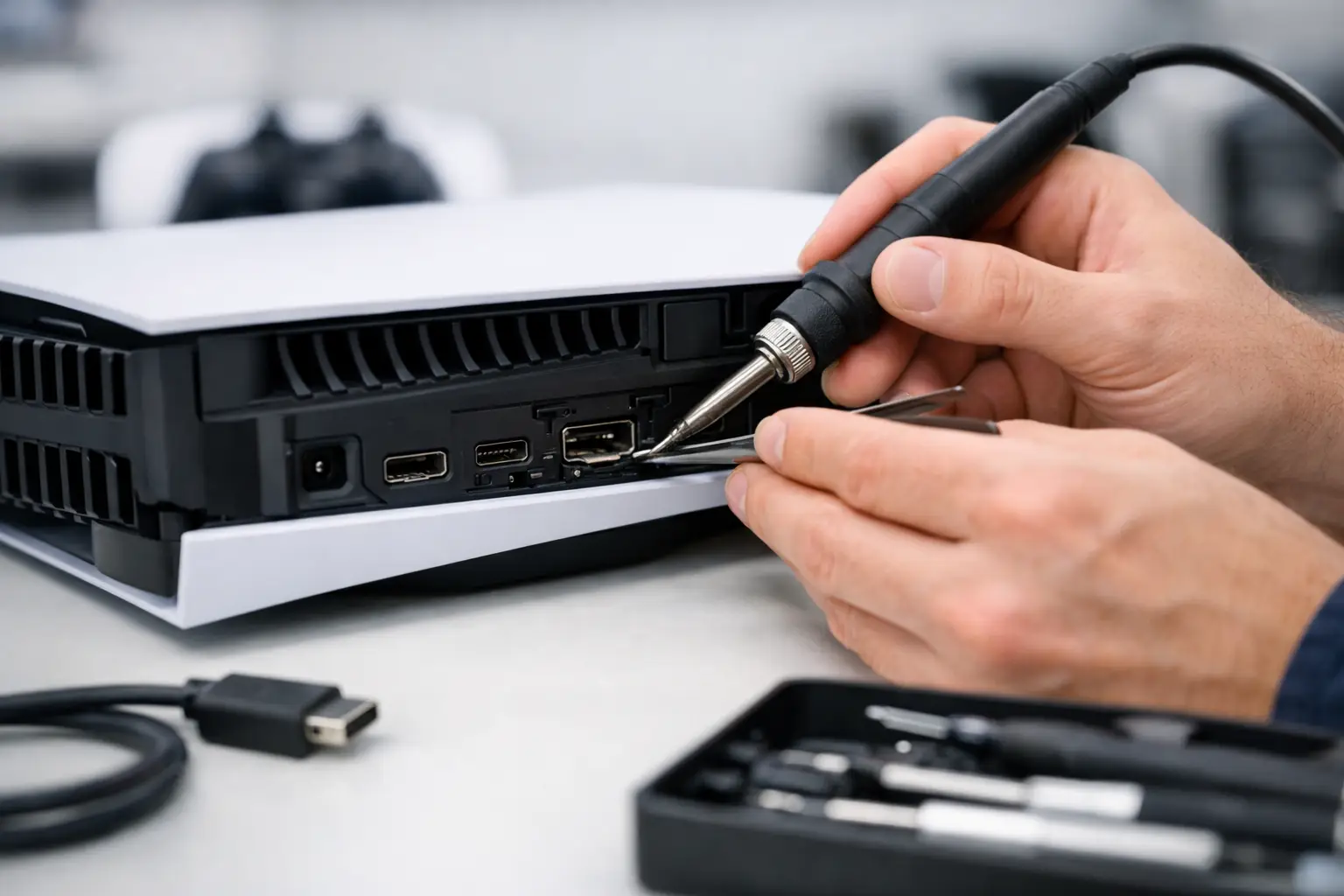
A PS5 that powers on but shows a black screen is frustrating for a simple reason: the console may be working, but you cannot use it. For Macon PS5 HDMI port repair, the goal is not to guess at the problem or sell you a replacement console. It is to identify exactly why the signal is failing, repair the right component, and get you back to gaming as quickly as possible.
An HDMI issue can happen after a console is bumped, dropped, moved between rooms, or connected to a cable that puts pressure on the port. It can also develop slowly when a loose cable repeatedly shifts inside the connection. Whatever caused it, a damaged HDMI port is not something you have to live with – and it does not automatically mean your PS5 is beyond repair.
Signs Your PS5 HDMI Port May Be Damaged
The most common sign is a PS5 that turns on normally but produces no picture or sound on the TV. You may see a message such as “No Signal,” a flickering image, colored lines, static, or a screen that cuts in and out whenever the HDMI cable moves.
Take a close look at the port with the console powered off. If it appears bent, loose, pushed inward, cracked, or has missing pins, the physical port is likely the problem. An HDMI cable that will not sit firmly in place is another strong warning sign. The port should hold the cable securely without requiring you to angle it, press on it, or find a particular position to get a picture.
Not every display problem is a broken port. A bad HDMI cable, an incorrect TV input, a damaged TV port, or a temporary display setting issue can look similar. Try a known-good HDMI cable and another TV or monitor before assuming the console needs service. If the PS5 still has no reliable signal, a professional diagnostic is the fastest next step.
Why a PS5 HDMI Repair Requires More Than a New Part
The HDMI port on a PS5 is soldered directly to the motherboard. Replacing it is a board-level repair, not a simple plug-in part swap. A technician has to remove the damaged port without harming nearby components, prepare the board correctly, install a new port with precise alignment, and test every connection.
This is where the quality of the repair matters. A port can look new from the outside and still fail if its pins are not properly connected to the board. Excess heat, lifted solder pads, damaged traces, or poor alignment can create an intermittent signal problem – or leave the console with no display at all.
Certified technicians use microscope-assisted microsoldering equipment to inspect the pins and solder joints closely. They also test the console after repair to make sure the picture is stable, the signal does not drop when the cable moves normally, and the system works at the expected display settings.
If the HDMI port was damaged badly enough, the issue may extend beyond the port itself. The HDMI encoder, filters, surrounding components, or motherboard traces can also be affected. That is why a real diagnostic matters. Replacing only the port when there is board damage may not solve the problem, while an accurate diagnosis keeps you from paying for unnecessary work.
What to Do Before Bringing in Your Console
Do not force the HDMI cable into the PS5. If the connector feels tight, sits crooked, or only works when held in a certain position, continued use can make the board damage worse. Avoid pushing objects into the port or trying to straighten pins with a needle, tweezers, or screwdriver. Those DIY attempts often turn a straightforward port replacement into a more involved motherboard repair.
You can safely check the cable, the TV input, and another display. If you have already confirmed those basics, unplug the console, keep the HDMI cable separate, and bring the PS5 in for an inspection. There is no need to erase your console or remove your user profile for an HDMI repair. The work is focused on the hardware connection, not your saved games or account.
It also helps to mention exactly what happened before the issue started. Did the console fall? Did someone trip over the cable? Did the display begin flickering after moving the PS5? That information can help the technician narrow down the likely damage faster.
How Macon PS5 HDMI Port Repair Works
A professional repair should begin with a clear diagnosis, not a rushed assumption. The technician checks the HDMI port, tests the signal path, and looks for physical or board-level damage. Once the cause is confirmed, you should receive a straightforward repair recommendation and price before work begins.
For a standard port replacement with no additional board damage, same-day service is often possible. Timing depends on the condition of the console, current repair volume, and whether deeper diagnostics are required. A shop that promises every HDMI repair in 30 minutes is not always being realistic. Microsoldering work needs careful handling and post-repair testing. Fast matters, but a repair that holds up matters more.
At Reboot Hub, the focus is on getting local gamers back to their consoles without the wait and uncertainty of mail-in service. Our technicians handle PS5 and Xbox repair with a speed-first approach, competitive pricing, and warranty-backed work. If your gaming system is your main way to relax, play with friends, or keep the kids entertained, being without it for weeks should not be the default.
How Much Does a PS5 HDMI Port Repair Cost?
The price of a PS5 HDMI port repair depends on what is actually damaged. A standard replacement is usually less expensive than replacing the console, especially when the PS5 otherwise powers on and works normally. The cost can rise when the motherboard has lifted pads, damaged traces, liquid damage, or failed HDMI-related components beyond the port.
Be careful with quotes that seem unusually low but do not include diagnostics, quality parts, signal testing, or a warranty. The cheapest repair is not always the best value if the display fails again after a few weeks. A fair repair quote should account for the labor and precision required to complete board-level work correctly.
A warranty provides another layer of confidence. HDMI repairs are too specialized to treat as a temporary patch. You want a shop that stands behind its workmanship and gives you a clear answer if an issue returns.
Preventing Another HDMI Port Problem
Once your PS5 is repaired, a few habits can help protect the new port. Keep the console on a stable surface where the cable is not pulled tight. Leave enough slack behind the TV stand so the cable is not supporting its own weight or being bent sharply against a wall.
When moving the console, disconnect the HDMI cable first instead of carrying the PS5 with the cable attached. Use a good-quality cable that fits securely, but do not force an oversized connector into the port. If children, pets, or a busy entertainment center make cable pulls likely, positioning the console where the rear ports are protected can prevent a repeat repair.
A black screen does not have to mean a lost PS5. If your cable and TV check out but the signal will not stay on, schedule a diagnostic or walk in for help. The sooner a damaged port is inspected, the better the chance of keeping the repair simple, affordable, and fast.