
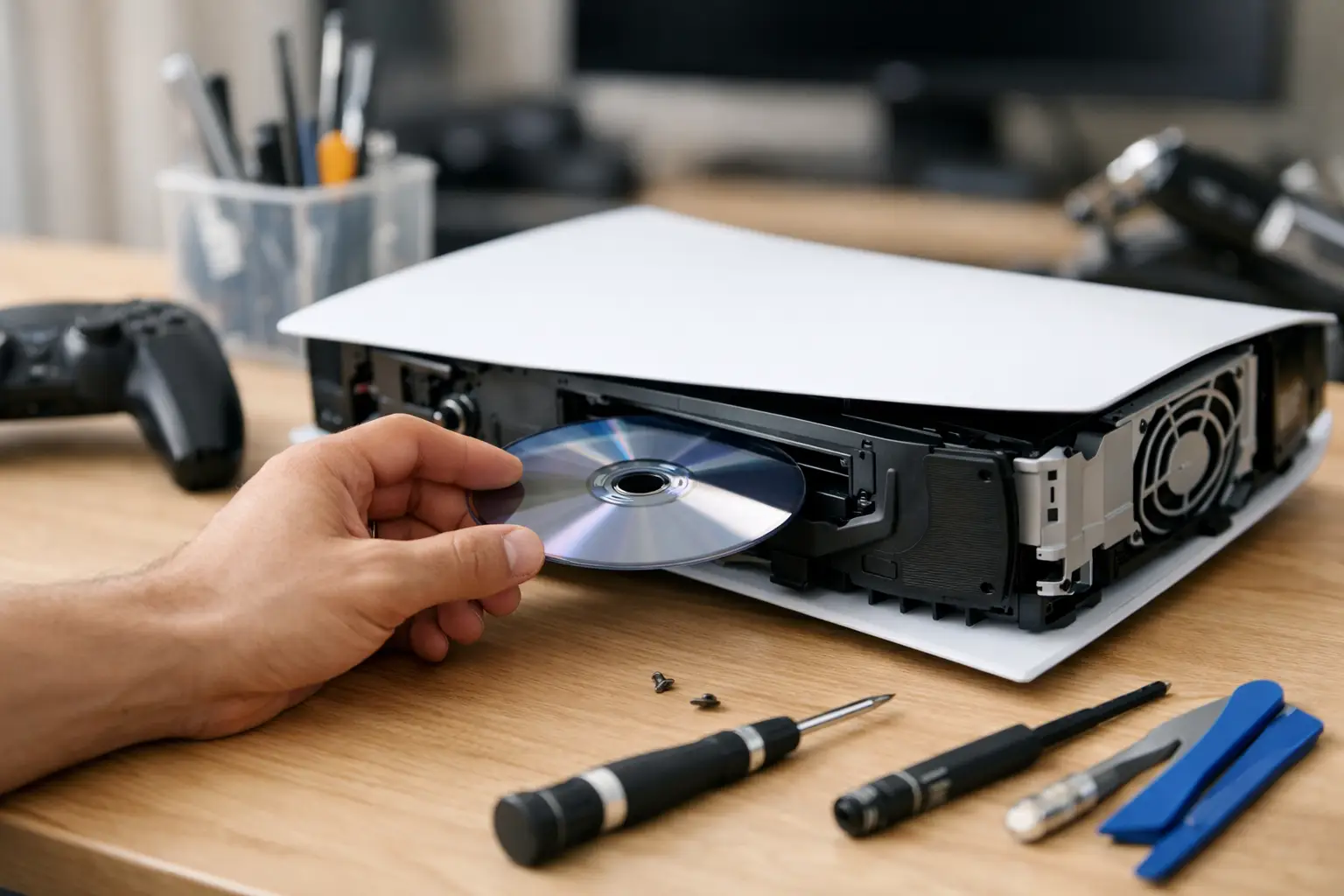
A PS5 that won’t read a game disc can ruin the whole plan for the night fast. If you’re searching for ps5 disc drive repair, you probably don’t want a lecture on console design – you want to know whether this is a quick fix, a serious hardware problem, or something worth handing to a shop right away.
The short answer is that it depends on what the drive is doing. A PS5 disc drive can fail in a few different ways, and the symptoms matter. If the console won’t accept a disc, makes grinding noises, ejects discs on its own, or spins but never reads, those problems point to different causes. Some are simple enough to check at home. Others need a real repair, not guesswork.
Common signs you need PS5 disc drive repair
Most customers don’t walk in saying, “My optical drive assembly has failed.” They say the game won’t load, the console is loud, or the disc keeps getting rejected. That’s exactly where diagnosis starts.
If your PS5 won’t take the disc in at all, the issue could be a jammed mechanism, a damaged roller, or a problem with the load motor. If it accepts the disc but never recognizes it, the laser may be dirty, weak, or failing. If it reads some discs but not others, the problem might be the media itself, but it can also mean the drive is starting to go bad and hasn’t completely failed yet.
Noise matters too. Clicking, grinding, or repeated spin-up attempts usually mean the drive is struggling mechanically. That’s not something to ignore for weeks. A failing drive can get worse with repeated use, especially if something is out of alignment.
Before you try a PS5 disc drive repair at home
There are a few things worth checking before you assume the whole drive is dead. Start with the obvious. Try a second disc that you know works. Make sure you’re inserting the disc in the correct direction. It sounds basic, but it happens more often than people think, especially if the console is sitting vertically.
Next, inspect the disc itself under good light. Smudges, scratches, and grime can cause read errors that feel like a console issue. Clean the disc gently with a microfiber cloth, wiping from the center outward. Don’t scrub in circles.
You can also restart the console fully and check for system software updates. Sometimes the issue is not the hardware at all. A buggy system state or failed update can interfere with disc recognition, though that’s less common than a real drive problem.
If the PS5 is giving you random read errors after being bumped, moved, or dropped, stop testing the same disc over and over. That pattern can point to a mechanical issue inside the drive. Repeated attempts won’t usually fix it. They can make a borderline problem worse.
When DIY PS5 disc drive repair stops being worth it
A lot of people look up repair videos the moment the console acts up. That makes sense. Nobody wants to pay for a repair they could have handled in ten minutes. But the PS5 is not a forgiving console when it comes to internal work.
The disc drive assembly is not just a plug-and-play part in every situation. On many repairs, there are board-level considerations, paired components, delicate ribbon cables, and trim pieces that are easy to damage if you rush. If you open the console without the right tools or experience, you can turn a disc problem into a much bigger repair.
That’s especially true if you’re thinking about replacing the drive yourself based on a symptom alone. A bad laser, a damaged cable, a failed motor, and a board communication fault can all look similar from the outside. Swapping parts without proper diagnosis can waste money and still leave you with the same issue.
Cleaning the inside of the console is one thing. Full disassembly to chase a disc drive problem is another. If your PS5 is making abnormal noise, not taking discs, or failing to read consistently, there’s a point where professional diagnosis is faster and cheaper than trial and error.
What actually causes PS5 disc drive failure?
Wear and tear is one reason, but it’s not the only one. Dust buildup can affect performance over time, especially in homes where the console runs long sessions and pulls in a lot of debris. Physical impact is another big one. A PS5 that gets knocked over or moved while a disc is inside can develop drive issues even if the outside looks fine.
Power problems can also play a role. Sudden shutdowns, unstable power, or damage from a surge can affect the drive or the board that communicates with it. In some cases, the disc drive itself is fine, but the problem is on the motherboard and requires microsoldering-level repair.
That’s why honest diagnosis matters. Not every failed disc read means a full drive replacement. Not every noisy drive means the laser is dead. The right repair depends on the real fault, not the most popular guess online.
What a professional PS5 disc drive repair usually involves
A proper repair starts with testing, not part swapping. The technician should confirm the symptom, inspect the drive behavior, and rule out software or disc-related issues first. After that, the console may need to be opened so the drive assembly, cables, and related board components can be checked.
In some cases, the fix is a mechanical correction or component replacement within the drive. In others, the issue is deeper and requires board repair. That’s where experience matters. A shop that handles console repair regularly is more likely to spot whether the problem is in the drive, the connectors, or the board itself.
Turnaround matters too. If the PS5 is your main console at home, you probably don’t want to ship it off and wait weeks just to find out the problem was minor. Fast local repair is often the better move when the goal is getting back to gaming without dragging the problem out.
Is PS5 disc drive repair worth it, or should you replace the console?
For most people, repair makes more sense than replacement. A new console costs a lot more than fixing a bad drive, especially if the rest of the PS5 is working fine. If your console powers on, displays normally, connects to the internet, and only struggles with disc use, repair is usually the practical option.
The exception is when there’s heavy overall damage. If the PS5 has major board issues, liquid exposure, previous failed repair attempts, or multiple hardware faults, the economics can change. But for a straightforward drive problem, replacement is usually the expensive answer to a repairable issue.
That’s why many customers choose a shop first. A clear diagnosis gives you real numbers and a real timeline, instead of guessing based on worst-case advice online.
How to avoid disc drive problems after repair
Once the console is working again, a few habits can help the drive last longer. Keep the PS5 in a clean, ventilated area. Don’t move it while a disc is inside. Use clean, undamaged discs, and avoid forcing anything if the console doesn’t accept or eject properly.
It also helps to take strange sounds seriously early. Drives rarely go from perfect to completely dead without warning. If you catch the issue when the symptoms first show up, the repair process is often more straightforward.
For local gamers in Warner Robins and across Middle Georgia, speed matters. If your PS5 won’t read discs, keeps ejecting games, or sounds wrong, getting it checked by a qualified repair shop can save you time, money, and a lot of frustration. Reboot Hub handles game console repair with the same approach customers want for every device problem – fast service, fair pricing, and repair work backed by experience. If your next search is whether to keep troubleshooting or finally hand it off, the best answer is simple: stop fighting the console and get a real diagnosis so you can get back to playing.